Your local agent workspace.

Less juggling. More building.

Schedule your agents. Review their work. Keep the decisions yours.

Free for one project. Pro is $89, once — no subscription and no server to fund.

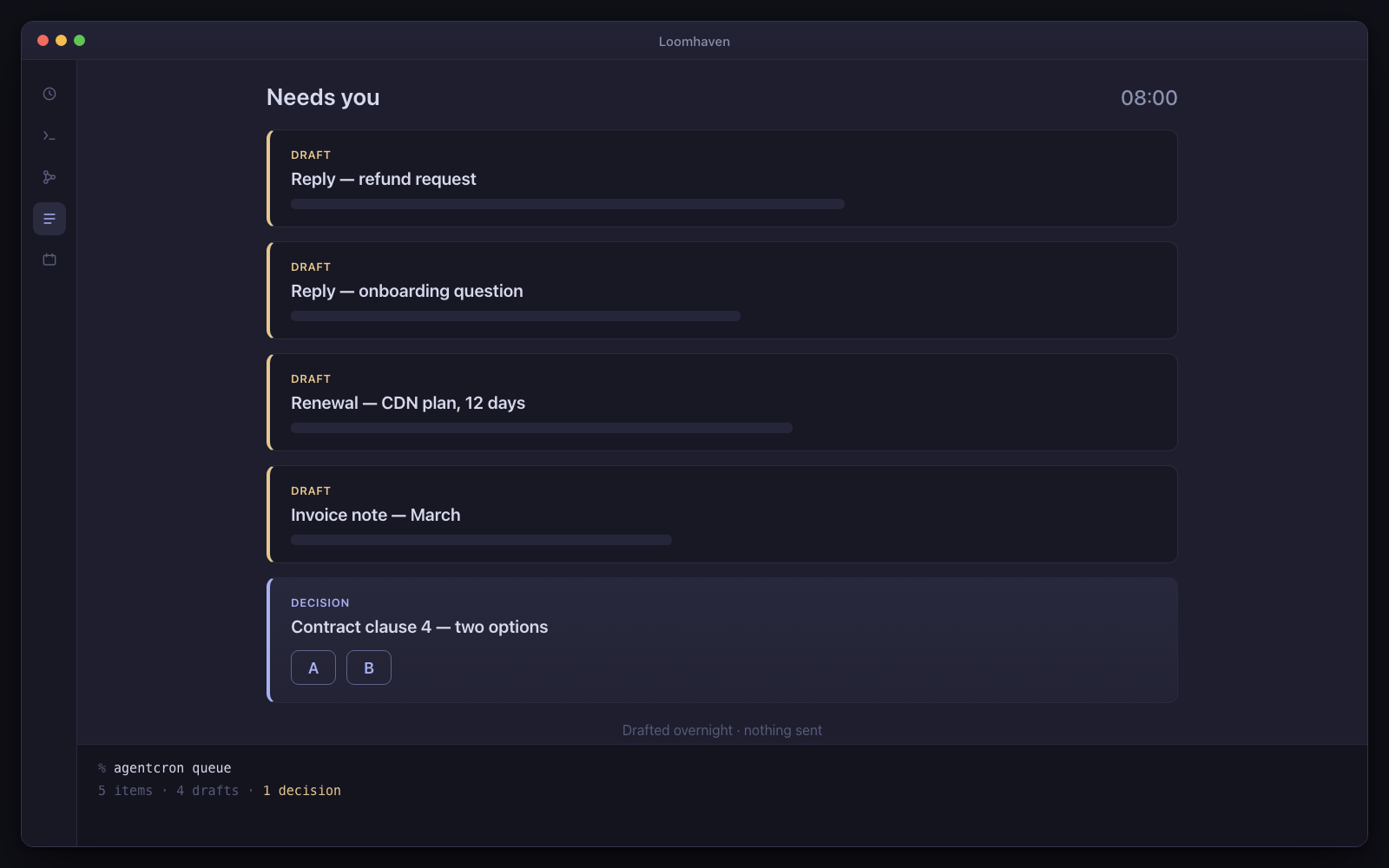
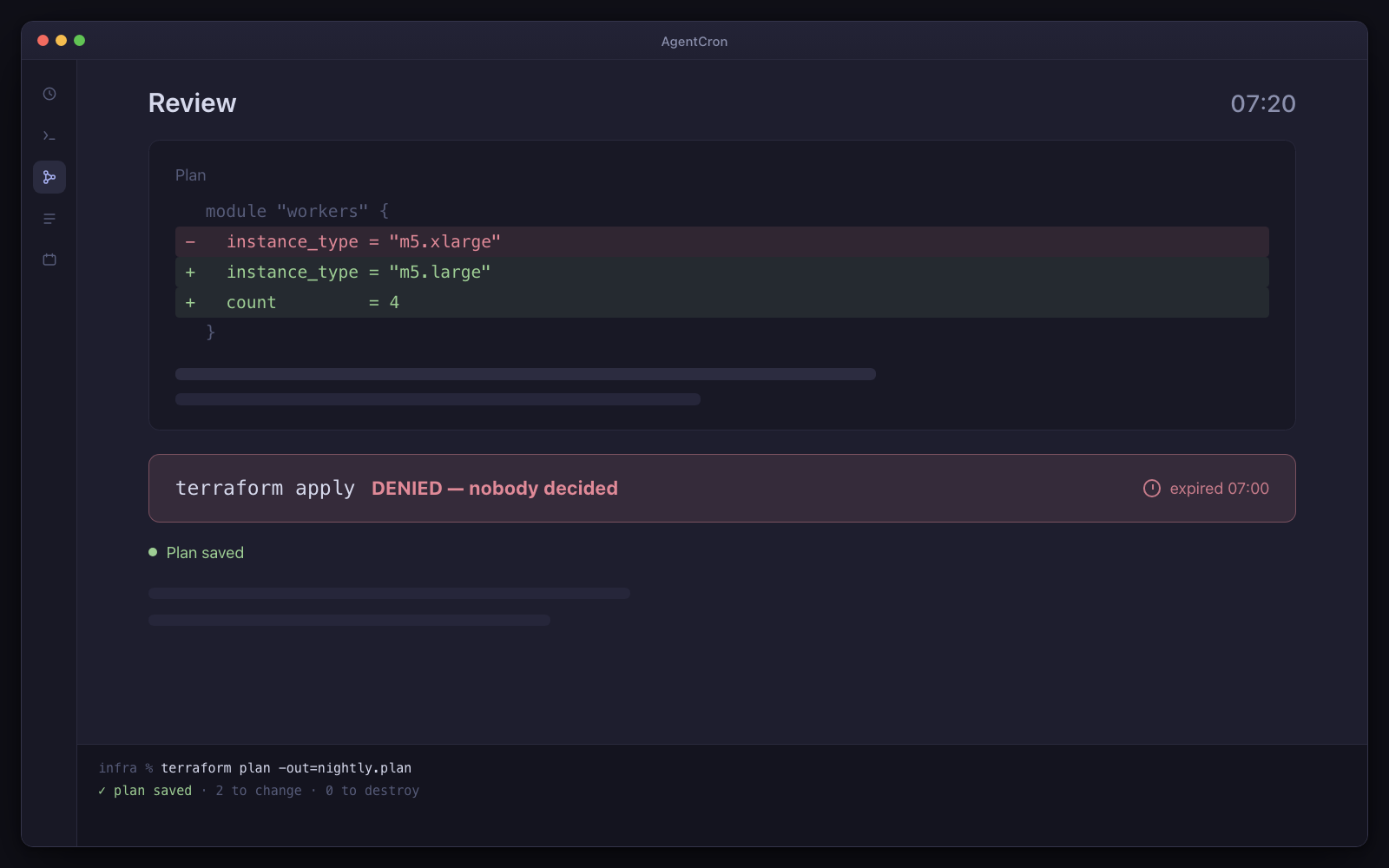
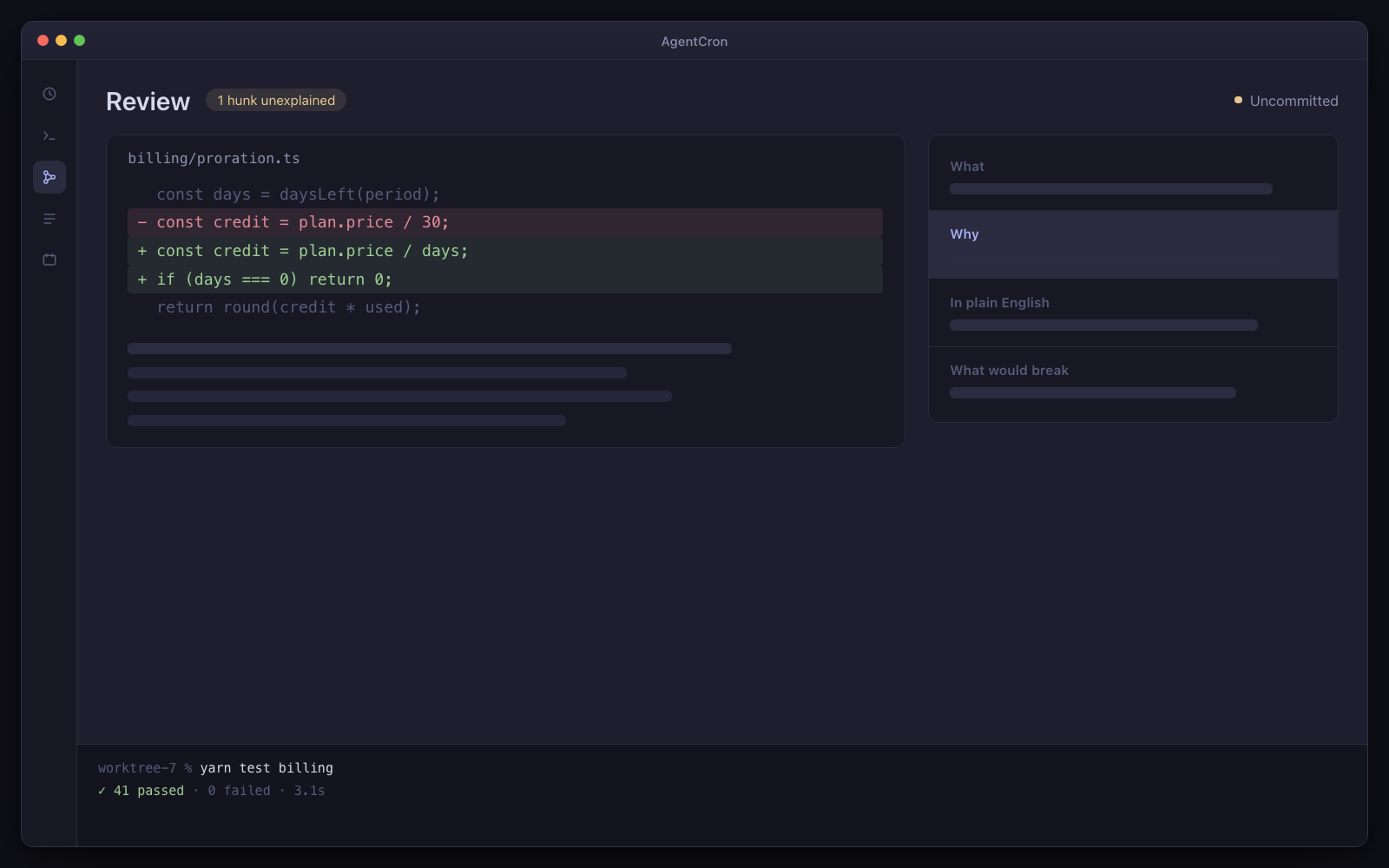
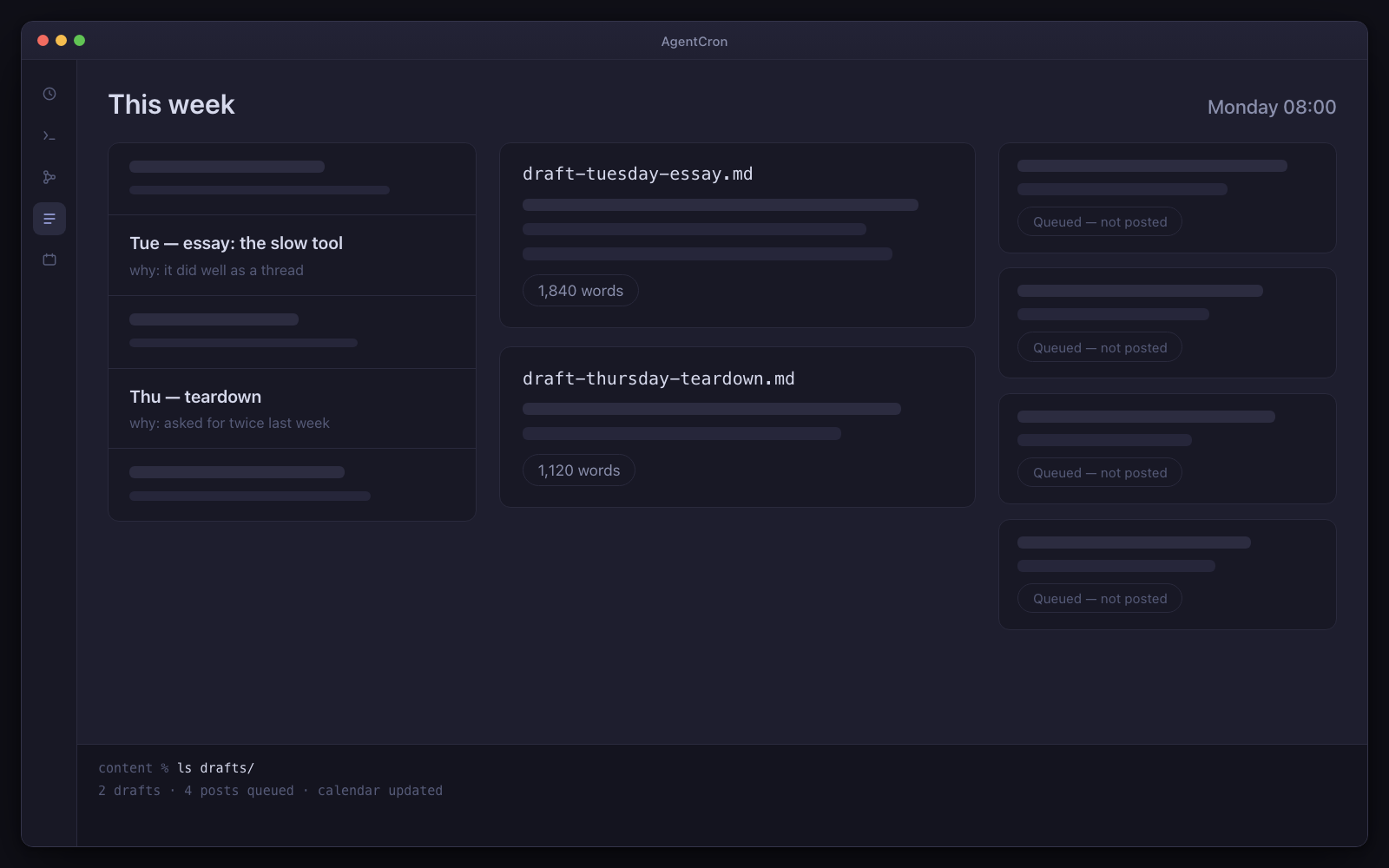
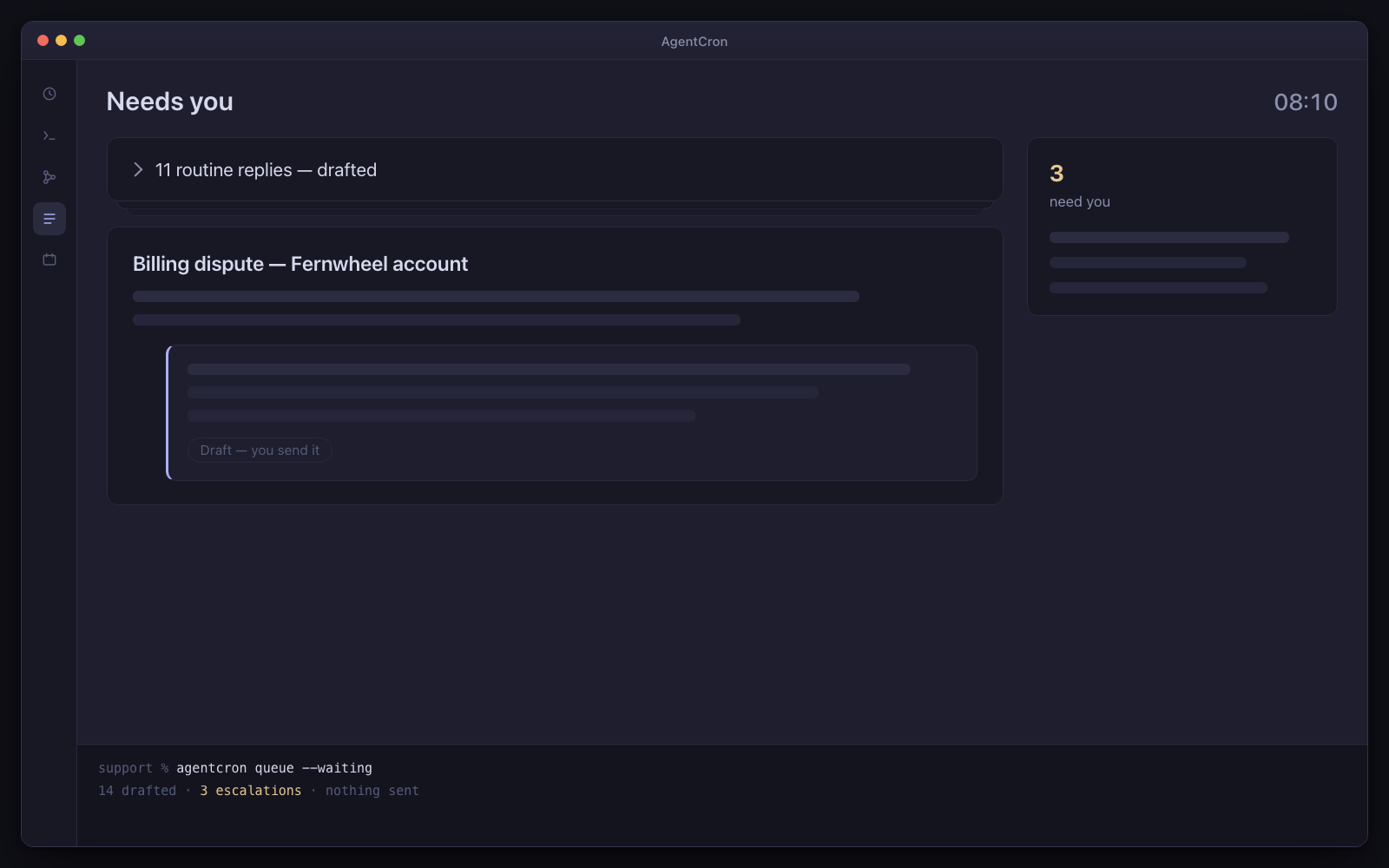
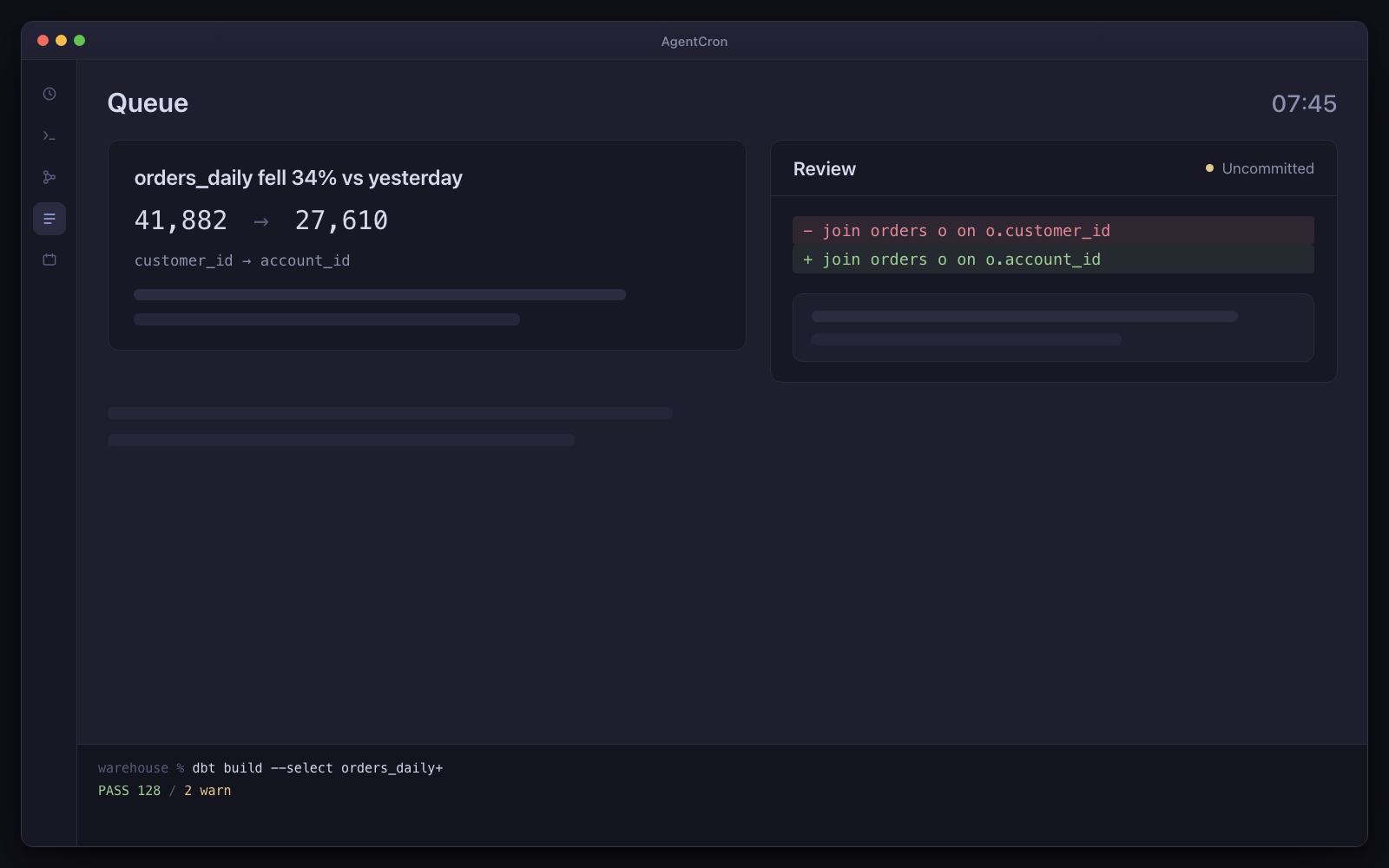
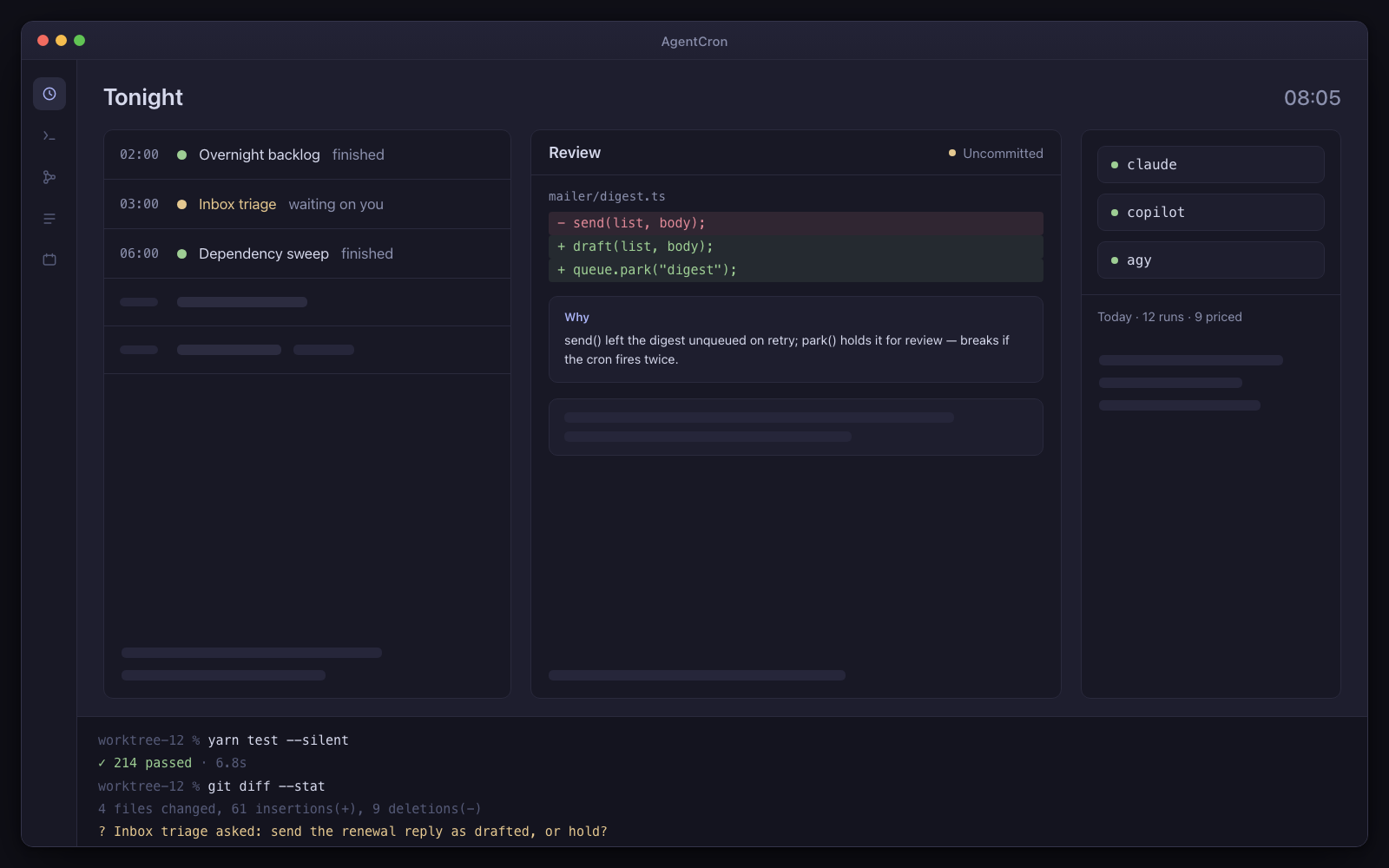
The AgentCron window: a schedule of five agents — two finished, one waiting on you — a review panel holding an uncommitted diff with its explanation card, pills for the three CLIs with a cost line under them, and a live terminal session along the bottom.
Illustration Your morning control room: scheduled runs, an uncommitted diff, and a question waiting for your decision.
  • You bring the CLIUse the agent subscription you already have. No AgentCron API key, account or token meter.
  • Human review is the destinationRuns return work and records for you to inspect. Where a workflow uses AgentCron's approval command, denial, timeout or an unreachable app all fail closed.
  • Runs locally, leaves receiptsYour schedules and app records stay on your Mac. Connected CLIs and services keep their own network and data policies.

Drives the agent CLIs you already pay for

  • Codex CLIcodex
  • Claude Codeclaude
  • GitHub Copilot CLIcopilot
  • Antigravityagy
  • Plain shellshell

You bring the CLI and its subscription. AgentCron schedules the run, keeps its output, and shows the command evidence that integration can capture.

What kind of work keeps returning?

Choose the closest role. Three audience packs are bundled; the other seven starting sets are assembled from the included picker templates. Every page says which is which.

Agency / contract shop

One machine, six client repos, and one place for run output and available command evidence.

Five stacks, five sets of credentials, and a client asking what happened this month. Answering that used to be non-billable archaeology — here the record is captured while the work happens, per client.

Not released yet. It will need macOS 12.0 or later on Apple Silicon — and the download page says exactly what is still missing.
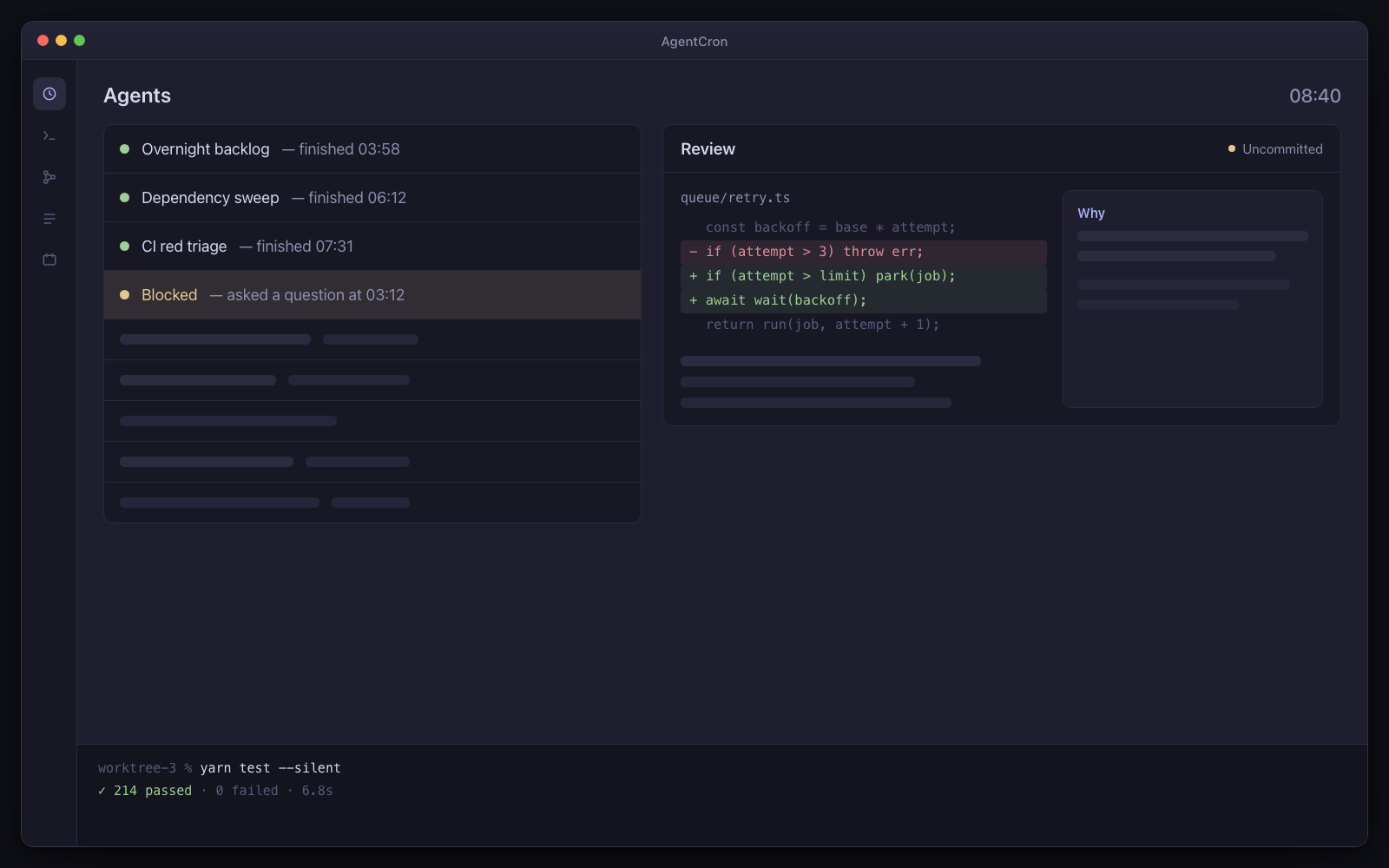
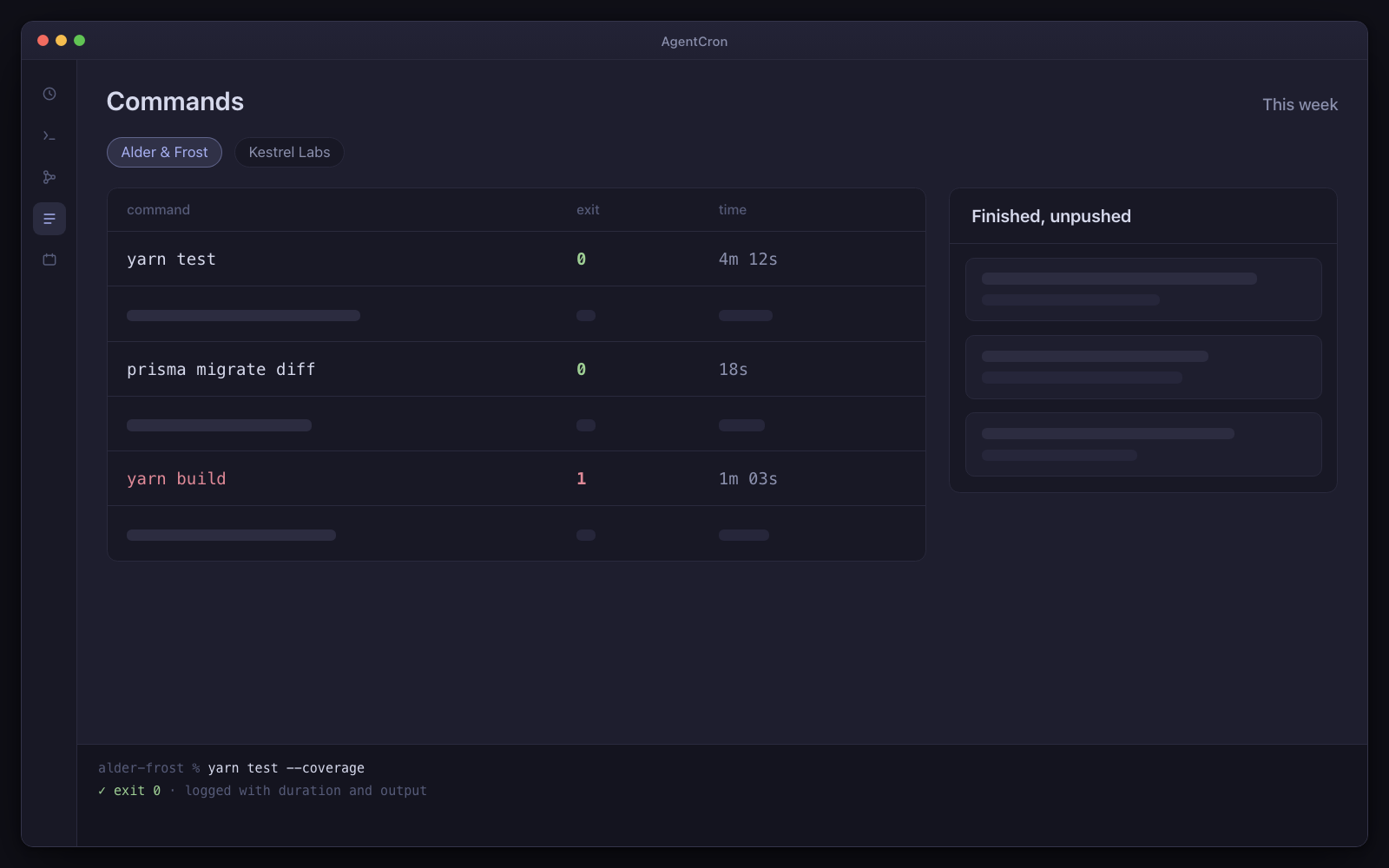
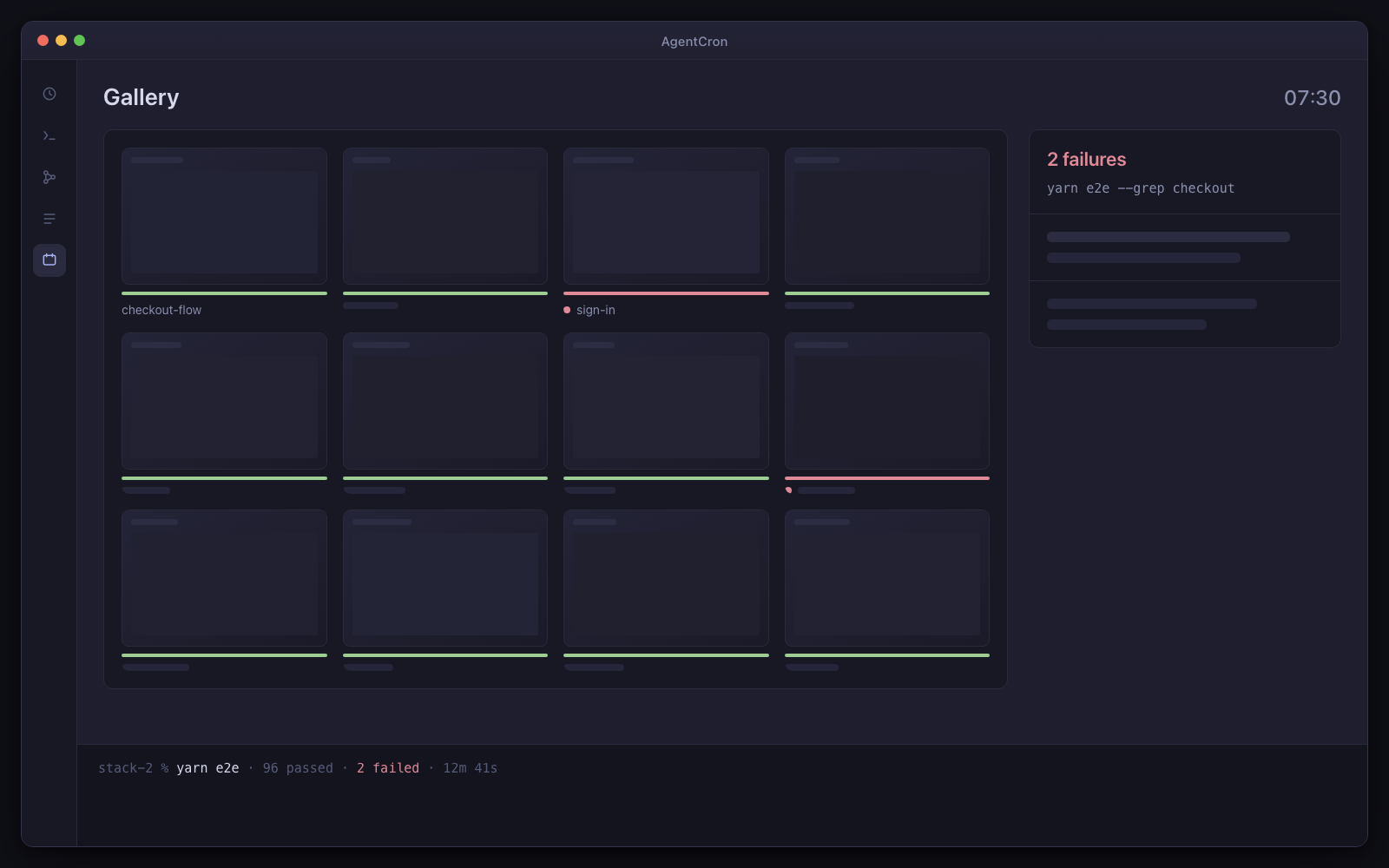
The commands view filtered to one client project — the commands an agent ran this week with their exit codes and durations — beside that client's queue of finished, unpushed work.
Illustration One client, one week: run output and captured commands with exit codes, kept together for review.

The caveat, up front. Per repo, on your machine. The evidence is a filterable command log you can hand to a client and a markdown digest you own — and each Mac keeps its own, so two people's work never mixes.

Day one: three agents, already written

  • Overnight backlog

    Every night at 2am

    By morning there is a finished, uncommitted diff in a worktree with an explanation beside every hunk.

  • Dependency sweep

    Mondays at 6am

    Every Monday, patch and minor upgrades applied and tested in a worktree, with the risky majors listed separately and untouched.

  • Digest

    Every evening at 6.30

    One rollup per project of what actually happened — runs, queue items, decisions waiting — on your screen, not in a client-facing report.

Two come from the developer pack; the third is a ready-made prompt in the agent picker. Install them per client project. Every agent arrives switched off, with a “Run once” button — nothing fires on its own.

What has to be true first

  • One project per client, each with its own working dir and env

And the limits, in the same breath

  • macOS only. You bring, install and authenticate one of the supported agent CLIs shown above.
  • Schedules fire while your Mac is awake — AgentCron can hold it awake through a window you set (lid open) — and there is no daemon, no wake-from-sleep and no catch-up for a run that was missed.
  • AgentCron grants none of its own commit, push, send or pay paths by default. The launched CLI remains a real networked process, so separately configured CLI tools and project credentials keep their own risk.
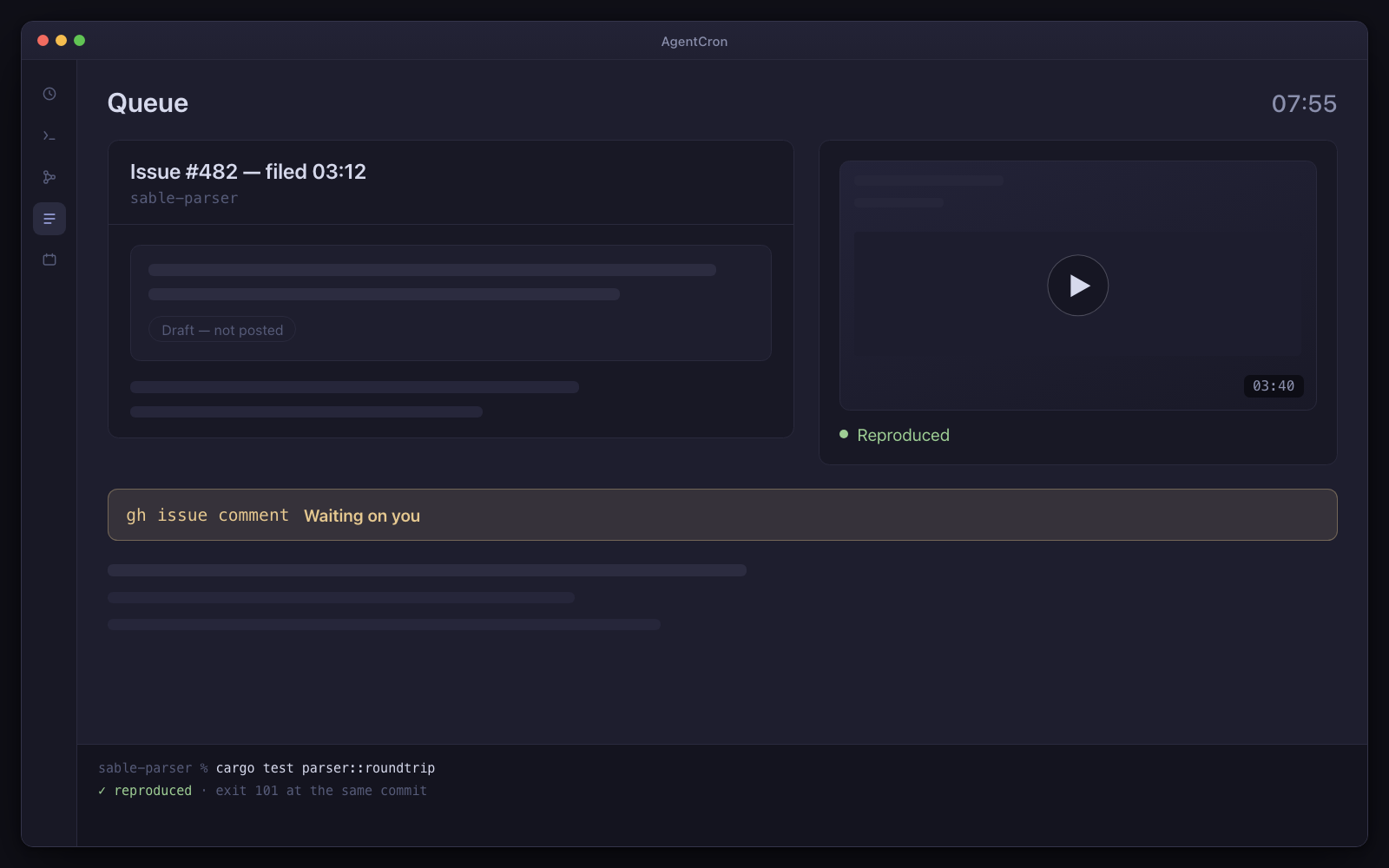
"What did you actually do this month?"

The work happened. Proving it took two hours of reading commit messages you wrote at speed, cross-referencing a chat thread, and guessing at the rest — two hours nobody pays for.

The part that is hard to reconstruct is not the diff — that is in git. It is everything around it: what was tried, what failed, what took four attempts, which of the five stacks broke and why. That only exists if something wrote it down at the time.

This writes it down at the time. Per project, per run, per command, with exit codes and durations, and it costs you nothing to collect because the agents were going to run those commands anyway.

Why several clients on one Mac is the specific fit

  • A different identity per client, no switching

    Each project can carry its own GitHub token and config directory, so configured GitHub operations use that project's identity without a manual gh auth switch. Verify each client's environment before enabling a schedule.

  • A different stack per client, no port wars

    Five clients on five stacks all want port 3000 and a database called app_dev. Each worktree gets a sticky, collision-checked block of ports, its own database name and its own compose project, then runs that client's own setup script. Two clients' apps can be up at the same time.

  • Per-project environment variables

    Credentials, base URLs and flags are scoped to the project rather than to your shell, so nothing leaks sideways between clients and nothing depends on which terminal tab you happened to be in.

  • The command log, filterable per client

    The commands an agent ran, with working directory, exit code, duration and output. Filter to one project and you have the week.

    Automatic for claude. For other CLIs and plain shell jobs the agent must route commands through a wrapper, or the log is empty — and an empty log means we could not see it, not that nothing ran. That distinction matters more here than anywhere else.

  • The same three agents, repeated per client

    There is no special machinery for this persona and that is the point: the overnight backlog agent and the Monday dependency sweep are the ones a developer gets, installed once per client project, plus an end-of-day digest that reads AgentCron's own state and summarises what happened in that client's project.

    Nothing here is a prototype and nothing was written specially for this page. Six clients is the developer setup, six times, with the identities and environments kept apart.

    All three are ready-made prompts you can read in full before switching one on.

  • Nothing is pushed to a client repo without you

    The review gate and the approval gate apply per project. An agent working in a client's repo leaves the work uncommitted, and anything irreversible blocks until you decide.

Where it stops

Can two of us share this?

No. One machine, one local data directory, one owner. There is no server, no sync and no shared queue — two Macs share nothing, and no future version of this architecture changes that. Each person would run their own copy and see only their own agents.

For a shop of eight that is a real constraint and it is worth deciding on before you buy: this supervises your agents across your client repos. If what you need is a shared view of what everyone's agents did, no part of this product does that and none is planned.

The licence itself is $89, once. The spend it displaces is the two hours of non-billable archaeology per client, per month — count your clients and do that arithmetic before you buy.

Different clients want different AI tooling. Does that work?

Yes, and it is one of the better reasons to have a layer above the CLIs at all. Claude Code, GitHub Copilot CLI and agy (Antigravity) are all supported, plus plain shell jobs, and the choice is per agent — so a client who pays for Copilot seats and a client on Claude Code can both be running overnight on the same Mac, under one schedule, one command log, one queue and one review screen.

Two asymmetries to know before you rely on them: command capture is automatic only for Claude Code, which exposes a hook API — and Copilot's runs carry no per-run dollar figure — its CLI reports output tokens and its own credits meter, which AgentCron records, but no price and no rate to price with, so the cost view counts them as unpriced rather than guessing. The app measures and shows both rather than implying they are uniform.

Can I send a client the report?

Not as a document. What exists is a markdown item in the app and a filterable command log on your screen. There is no client-facing export, no branded PDF and no per-client billing rollup — the cost view is per agent per day, not per client, and it can only price a run whose CLI reported usage back. If a polished monthly report is the thing you are buying, this does not produce one yet.

Some of our repos are not on GitHub.

Then the GitHub-specific agents have nothing to talk to. All that work goes through the gh CLI, and no adapter exists for any other host. The overnight backlog and dependency agents do not care — they only need git and a test command.

Our client machines are Linux.

This runs on your Mac, not on theirs, so that is fine. What is not fine is if you are on Linux or Windows: macOS on Apple Silicon only, and there is no port planned.

Not released yet. It will need macOS 12.0 or later on Apple Silicon — and the download page says exactly what is still missing.