Your local agent workspace.

Less juggling. More building.

Schedule your agents. Review their work. Keep the decisions yours.

Free for one project. Pro is $89, once — no subscription and no server to fund.

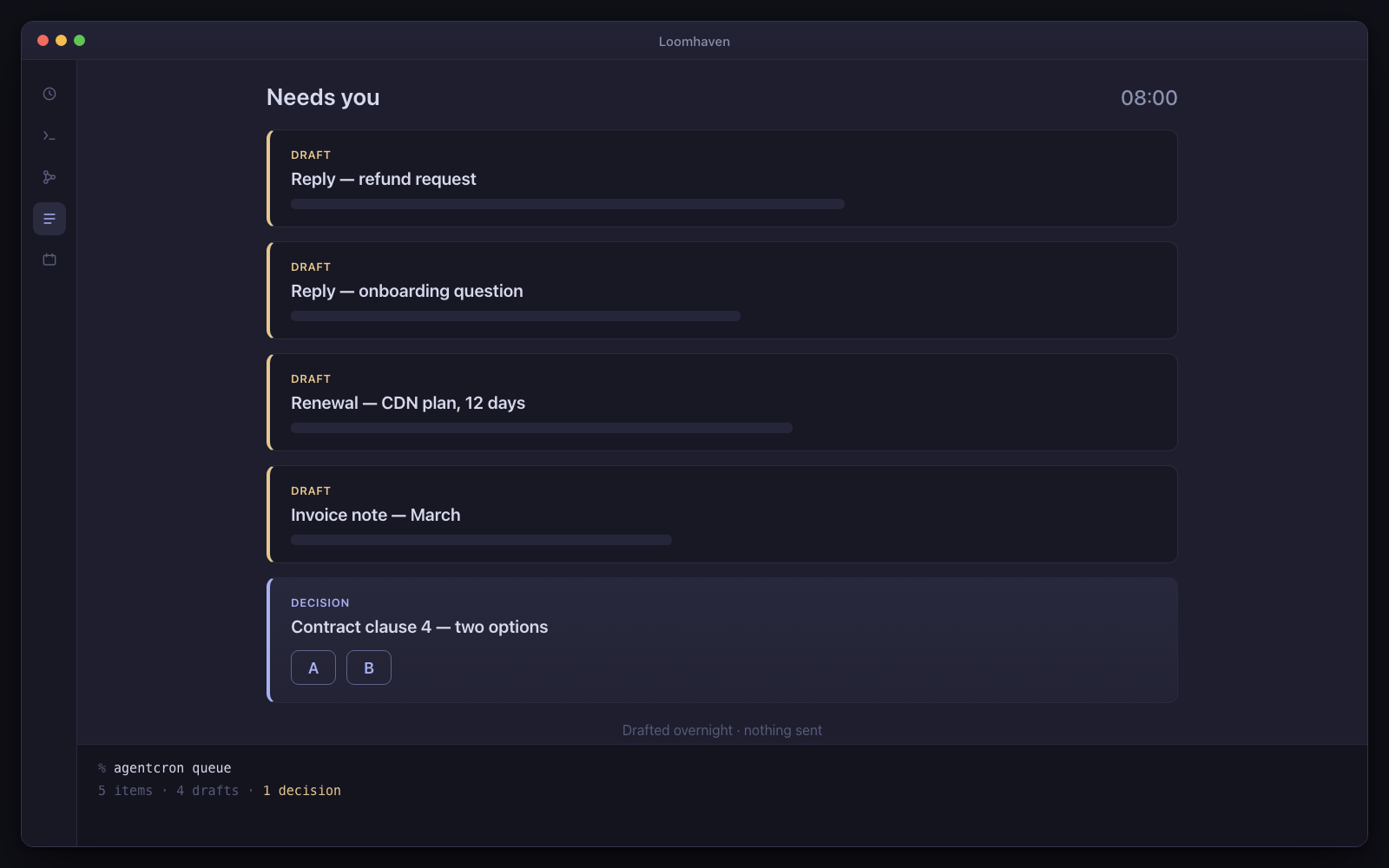
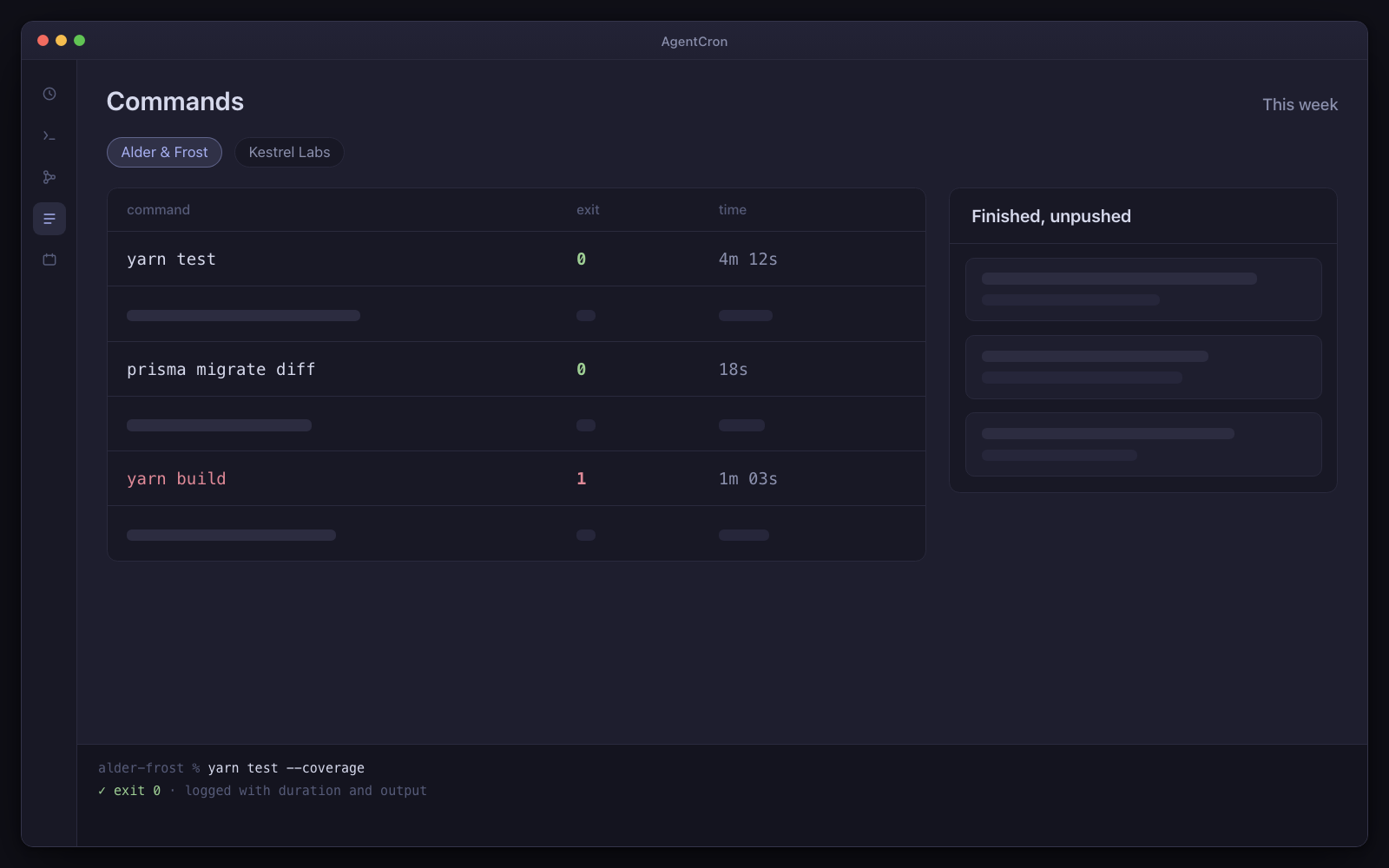
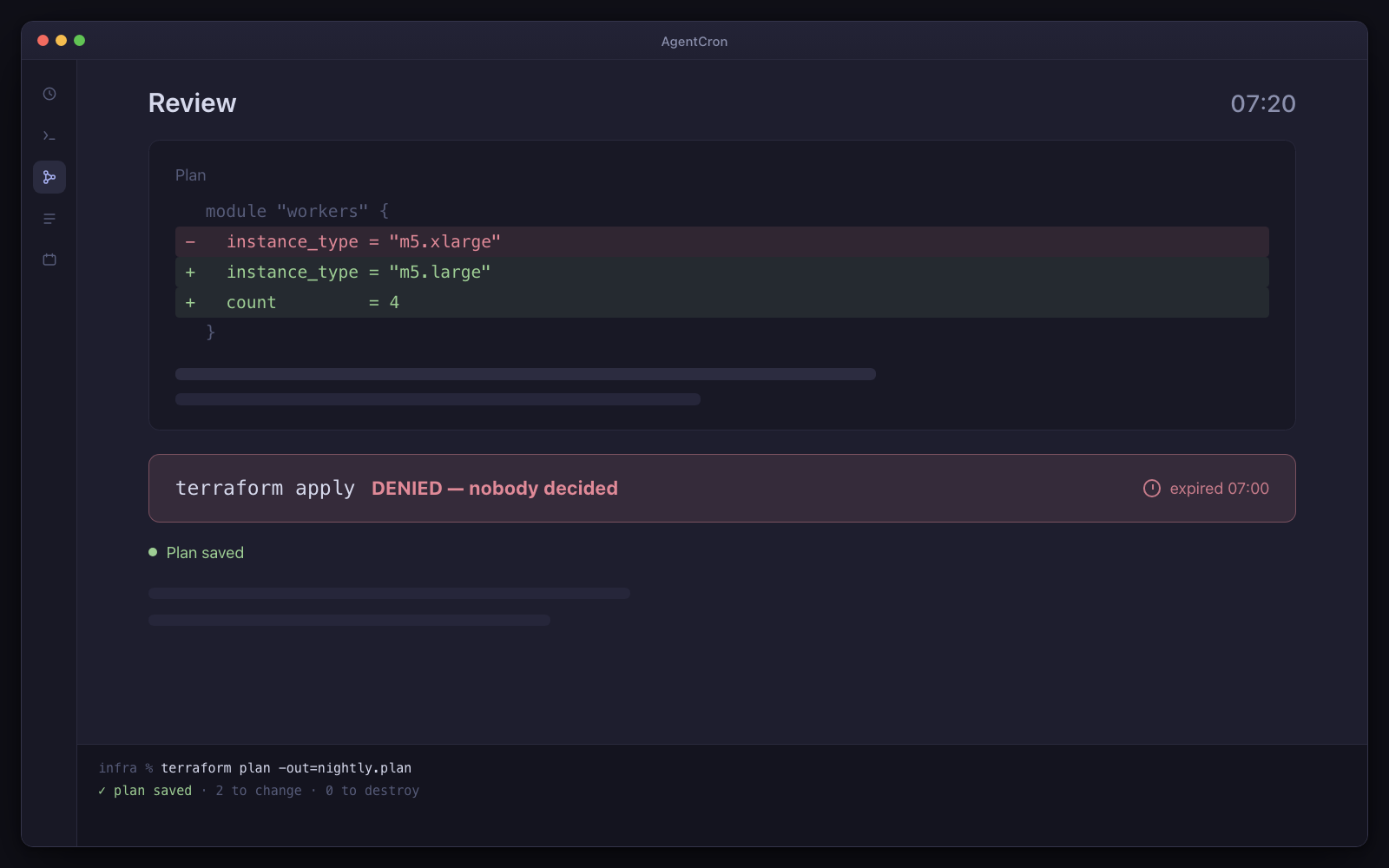
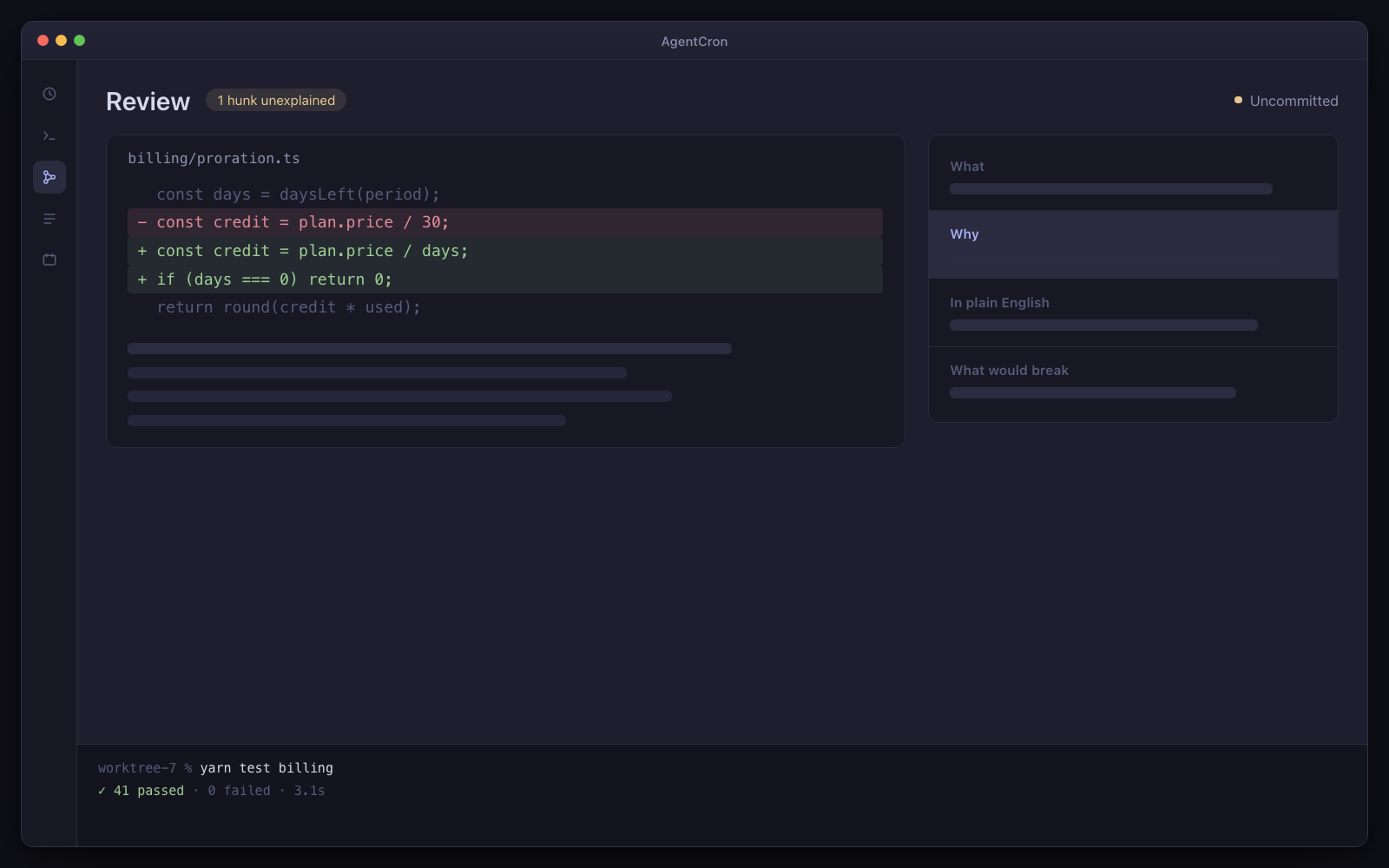
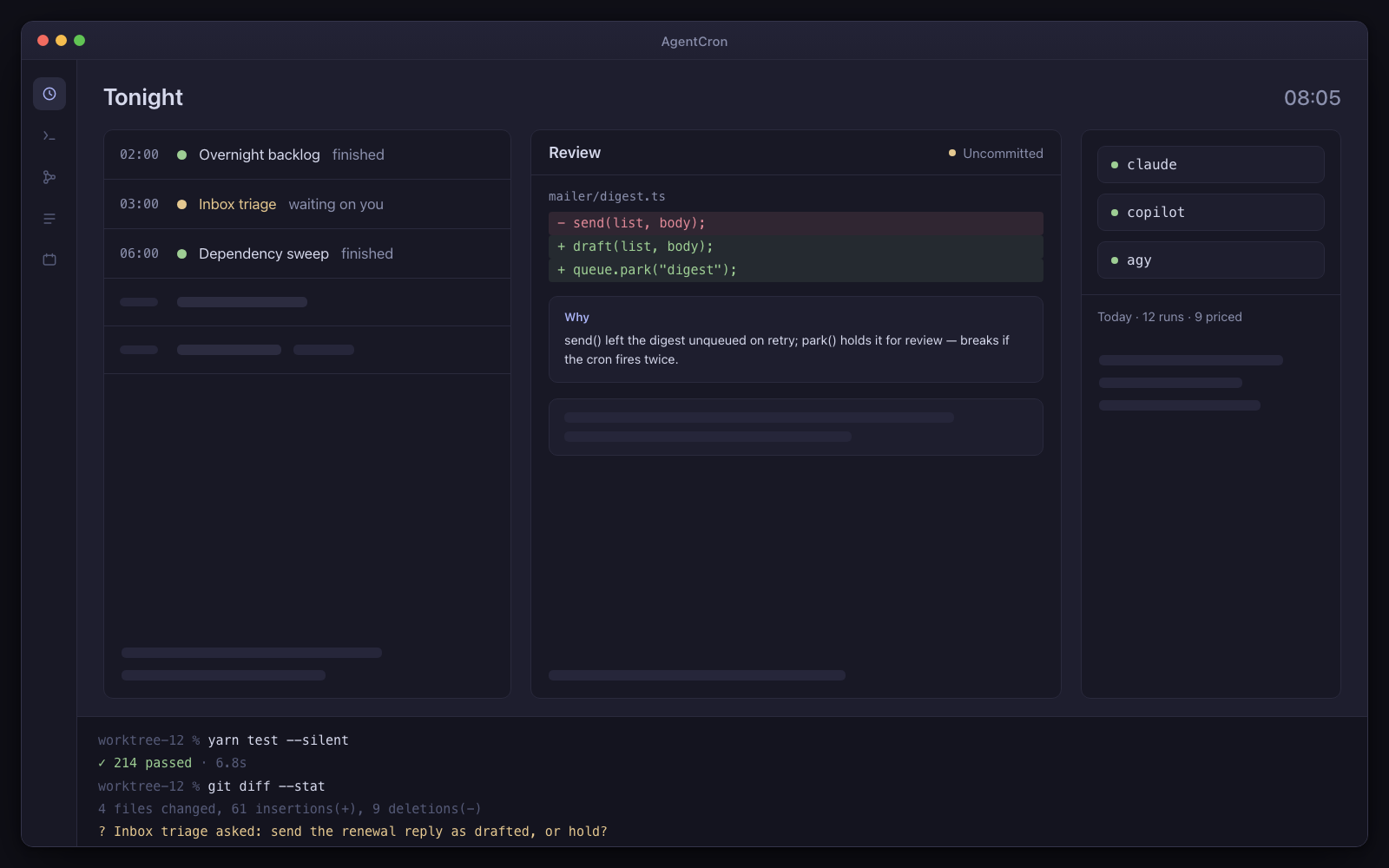
The AgentCron window: a schedule of five agents — two finished, one waiting on you — a review panel holding an uncommitted diff with its explanation card, pills for the three CLIs with a cost line under them, and a live terminal session along the bottom.
Illustration Your morning control room: scheduled runs, an uncommitted diff, and a question waiting for your decision.
  • You bring the CLIUse the agent subscription you already have. No AgentCron API key, account or token meter.
  • Human review is the destinationRuns return work and records for you to inspect. Where a workflow uses AgentCron's approval command, denial, timeout or an unreachable app all fail closed.
  • Runs locally, leaves receiptsYour schedules and app records stay on your Mac. Connected CLIs and services keep their own network and data policies.

Drives the agent CLIs you already pay for

  • Codex CLIcodex
  • Claude Codeclaude
  • GitHub Copilot CLIcopilot
  • Antigravityagy
  • Plain shellshell

You bring the CLI and its subscription. AgentCron schedules the run, keeps its output, and shows the command evidence that integration can capture.

What kind of work keeps returning?

Choose the closest role. Three audience packs are bundled; the other seven starting sets are assembled from the included picker templates. Every page says which is which.

Analytics engineer

Your models ran overnight. Here's the diff that fixes the one that broke.

Your models live in a repo, run on a schedule, and break quietly when an upstream schema changes. A green run and a wrong number look identical from the outside — so the run has to leave evidence, not just an exit code.

Not released yet. It will need macOS 12.0 or later on Apple Silicon — and the download page says exactly what is still missing.
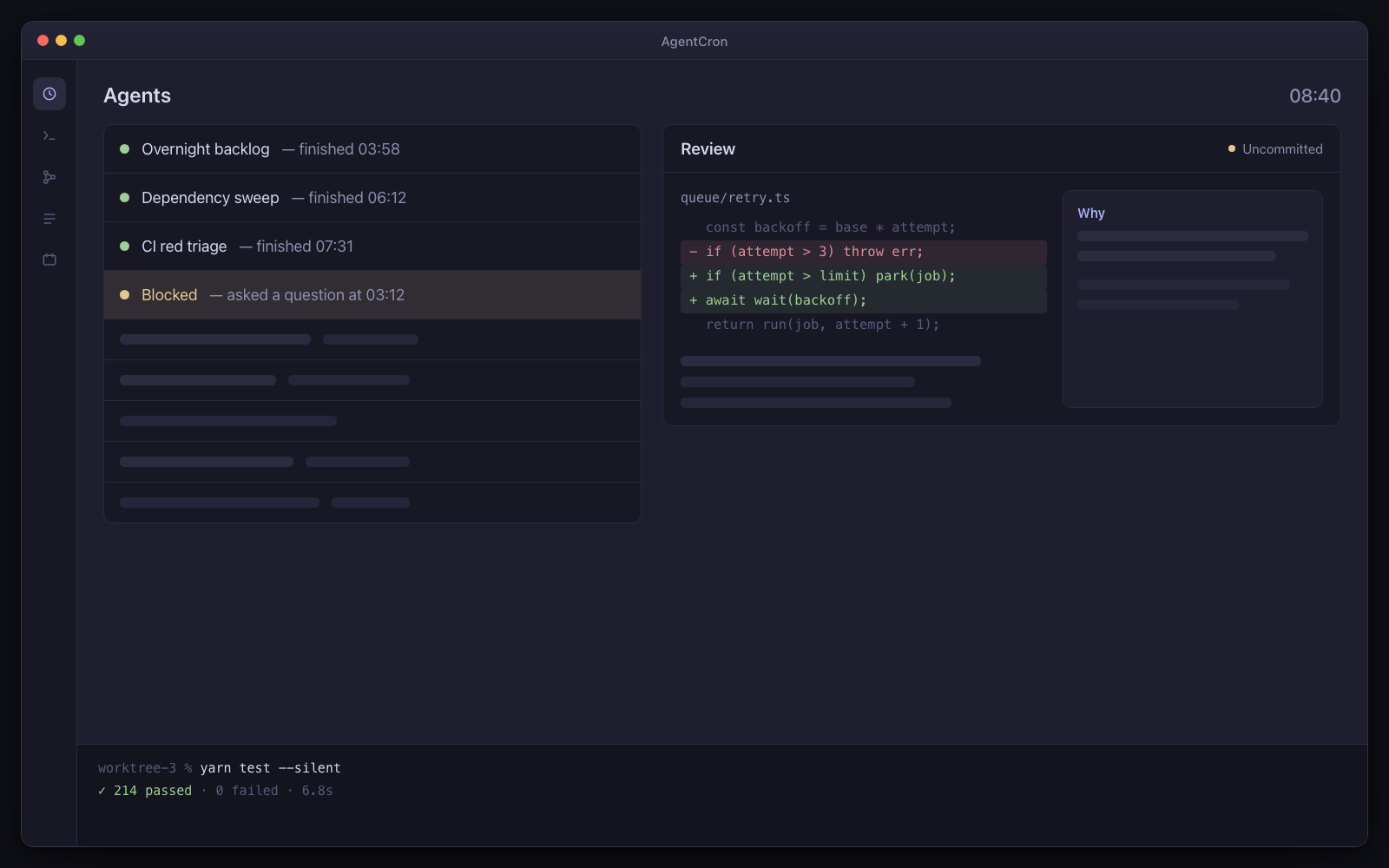
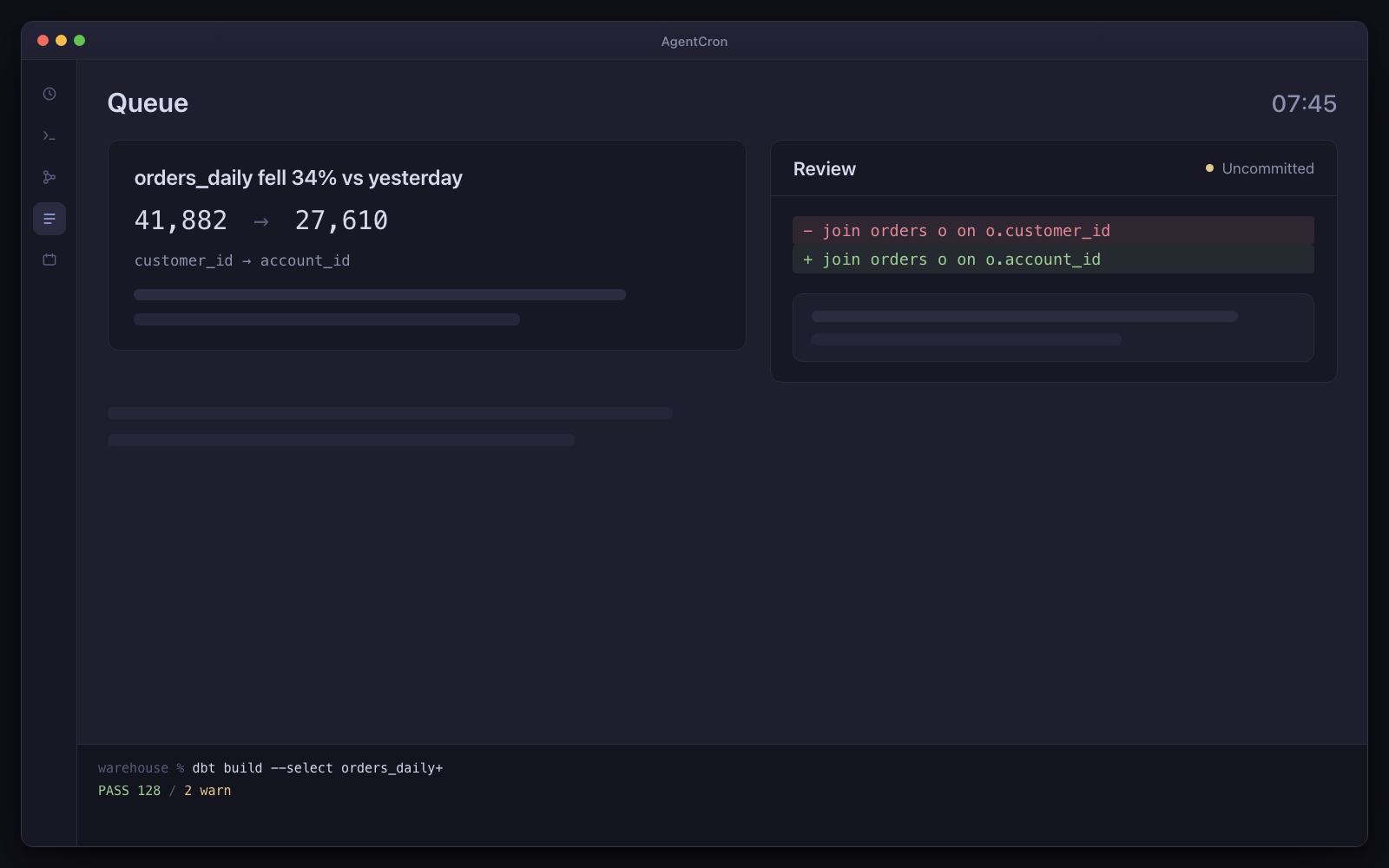
A queue item reading 'orders_daily fell 34% against yesterday', with the upstream column rename identified and a one-line model fix waiting uncommitted in the review screen.
Illustration orders_daily down 34% overnight, no deploy behind it. The renamed upstream column named, and the one-line fix waiting uncommitted.

The caveat, up front. It runs the command your repo already runs, with the credentials your repo already uses, held in a per-project variable on your Mac. No warehouse integration to configure, and nothing new to give access to.

Day one: three agents, already written

  • Nightly smoke

    Every night at 3am

    Last night's run of the command your repo already uses, with the evidence attached and a one-line verdict — so a green run and a wrong number stop looking the same.

  • Overnight backlog

    Every night at 2am

    By morning there is a finished, uncommitted model change in a worktree with an explanation beside every hunk.

  • Digest

    Every evening at 6.30

    One rollup of what ran, what moved and what is waiting on you — in your own numbers, not a BI tool.

Two come from the bundled packs — one QA, one developer — and the third is a ready-made prompt in the agent picker. Every agent arrives switched off, with a “Run once” button — nothing fires on its own.

What has to be true first

  • Models in a git repo with a runnable local command
  • Warehouse credentials you are willing to put in a per-project env var on your Mac

And the limits, in the same breath

  • macOS only. You bring, install and authenticate one of the supported agent CLIs shown above.
  • Schedules fire while your Mac is awake — AgentCron can hold it awake through a window you set (lid open) — and there is no daemon, no wake-from-sleep and no catch-up for a run that was missed.
  • AgentCron grants none of its own commit, push, send or pay paths by default. The launched CLI remains a real networked process, so separately configured CLI tools and project credentials keep their own risk.
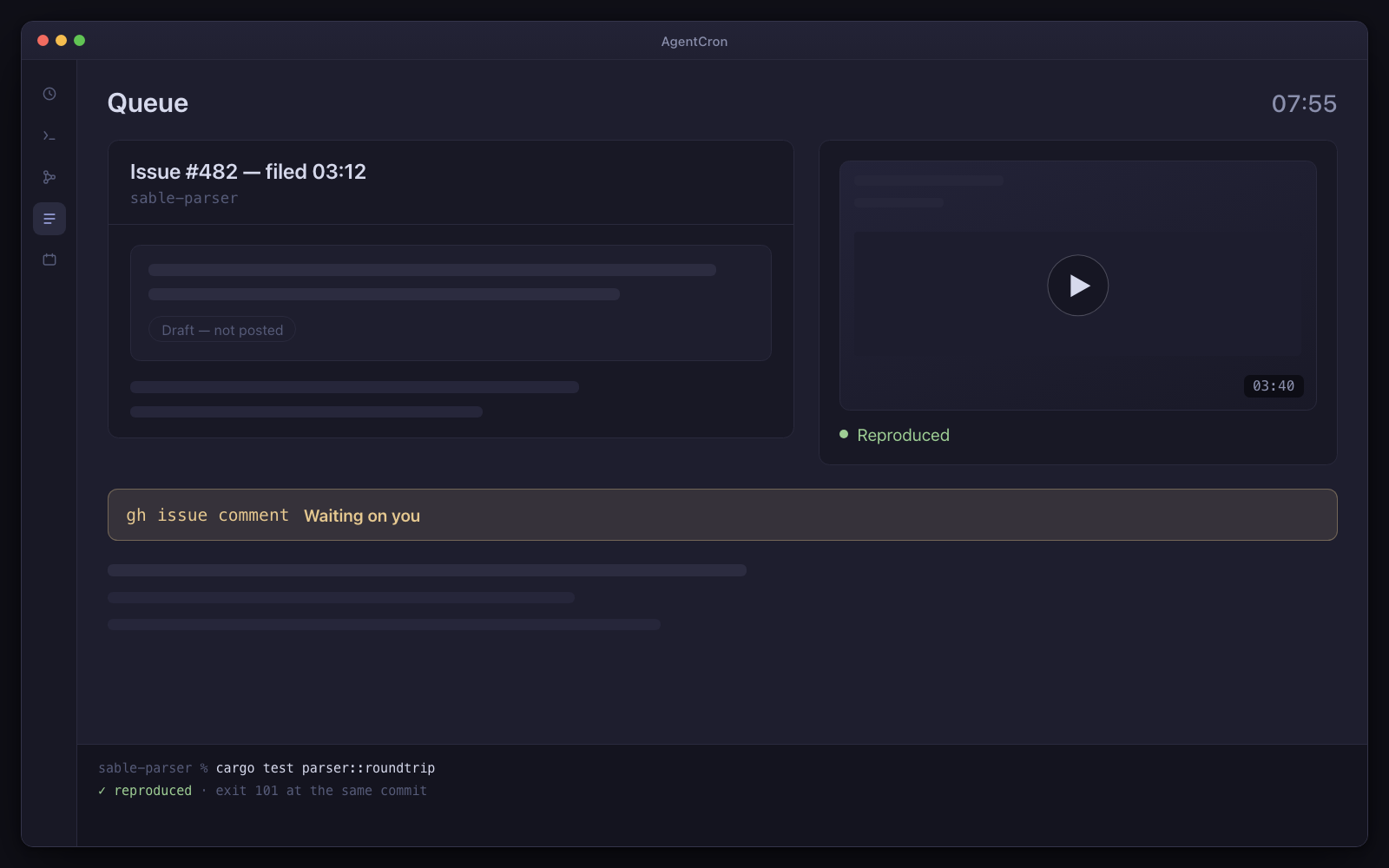
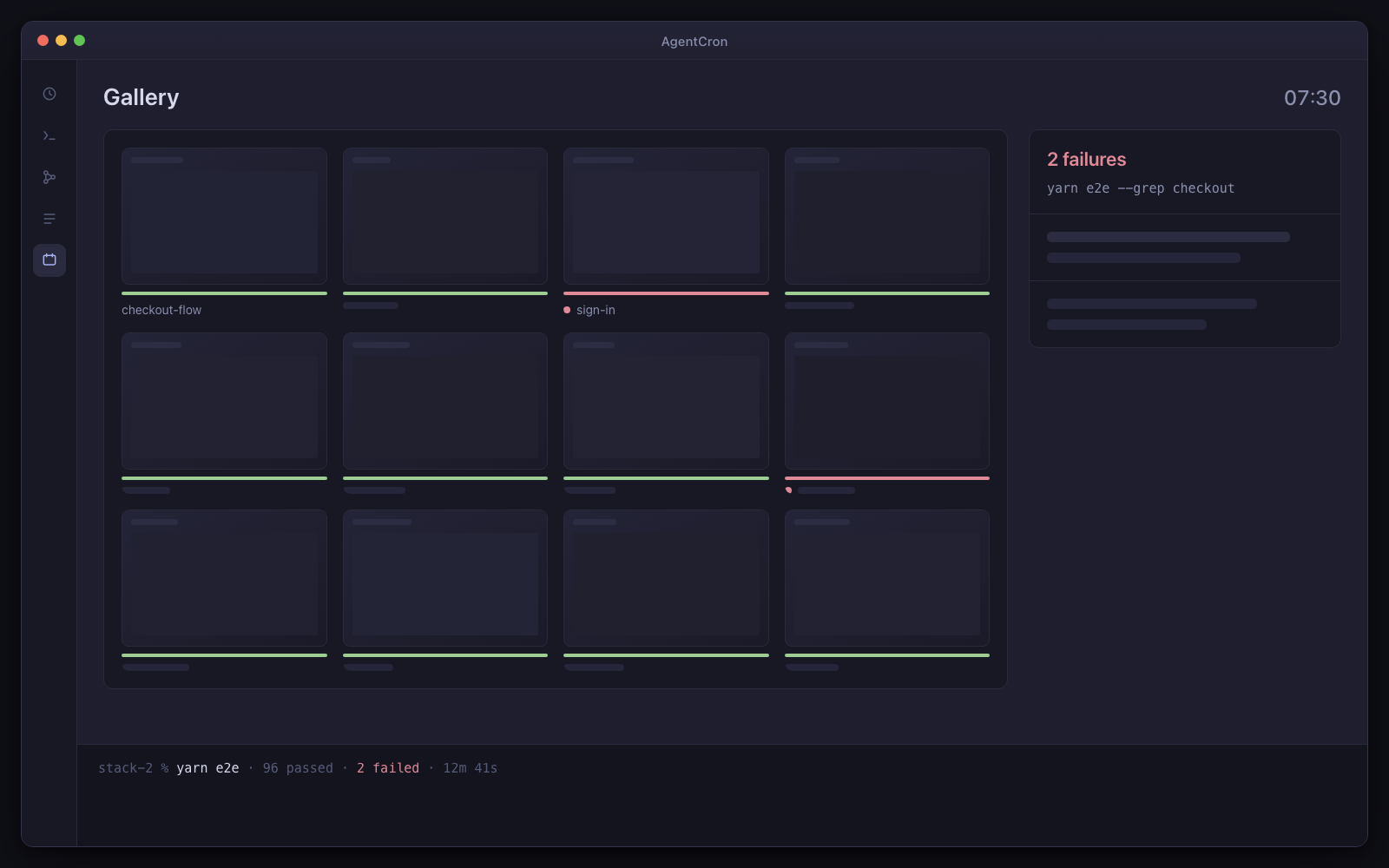
Green and wrong

The dashboard was wrong for a week and nobody noticed, because the model ran green the whole time. An upstream column got renamed, a join started silently dropping rows, and every downstream number moved a little.

An exit code cannot catch that. A number that was 41,882 yesterday and 27,610 today can — and remembering yesterday's figure is a primitive the engine already has: an agent writes down what it saw and reads it back on the next run, per project, durably. A 34% drop with no deploy behind it is a finding.

Because your models live in a repo, the workflow can use a configured worktree environment and return an uncommitted diff. Run output is retained; individual command evidence depends on the selected CLI's capture coverage.

The three agents, and what each one hands you

All three are ready-made prompts in the app — the nightly pass and the fix agent are the same ones a QA engineer and a developer get, because for a repo of models they are the same job.

  • Nightly run — your command, on a clean environment, with evidence

    At 03:00, in a fresh worktree: the agent runs the command your repo already runs — dbt build, dbt test, whatever it is — through a wrapper, so the exact command, its exit code, its duration and its output are on the record rather than summarised. It files one item with the counts, the failures, and how long it took against what it recorded last night.

    Last night's full pass, with a one-line verdict and the evidence to check it.

  • The fix, as an uncommitted diff

    At 02:00, an agent takes one item off the queue, works it in its own worktree, runs your tests, and leaves the change uncommitted with a note beside every hunk explaining what changed and what would break. One item per run — it files anything else it noticed rather than widening the change.

    By morning there is a finished, uncommitted diff in a worktree with an explanation beside every hunk.

  • End-of-day digest

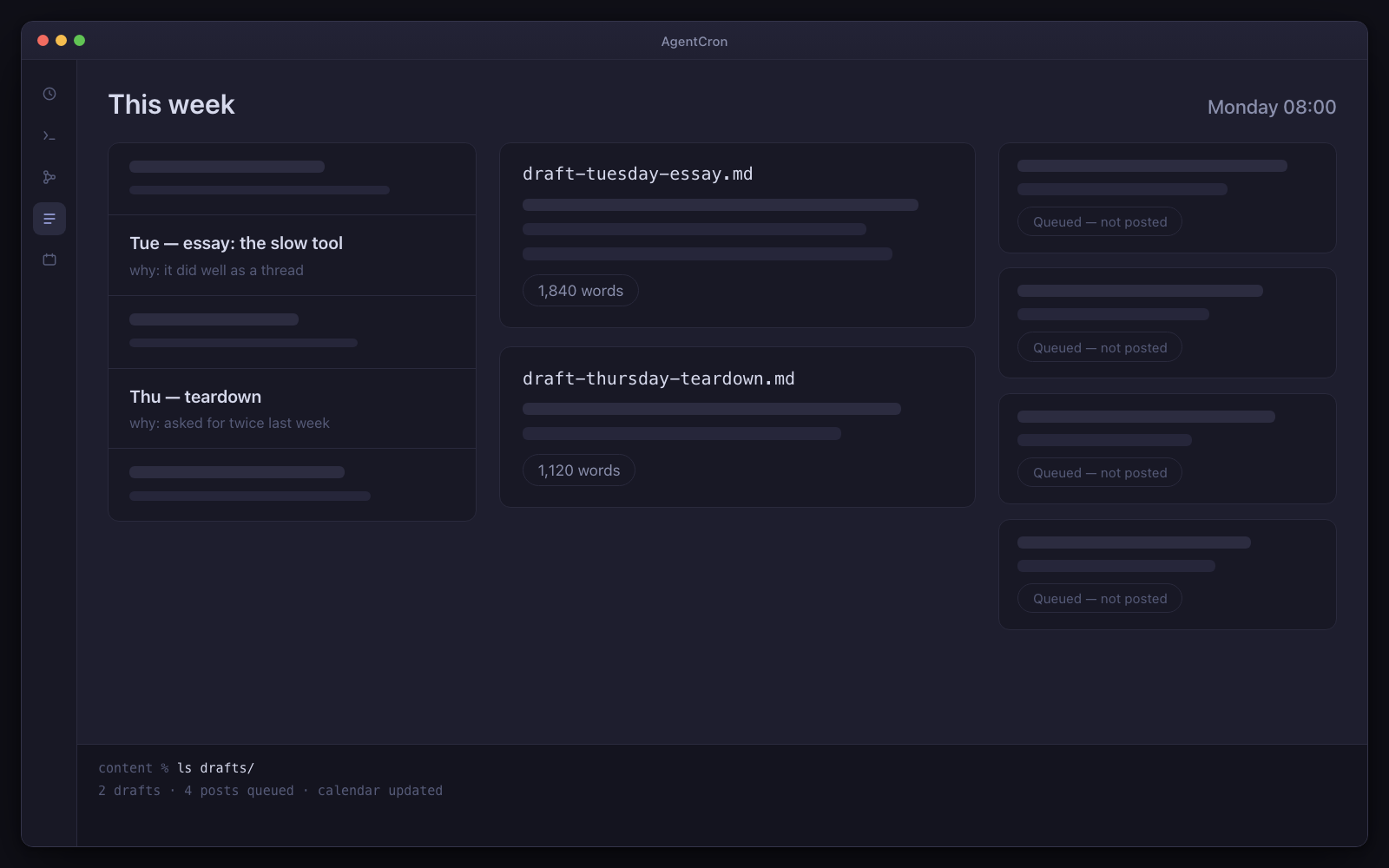
    18:30 on weekdays: one rollup of what the agents did today, read out of the app's own state. It needs nothing extra configured.

  • Numbers remembered night to night

    Durable per-project memory — a label and a value an agent writes and reads back on the next run — is what turns the model ran into the model ran and the number moved 34%. It is available to every agent because it is in every prompt the app injects.

    A capability you point an agent at, not a separate drift agent. Nothing detects drift unless you tell an agent which numbers matter.

  • Credentials scoped to the project

    Per-project environment variables carry the connection your repo already uses, scoped to that project rather than to your shell. The agent runs on your Mac, with your access, exactly as you would run the command by hand.

  • Nothing is committed

    Under the default review policy, the model fix arrives uncommitted and the commit is one you make in the review screen. Commit-and-PR access is a separate, explicit owner grant for one agent.

The two things that will decide this for you

Credentials. The agent runs on your Mac with the connection your repo already uses, held in a per-project variable. Nothing ships to talk to a warehouse, a BI tool or a hosted transformation service — no integration, no adapter, no bundled connector. At most companies, warehouse credentials on a laptop is a policy question before it is a technical one, and that policy is not wrong.

Representativeness. If your models really run in the warehouse's own scheduler, a local run may not be the same run. Worth checking before you rely on the verdict — the value here is catching the change early, not replacing the orchestrator you already trust.

Fair questions

Does this replace my orchestrator?

No, and you should not want it to. It schedules an agent that runs your command on your machine — it is not a transformation runner, it has no warehouse connection of its own, and a sleeping Mac fires nothing.

What it adds is the thing an orchestrator does not do: it reads the result, compares it with what it saw yesterday, and hands you a diff instead of a red square.

Does it talk to my warehouse, or to a hosted transformation service?

No. There is no warehouse or BI integration of any kind, and no dbt Cloud integration either — nothing of that sort is bundled or endorsed. The agent shells out to the tooling your repo already has, with the credentials your repo already uses, on your Mac.

How does it know a number is wrong rather than just different?

It does not, and nothing here pretends to. It knows the number changed, by how much, and what changed upstream — because it wrote down yesterday's figure and read it back. Deciding whether a 34% drop is a bug or a Tuesday is your job, and the item lands with the evidence attached so you can make that call in under a minute.

Which agent CLI does this use?

Whichever you already pay for. Claude Code, GitHub Copilot CLI and agy (Antigravity) are all supported. Note that command capture is automatic only for Claude Code, which exposes a hook API; with the others the agent routes what matters through a wrapper instead, and the app measures and shows that coverage per CLI rather than implying it is uniform.

Not released yet. It will need macOS 12.0 or later on Apple Silicon — and the download page says exactly what is still missing.