Your local agent workspace.

Less juggling. More building.

Schedule your agents. Review their work. Keep the decisions yours.

Free for one project. Pro is $89, once — no subscription and no server to fund.

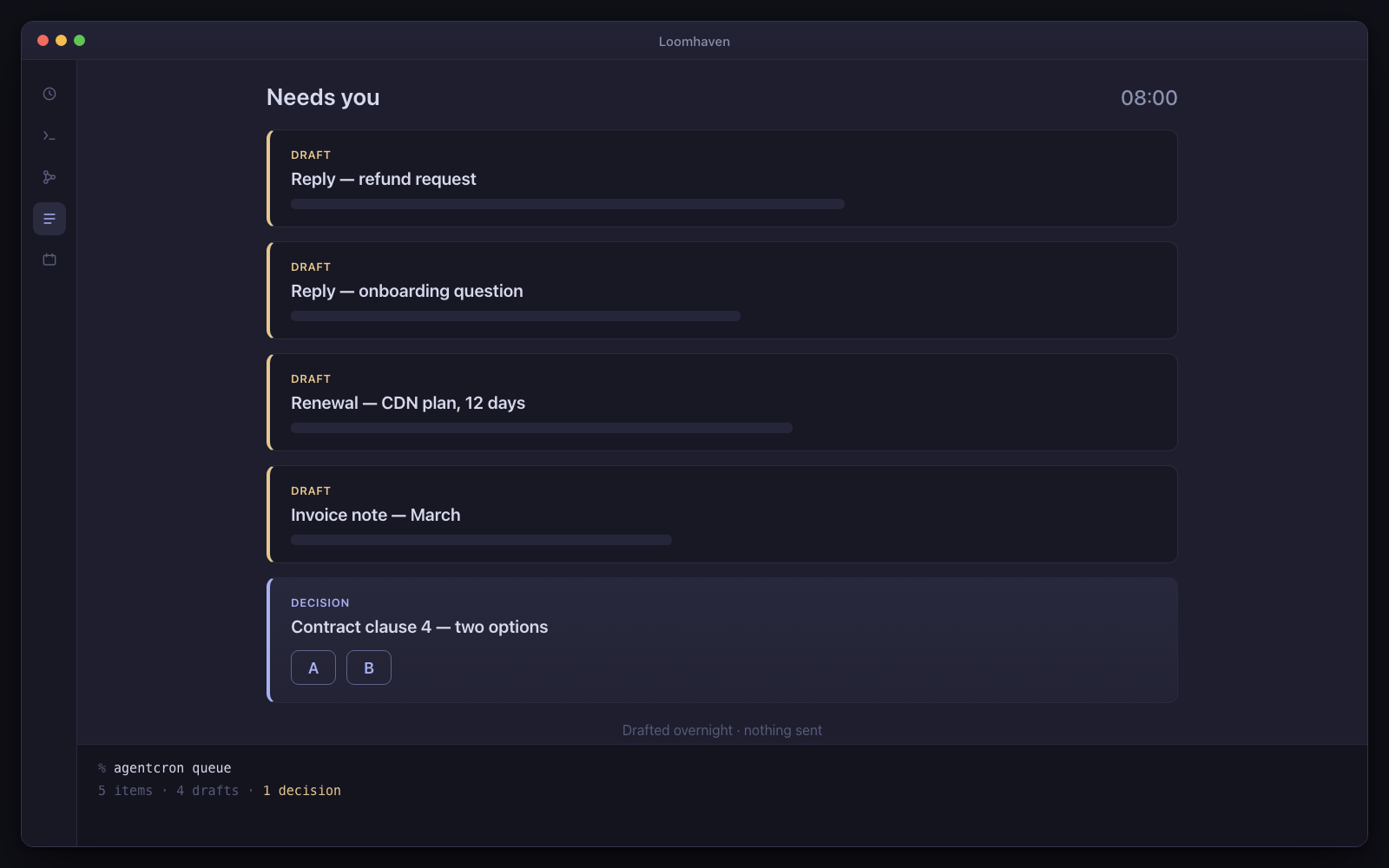
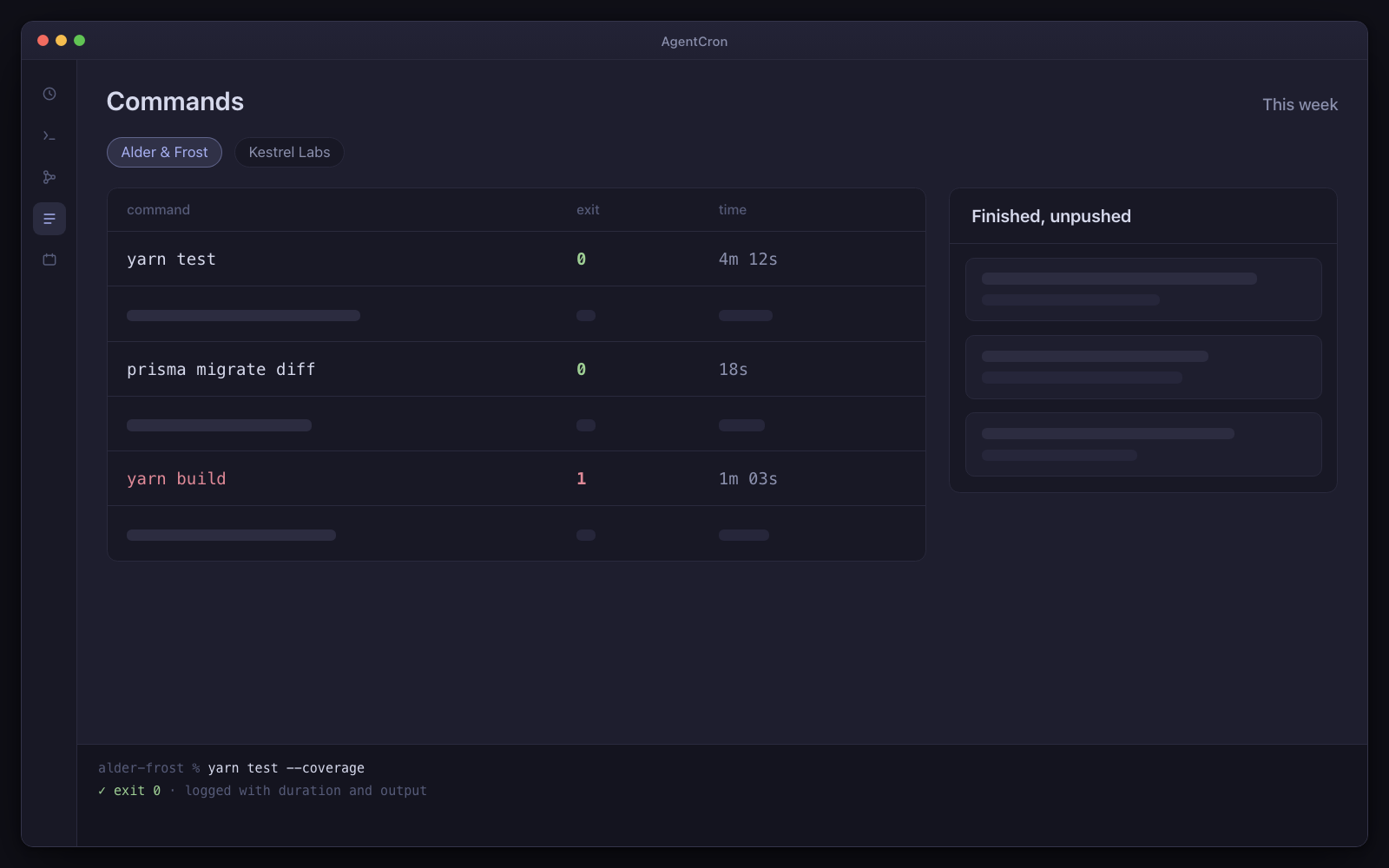
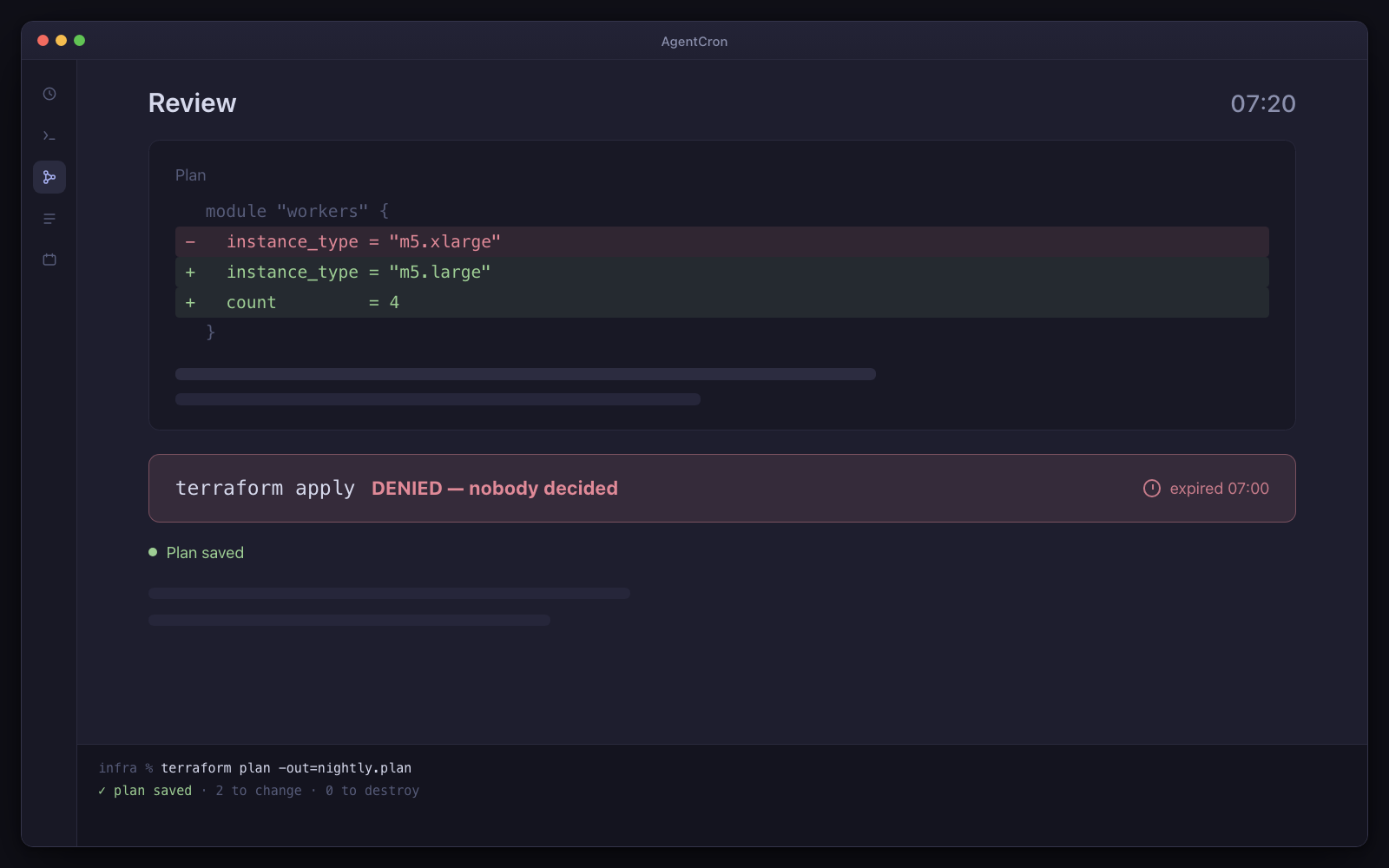
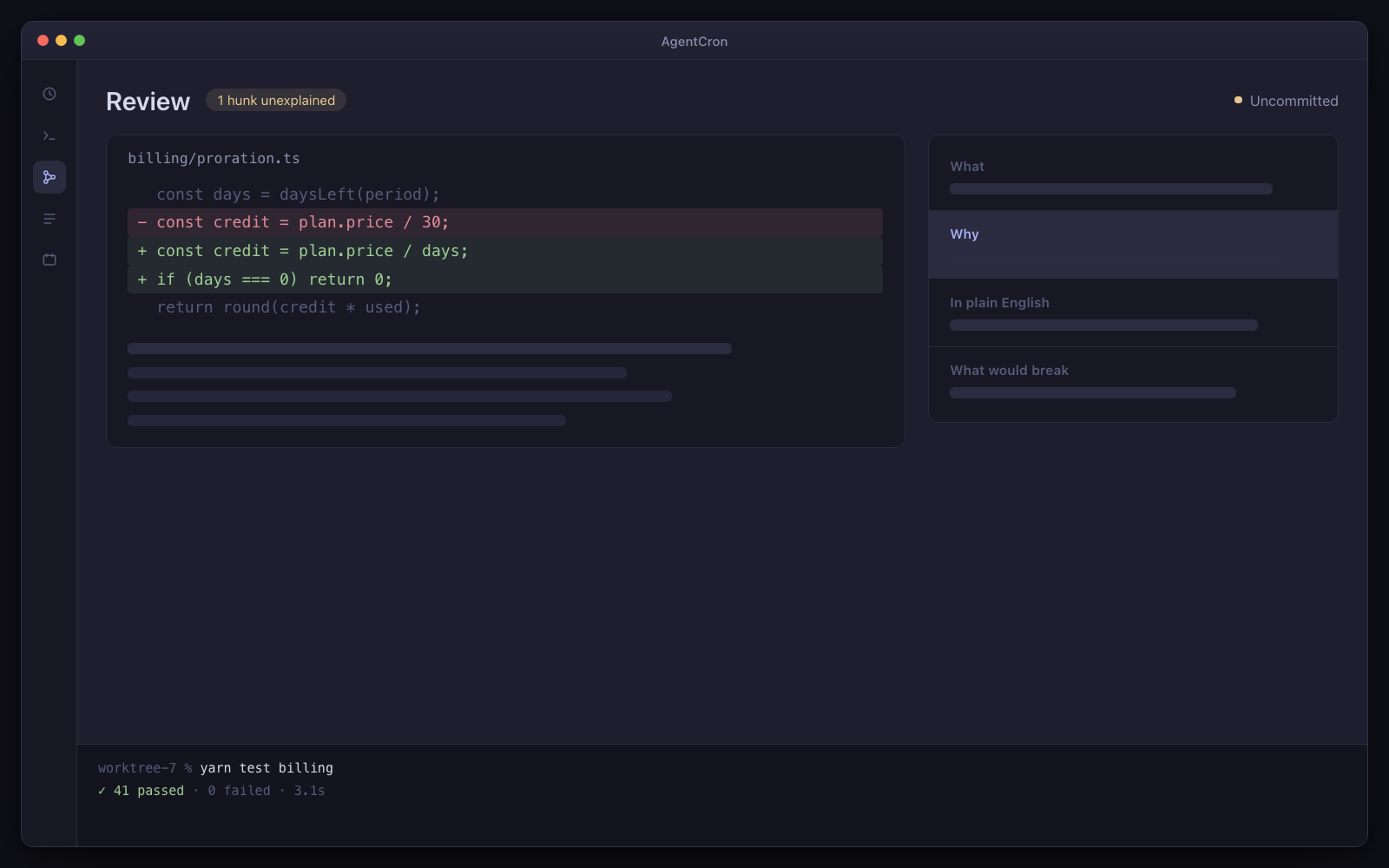
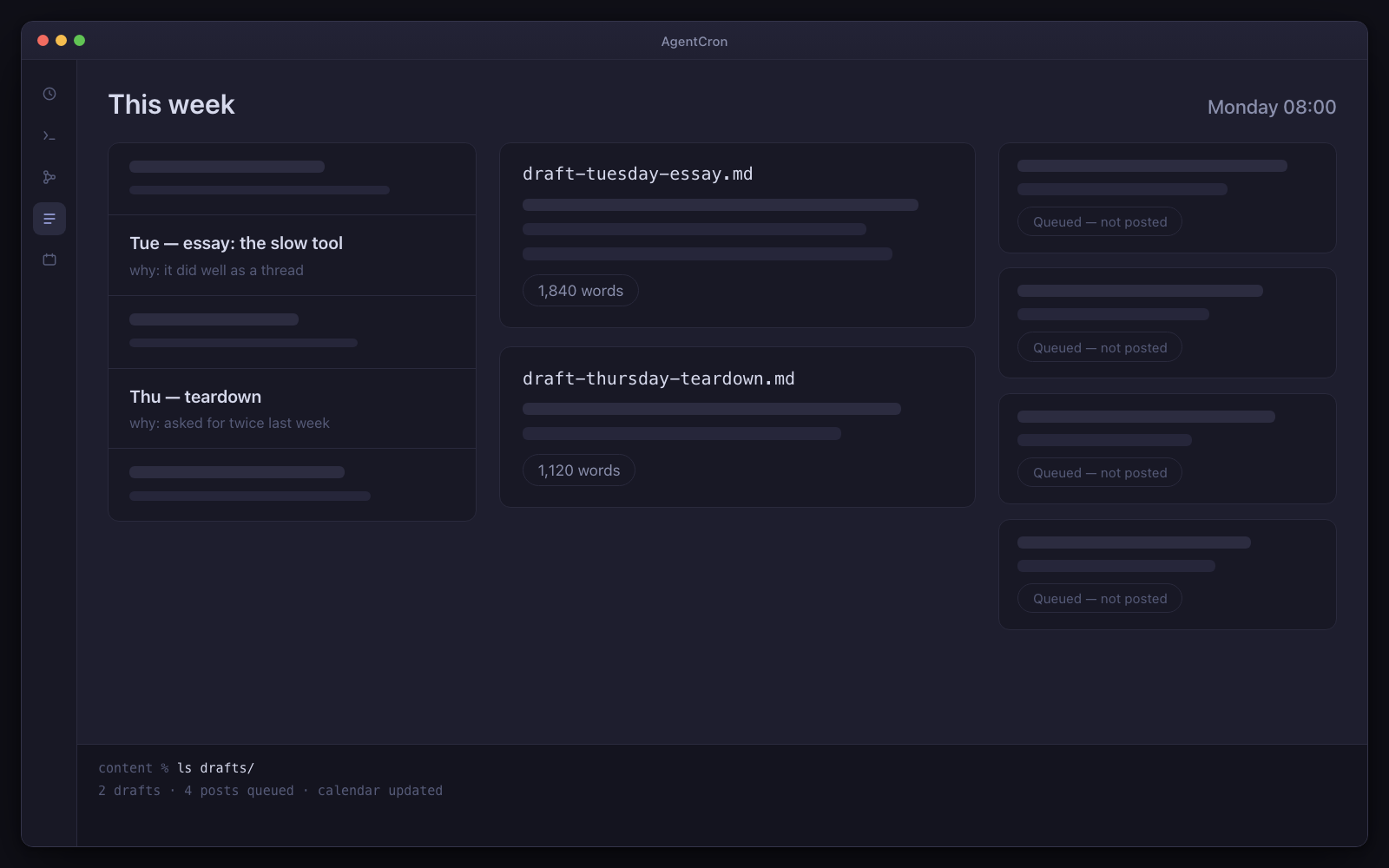
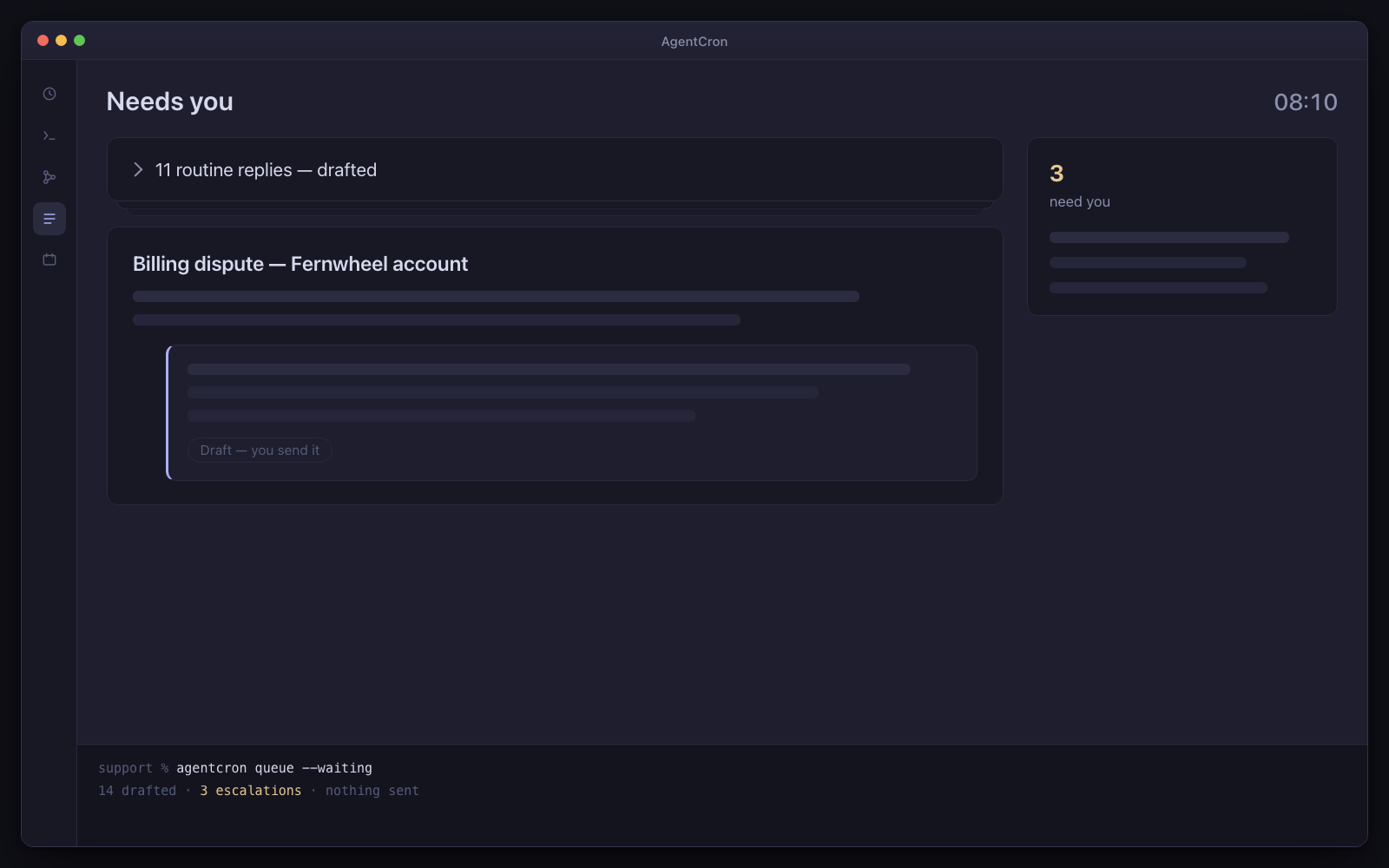
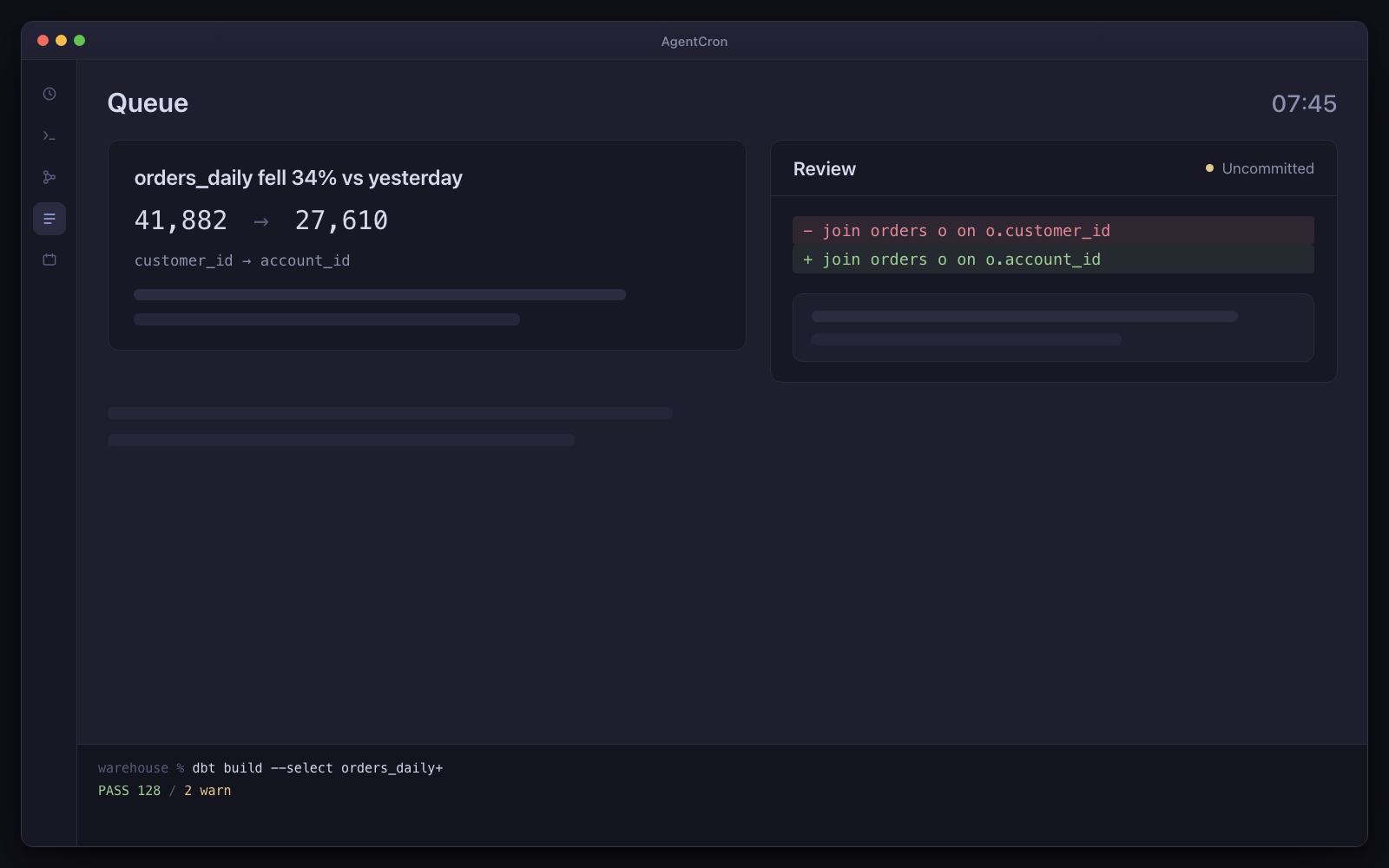
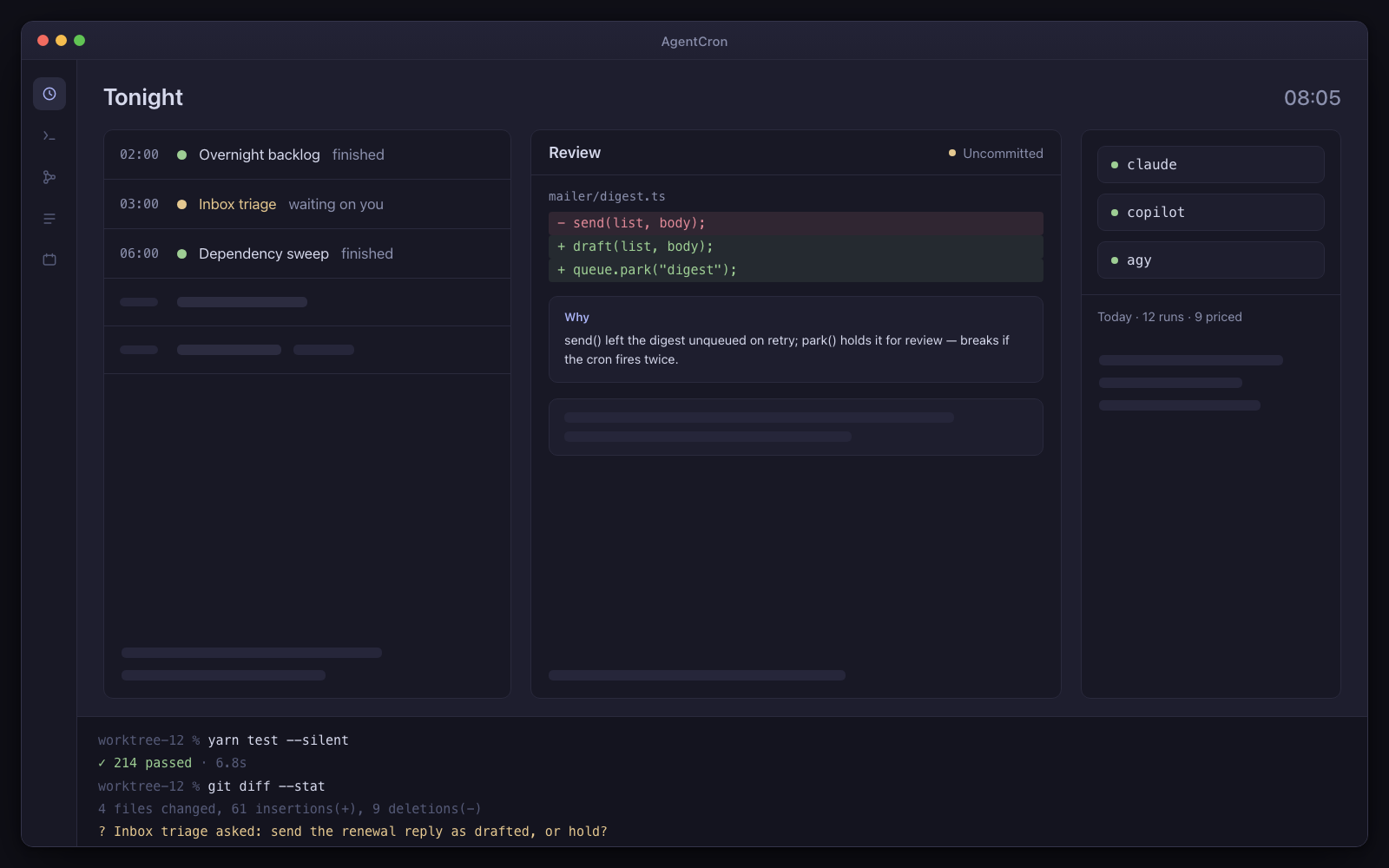
The AgentCron window: a schedule of five agents — two finished, one waiting on you — a review panel holding an uncommitted diff with its explanation card, pills for the three CLIs with a cost line under them, and a live terminal session along the bottom.
Illustration Your morning control room: scheduled runs, an uncommitted diff, and a question waiting for your decision.
  • You bring the CLIUse the agent subscription you already have. No AgentCron API key, account or token meter.
  • Human review is the destinationRuns return work and records for you to inspect. Where a workflow uses AgentCron's approval command, denial, timeout or an unreachable app all fail closed.
  • Runs locally, leaves receiptsYour schedules and app records stay on your Mac. Connected CLIs and services keep their own network and data policies.

Drives the agent CLIs you already pay for

  • Codex CLIcodex
  • Claude Codeclaude
  • GitHub Copilot CLIcopilot
  • Antigravityagy
  • Plain shellshell

You bring the CLI and its subscription. AgentCron schedules the run, keeps its output, and shows the command evidence that integration can capture.

What kind of work keeps returning?

Choose the closest role. Three audience packs are bundled; the other seven starting sets are assembled from the included picker templates. Every page says which is which.

QA / Tester

Every morning, last night's test run — as screenshots, not a wall of red text.

You own an end-to-end suite that is too slow to run on every pull request, so it runs almost never. This schedules it against a clean environment overnight and leaves evidence a human can read without re-running anything.

Not released yet. It will need macOS 12.0 or later on Apple Silicon — and the download page says exactly what is still missing.
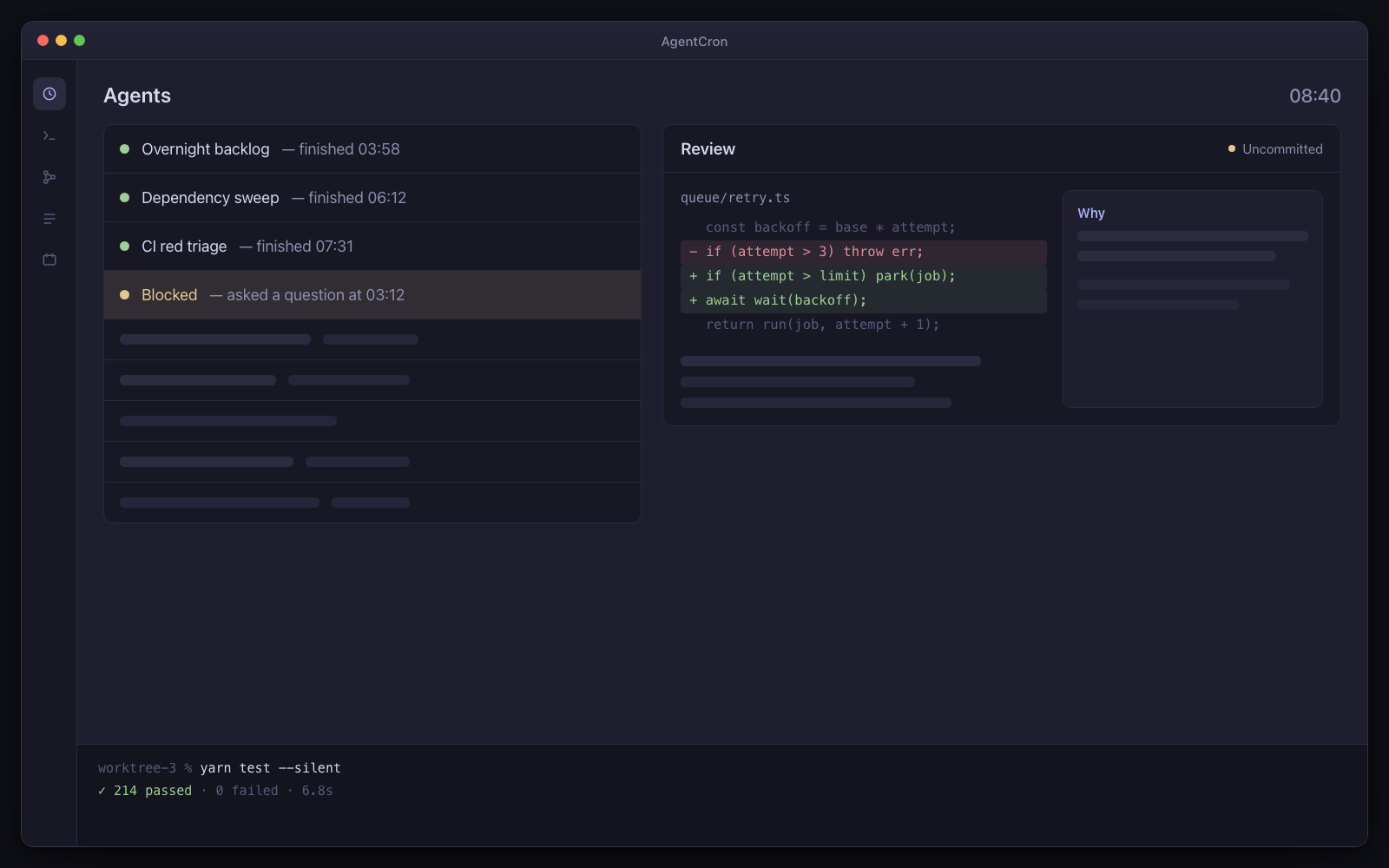
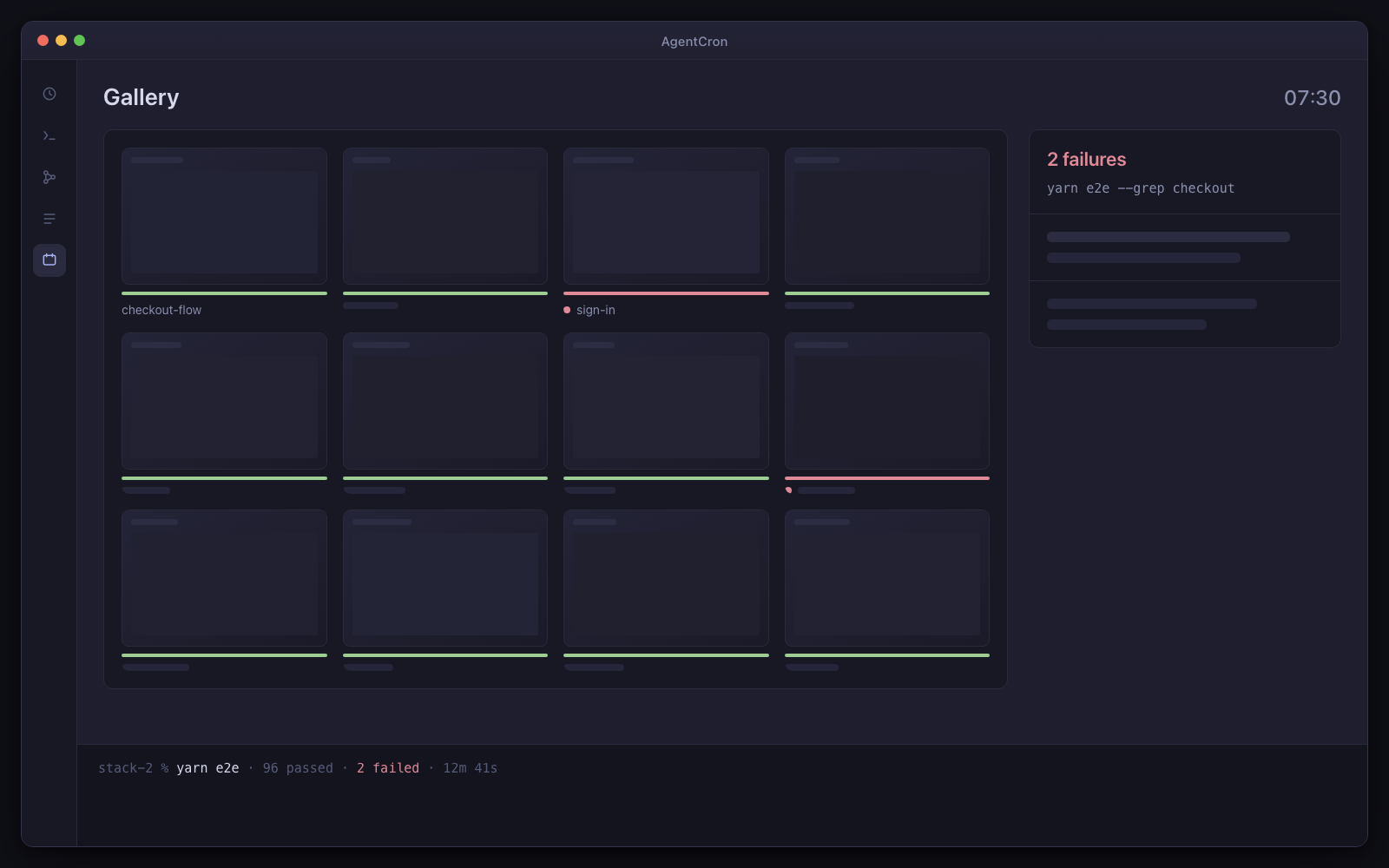
A grid of last night's screenshots, one folder per scenario, with two failures visually obvious, and a queue item naming the exact command that failed.
Illustration Last night's pass. Two failures, both visible before you read a single line of output — and the exact command that produced each one.

The caveat, up front. Requires a test suite already in the repo. AgentCron supplies no test harness and no browser automation.

Day one: three agents, already written

  • Nightly smoke

    Every night at 3am

    Last night's full test pass, with a screenshot per scenario and a one-line verdict.

  • Flaky hunter

    Saturdays at 4am

    A ranked list of your flakiest tests with a measured flake rate, not a hunch.

  • PR evidence

    Every 3 hours

    Every PR that asks for QA gets before/after screenshots and a verdict, without anyone checking it out by hand.

Installed as the qa-tester pack. Every agent arrives switched off, with a “Run once” button — nothing fires on its own.

What has to be true first

  • A working e2e or integration suite already in the repo
  • A documented way to bring the app up locally

And the limits, in the same breath

  • macOS only. You bring, install and authenticate one of the supported agent CLIs shown above.
  • Schedules fire while your Mac is awake — AgentCron can hold it awake through a window you set (lid open) — and there is no daemon, no wake-from-sleep and no catch-up for a run that was missed.
  • AgentCron grants none of its own commit, push, send or pay paths by default. The launched CLI remains a real networked process, so separately configured CLI tools and project credentials keep their own risk.
One hard requirement, before anything else

Your repo must already have a runnable test suite, and a documented way to bring the app up locally. AgentCron supplies no test harness and no browser automation. The agent shells out to the command you already run. If there is no such command, this pack does nothing and the fault would look like ours.

If you have that command, the rest of this page is true today.

Why pictures instead of a log

A nightly suite that emails you 4,000 lines of output is a nightly suite nobody reads. By the third week the failures are wallpaper.

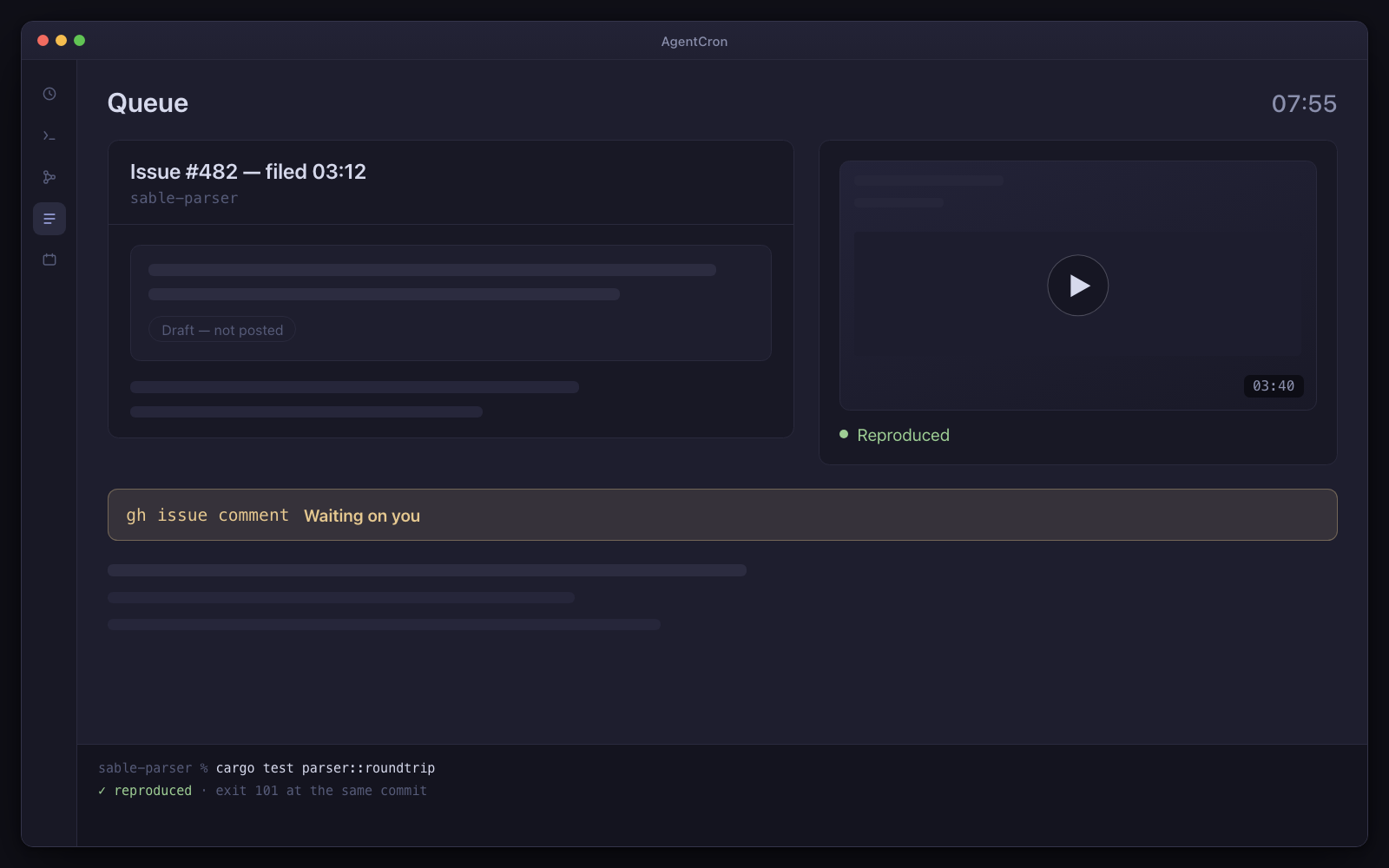
So the agent is held to a verification contract: leave proof a human can check without re-running anything. That means a screenshot per scenario, named after the scenario, in a folder per run — and for every failure, the failing state and the last passing step. The queue item that lands beside it names the assertion, the exact command, and how long the whole pass took compared with what it recorded the night before.

The difference is that you can triage the morning in ninety seconds by looking, and only open the output for the two that matter.

What the three agents do

Concretely, because improves quality is not a claim anyone can check.

  • A clean environment every night, not a dirty one

    The run works in a fresh worktree. Where your project defines a setup script, it gets its own collision-checked block of ports, its own database name and its own compose project — handed over as variables it is told to read rather than assume, so it never quietly connects to the app you left running on 3000.

    This is also what makes two runs at once safe.

  • Servers it starts are registered, not orphaned

    A dev server the agent leaves running is registered with its port, pid and log file, and liveness is confirmed by checking the port actually listens. An unregistered background process is invisible the moment the agent exits — this is the difference between a clean machine in the morning and eleven zombie node processes.

  • The exact command, on the record

    The suite runs through a wrapper so the command, its exit code, its duration and its output are captured rather than summarised. When you ask what did it actually run, there is an answer, and it is not the agent's description of what it ran.

  • Flake rate as a number

    A weekend agent takes the suspect tests, runs each one in isolation a set number of times, records pass and fail each time, then re-runs the worst three with order randomisation disabled to separate flaky in itself from flaky because of test order. You get a ranked list with a measured rate instead of an argument.

    It never marks a test skipped or adds a retry. Quarantining is your decision.

  • Evidence attached to a pull request, without checking it out

    For a pull request labelled for QA: a worktree from its head branch, the app brought up on its own ports, the affected screens exercised along with the two most obvious things they could have broken, and before/after captures against the base branch. The verdict is WORKS, BROKEN, or COULD NOT TEST — and the third one is a real verdict rather than something to avoid.

  • It reports reality and does not fix it

    The agents are told never to edit a test, a fixture, a timeout or a snapshot to make the suite green, and never to widen a change to make a test pass. A test that is genuinely wrong is filed as a finding. Anything else makes both the run and the fix unreviewable.

Fair questions

Does this run my suite for me?

It schedules an agent that runs the test command your repo already has, on an environment your repo already knows how to build. AgentCron contributes the schedule, the isolation, the record and the evidence. It contributes no test framework and no browser automation, and if your repo has neither then there is nothing here for it to run.

What if my Mac is asleep at 3am?

Then the 3am run does not happen, and there is no catch-up when it wakes. This is architectural: the scheduler lives inside the app. It is going to happen to you at some point, so it is worth deciding now whether most nights is good enough for the pass you have in mind. If the answer is no, this belongs on a build server rather than on a laptop.

Will the screenshots eat my disk?

Yes, quickly. There is a storage view that shows exactly where it went, retention settings per category, and a cleanup that previews what it would free before deleting anything. Set it in week one. An agent may only delete captures it produced in that run — it can never remove last night's evidence.

Which agent CLI does this use?

Whichever you already pay for. Claude Code, GitHub Copilot CLI and agy (Antigravity) are all supported, and a plain shell job is a first-class option too — for a nightly suite that is often all you need.

One thing to weigh for this job specifically: the suite runs through a wrapper so the exact command, exit code, duration and output are captured whichever CLI you pick. What differs is everything else the agent ran around it — that is captured automatically only for Claude Code, which is the only one of the three with a hook API. The app measures and shows that coverage per CLI rather than implying it is uniform.

My employer would be the one paying for this.

Then it is worth knowing what this does not do before you ask: there is no shared dashboard, no multi-machine view and nothing anyone else can see. It runs on your Mac and the evidence is on your Mac. What you would take to a stand-up is a screenshot, not a link.

Not released yet. It will need macOS 12.0 or later on Apple Silicon — and the download page says exactly what is still missing.