Choose the work you want waiting for review

Ten focused starting points for recurring work. Pick the closest role to see three traceable workflows, what each one needs, what it returns, and where a person stays responsible.

What kind of work keeps returning?

Choose the closest role. Three audience packs are bundled; the other seven starting sets are assembled from the included picker templates. Every page says which is which.

Developer

Review-gate jobs return work for you to read before it reaches main.

Four repos, one of you, and an agent CLI you can only supervise one session at a time. This is the part that runs the other three while you sleep — on Claude Code, GitHub Copilot CLI or agy, whichever each repo calls for — and hands all of it back uncommitted.

Not released yet. It will need macOS 12.0 or later on Apple Silicon — and the download page says exactly what is still missing.
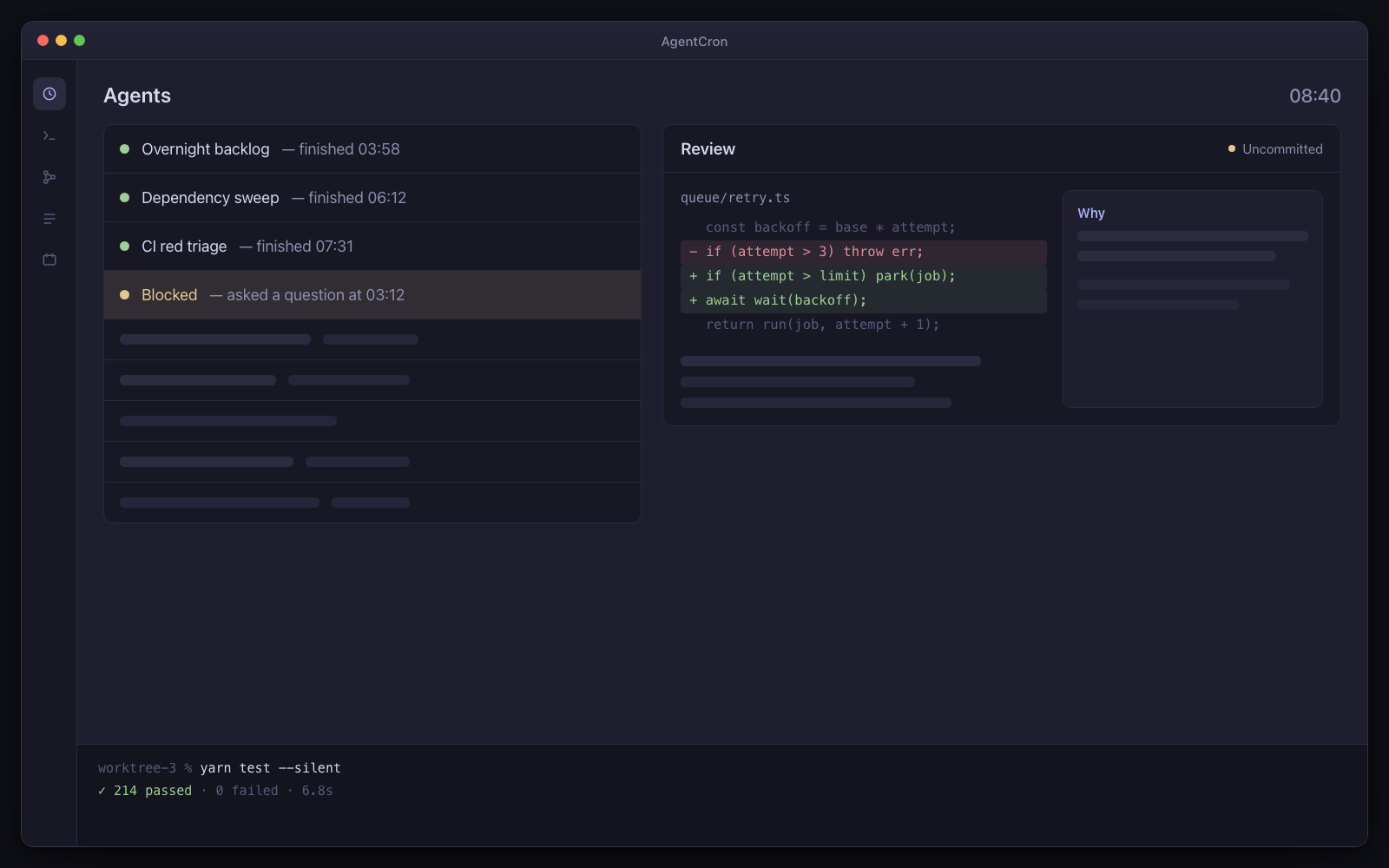
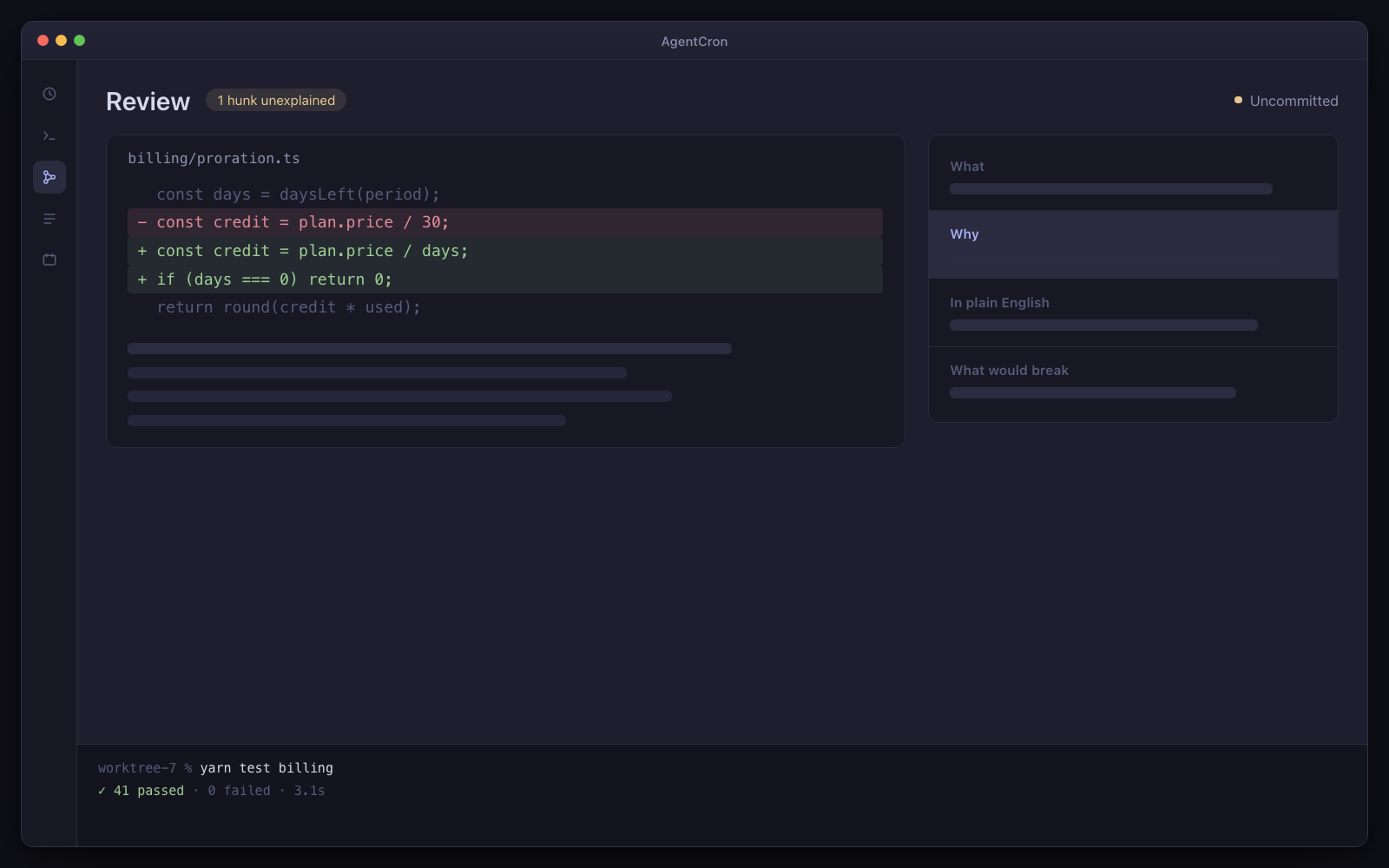
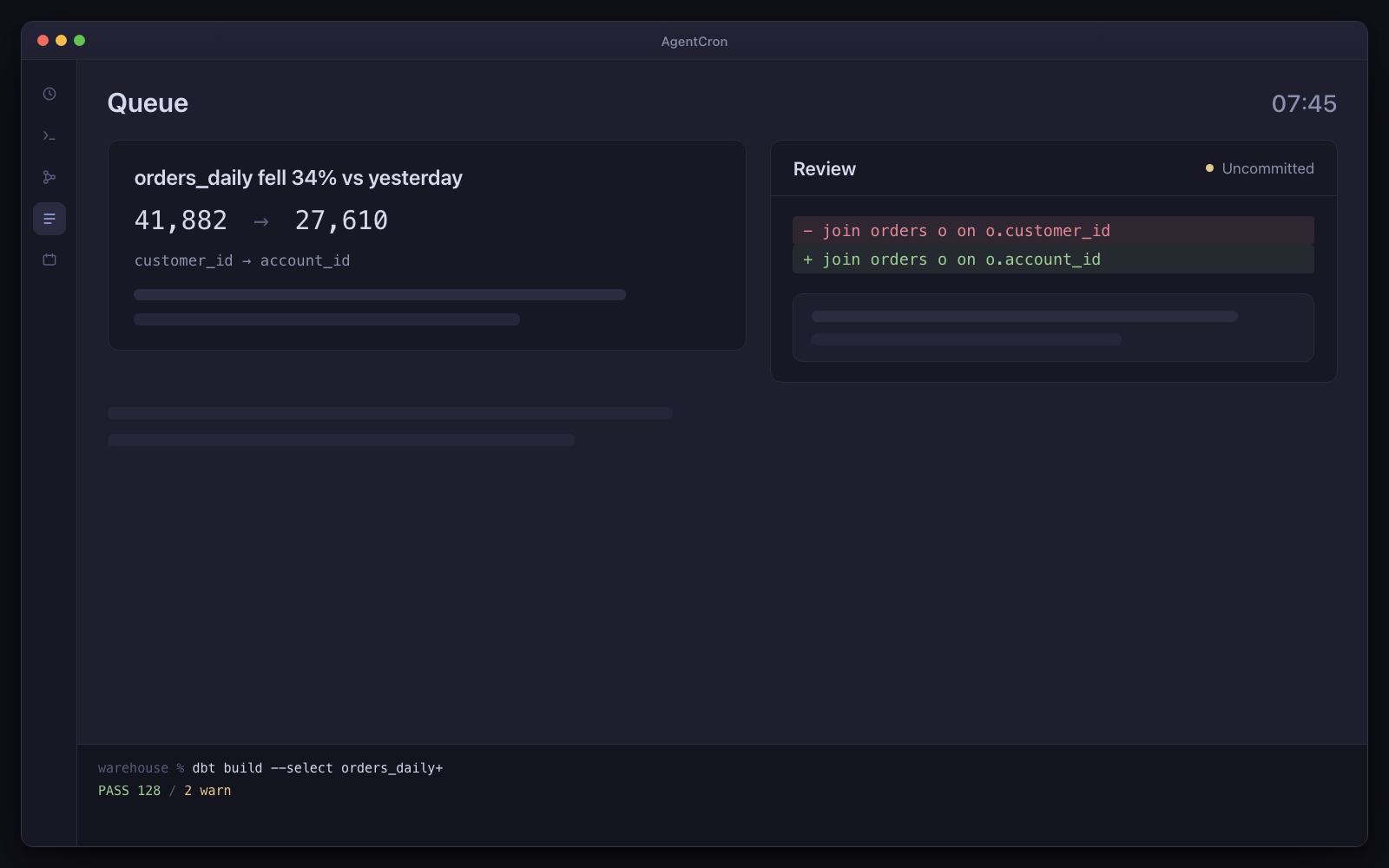
Three finished worktrees with uncommitted diffs, the review screen scrolling with an explanation card beside each hunk, and one agent at the top still blocked on an approval it asked for at 3am.
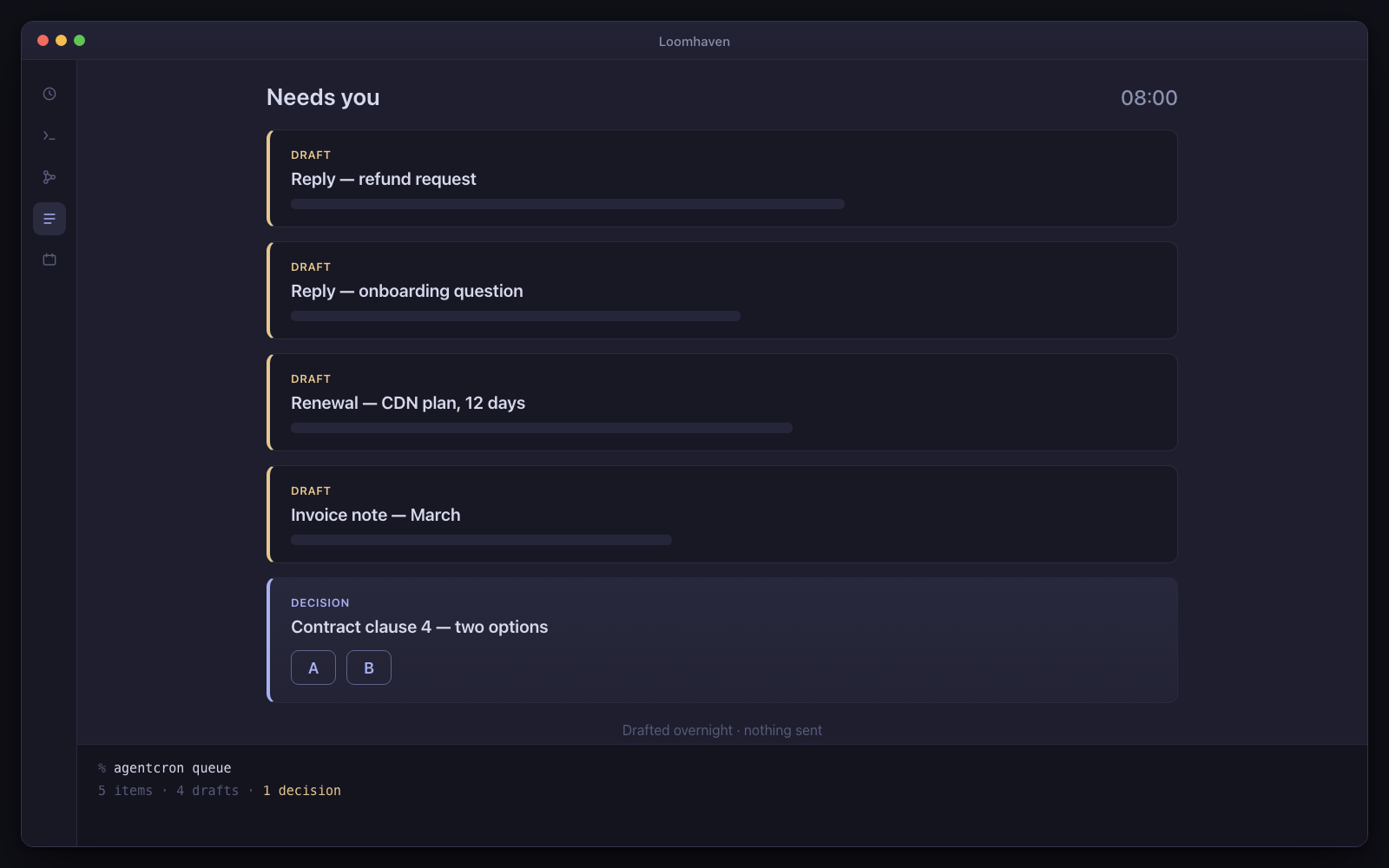
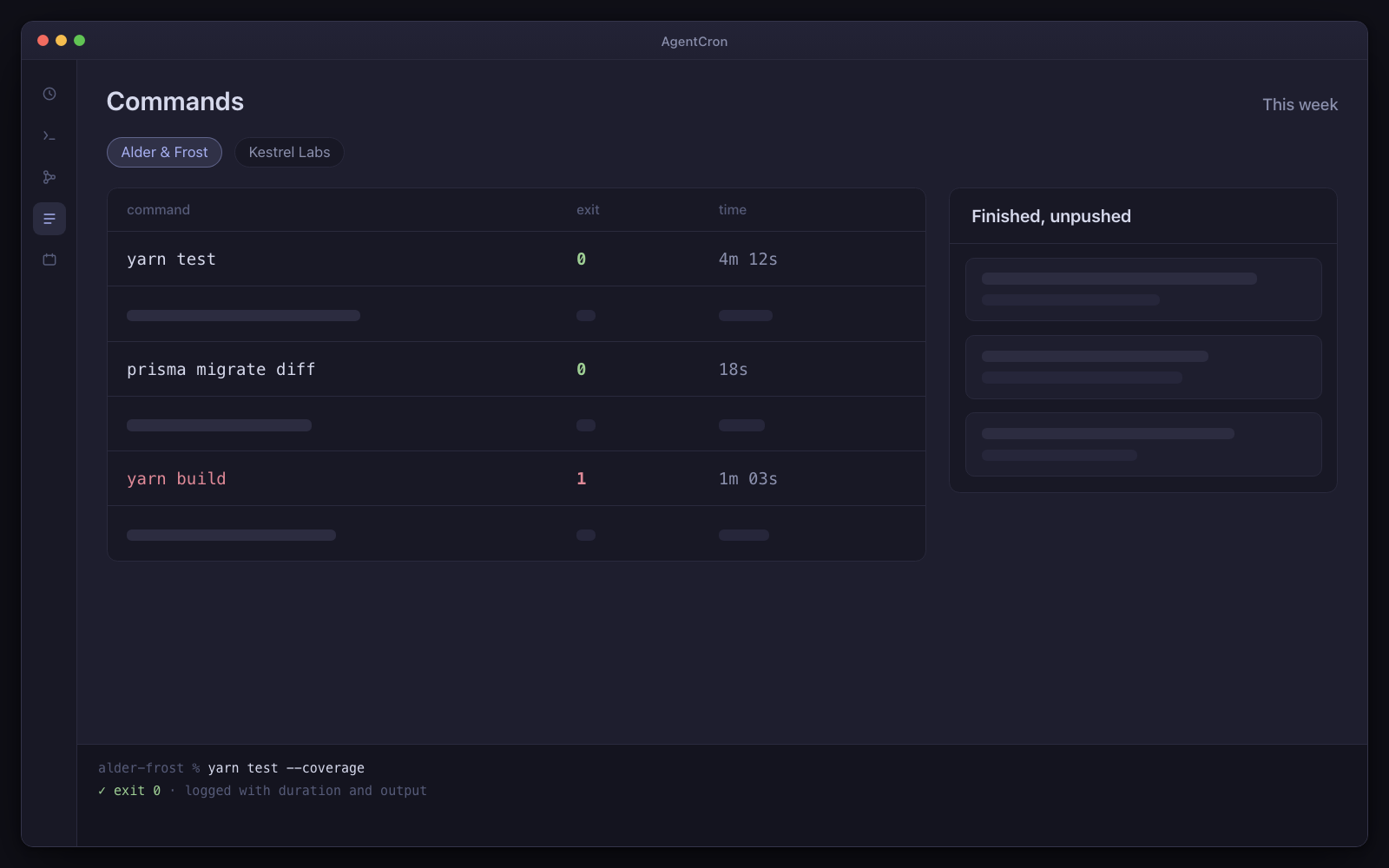
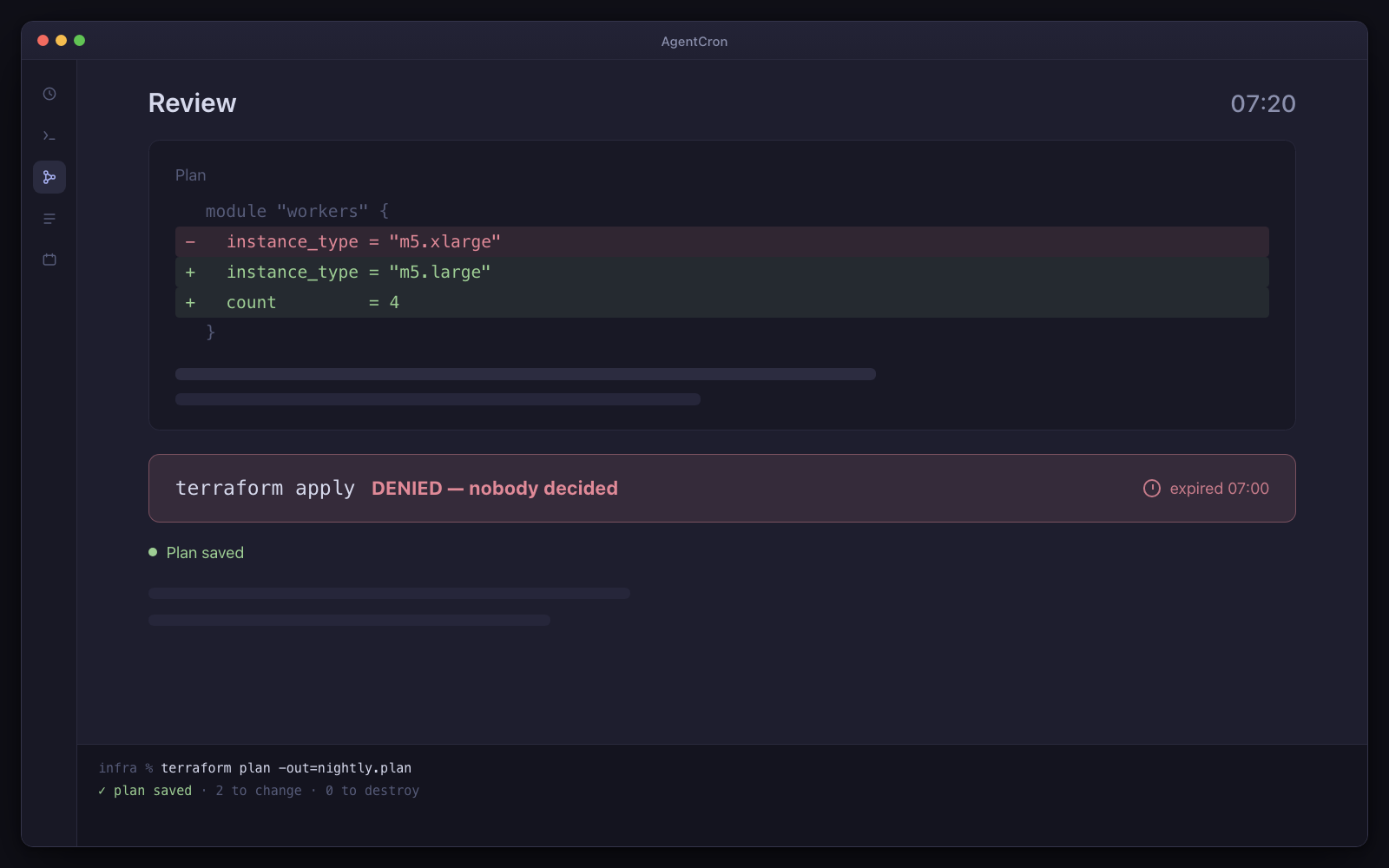
Illustration 08:40. Three agents finished, one is still waiting on a question it asked at 03:12, and nothing has been committed.

Day one: three agents, already written

  • Overnight backlog

    Every night at 2am

    By morning there is a finished, uncommitted diff in a worktree with an explanation beside every hunk.

  • Dependency sweep

    Mondays at 6am

    Every Monday, patch and minor upgrades applied and tested in a worktree, with the risky majors listed separately and untouched.

  • CI red triage

    Every 2 hours

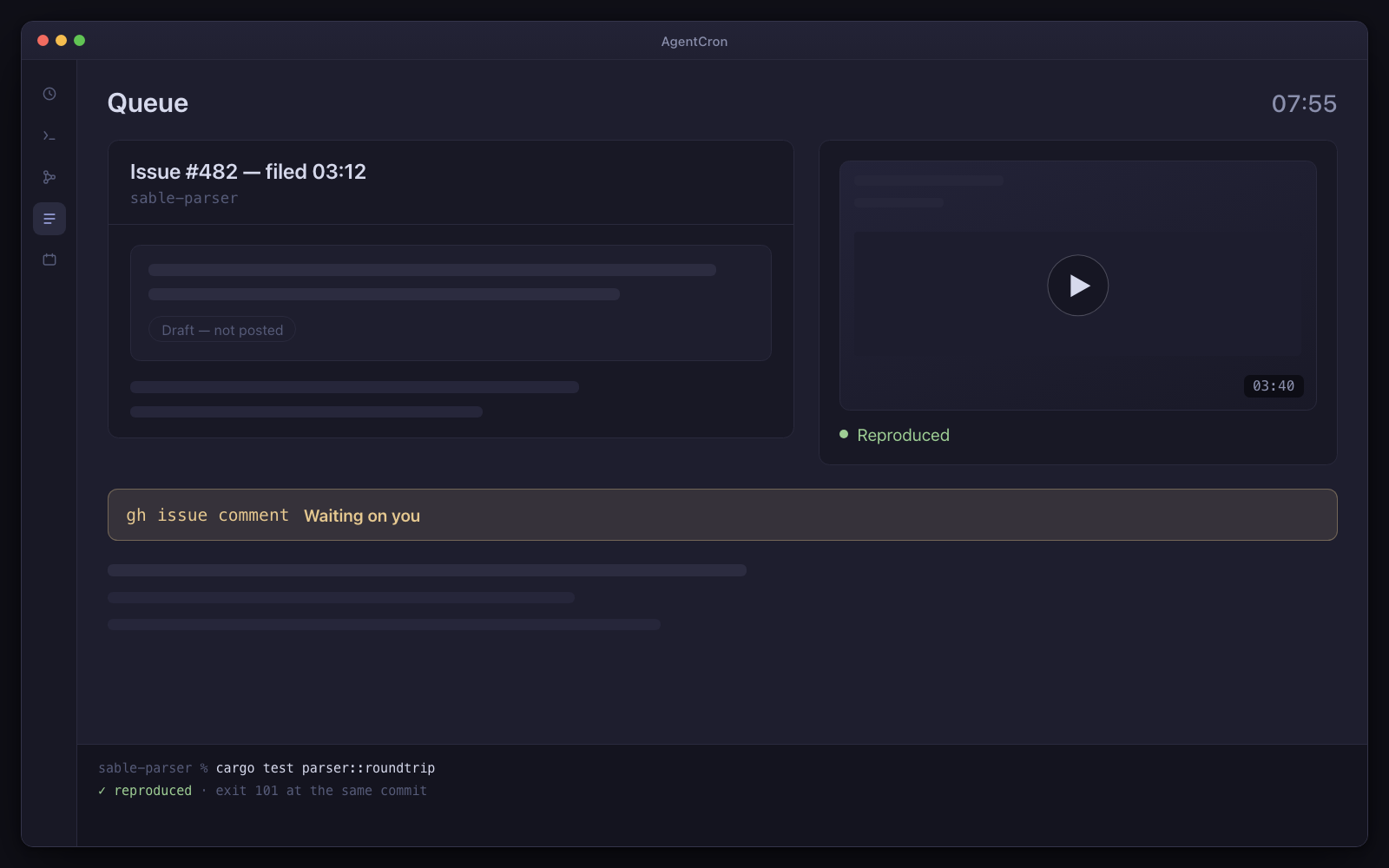
    A red build on the default branch becomes a queue item naming the failing test, the exact command to reproduce it locally, and — when it is small — the fix itself, uncommitted.

Installed as the developer pack. Every agent arrives switched off, with a “Run once” button — nothing fires on its own.

What has to be true first

  • macOS on Apple Silicon
  • claude (or copilot/agy) installed and authenticated
  • node on PATH
  • At least one git repo you are happy for an agent to branch from

And the limits, in the same breath

  • macOS only. You bring, install and authenticate one of the supported agent CLIs shown above.
  • Schedules fire while your Mac is awake — AgentCron can hold it awake through a window you set (lid open) — and there is no daemon, no wake-from-sleep and no catch-up for a run that was missed.
  • AgentCron grants none of its own commit, push, send or pay paths by default. The launched CLI remains a real networked process, so separately configured CLI tools and project credentials keep their own risk.
The useful pattern is deliberately narrow

AgentCron is for work that repeats, can be described to a CLI agent, and should end in something a person reviews. A repository workflow can run in its own git worktree. A folder or service workflow needs the files, credentials and connection it names; AgentCron does not invent those integrations for you.

The prompt is not proof that a workflow succeeded. Check the returned files, command record and terminal output, then decide what happens next. Product visuals on this site remain labelled Illustration until the corresponding workflow has been captured from a real, synthetic test run.

Code, quality and technical operations

These roles get the strongest built-in fit because the work already lives in a repository.

  • Build and maintain

    Developers and open-source maintainers can prepare bounded changes, dependency reviews and issue triage in a worktree. A tech lead can start from release notes, review preparation and planning output rather than a blank page.

  • Test and analyse

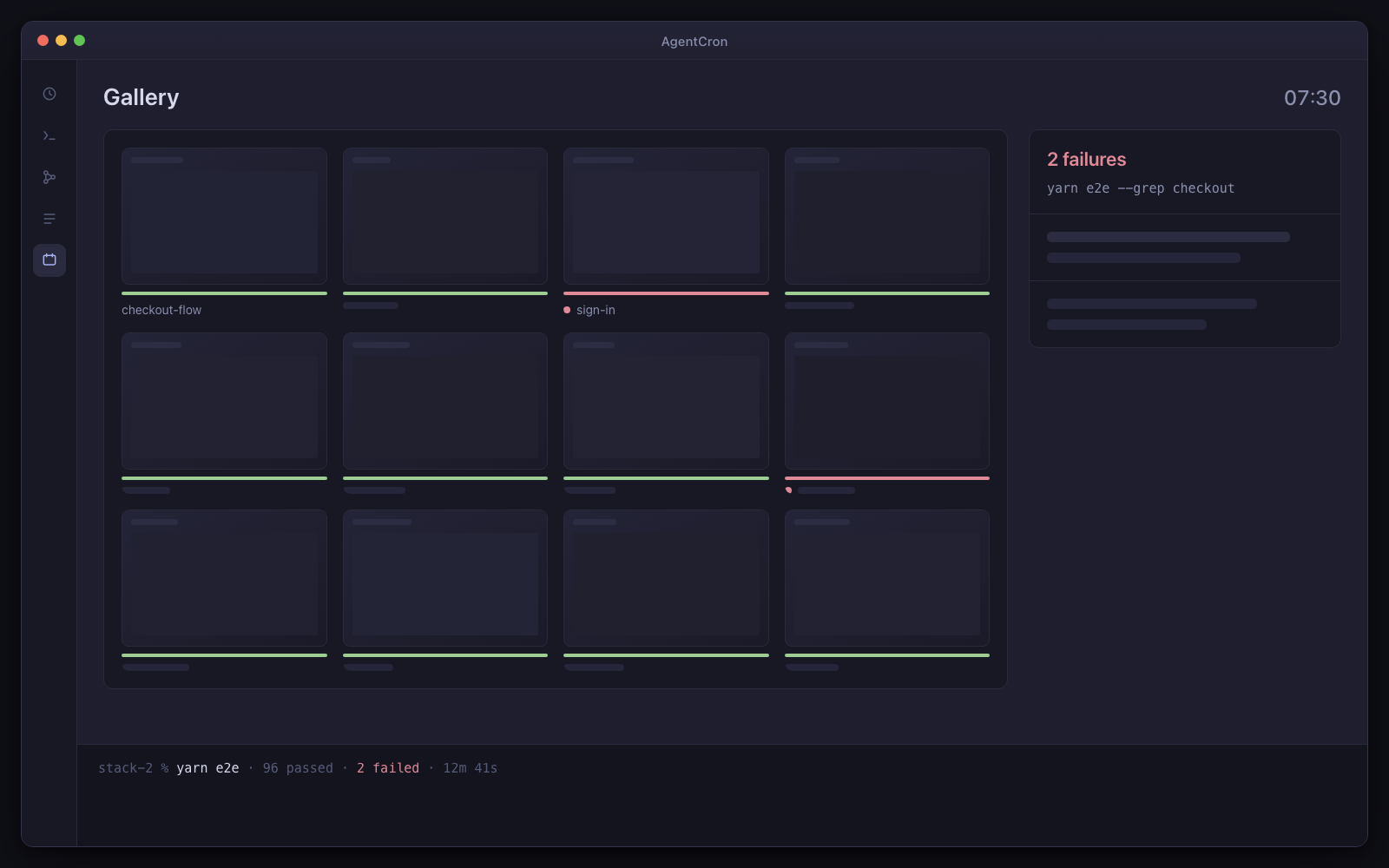
    QA workflows run named checks and return failure evidence. Analytics engineering stays repository-based: validate models, refresh documentation and prepare reviewed data-quality findings, rather than promising access to an unconfigured warehouse.

  • Operate with a plan

    DevOps workflows inspect repository-owned configuration and prepare checklists, dependency work and runbooks. They are scheduled chores, not an uptime monitor, pager or cloud runner.

Client, customer and publishing work

These starting points are useful when the required files or service connection already exist.

  • Founder and agency

    Prepare weekly digests, client status drafts and project reviews from scoped folders. Keep each client in its own project and review the result before it leaves your Mac.

  • Customer support

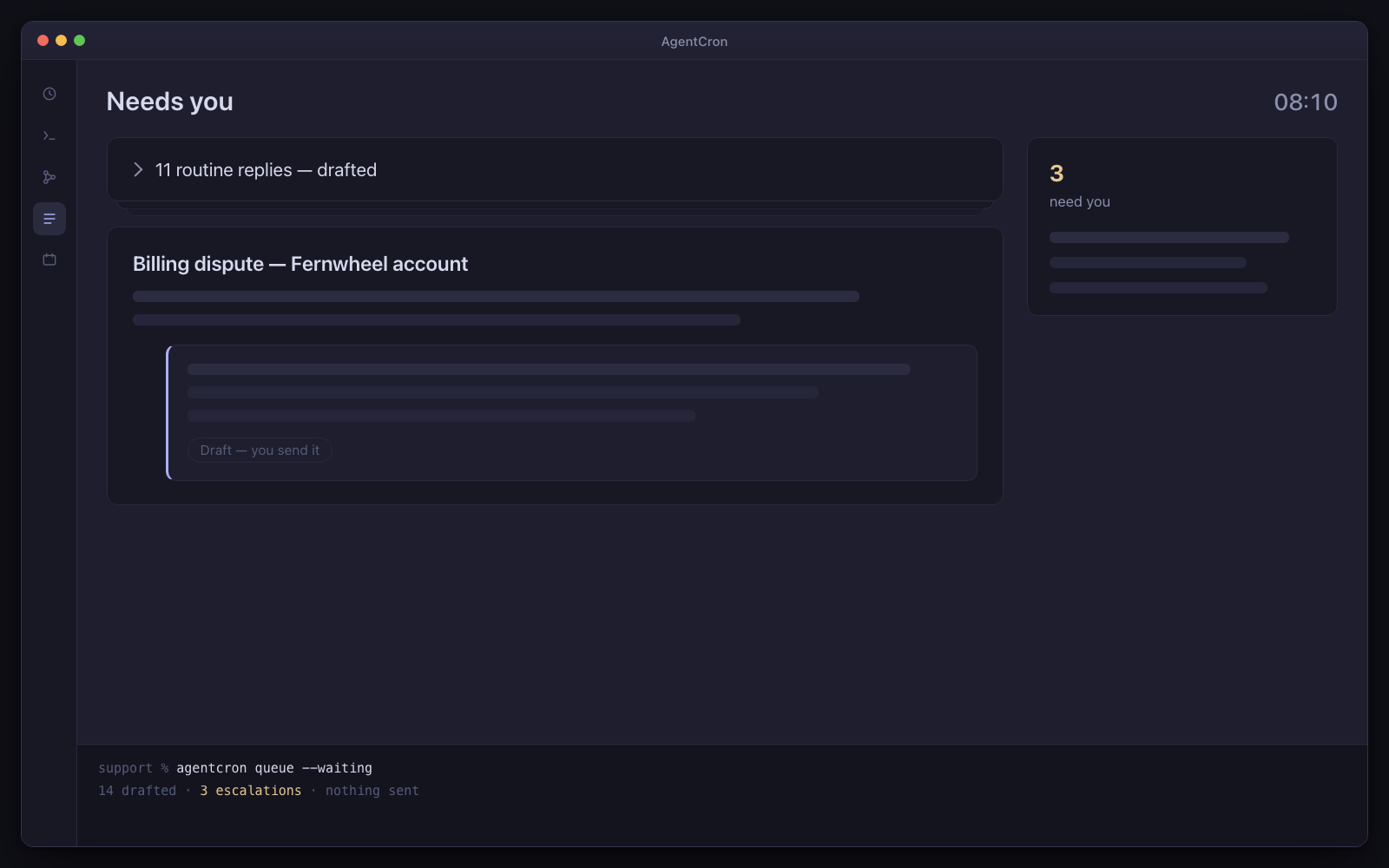
    Triage supplied conversations and draft replies against supplied documentation. AgentCron does not provide a helpdesk connector and it does not send the reply.

  • Content creator

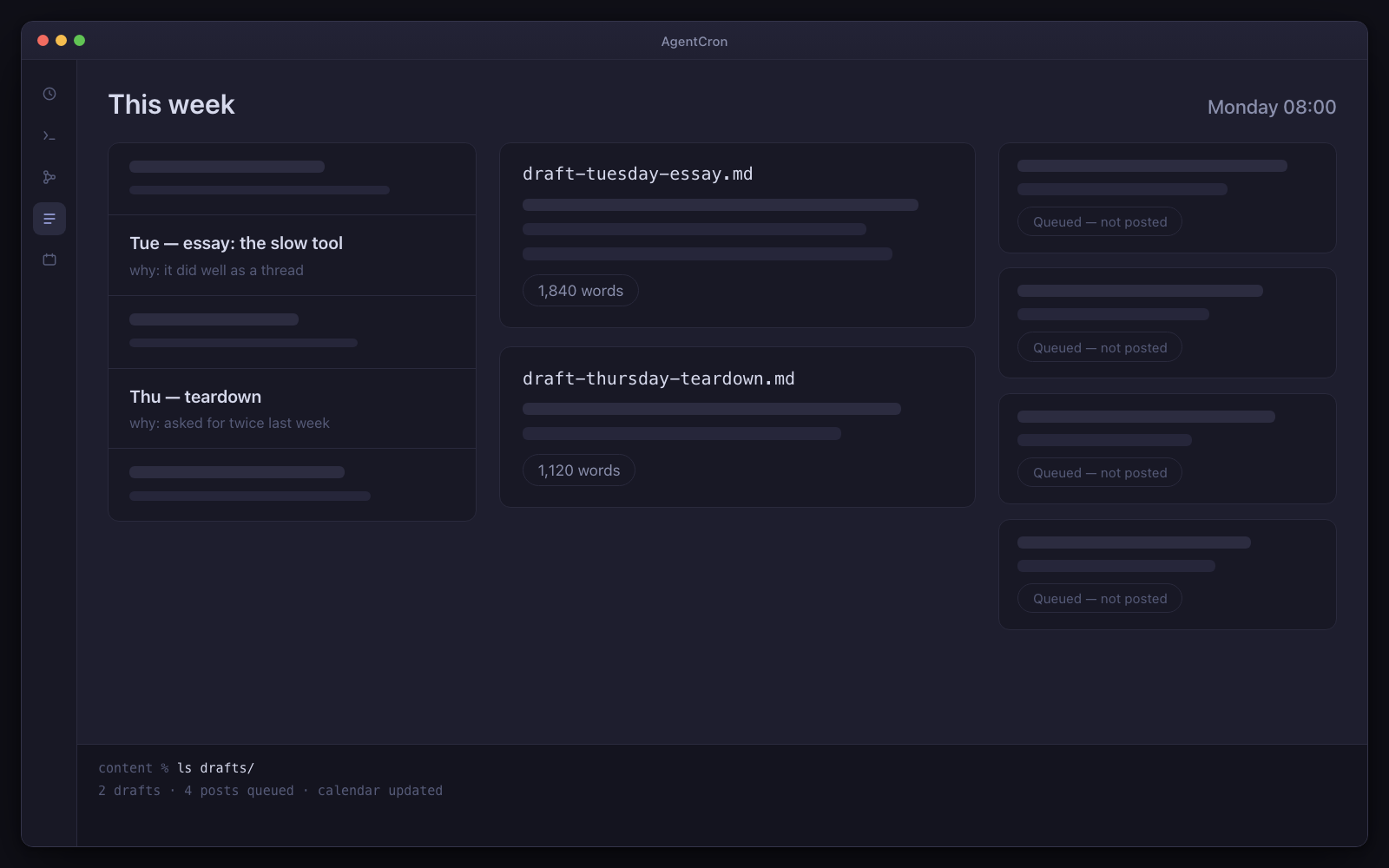
    Turn supplied research and existing material into outlines, scripts and a review calendar. Publication remains a human action; no social network or publishing account is bundled.

Before you schedule anything

Install and sign in to a supported CLI, choose a real project folder, and connect any external service the workflow explicitly needs. Run the task manually once with non-sensitive data before giving it a schedule. If your Mac is asleep, a scheduled run does not fire and missed runs are not replayed automatically.

Not released yet. It will need macOS 12.0 or later on Apple Silicon — and the download page says exactly what is still missing.