Your local agent workspace.

Less juggling. More building.

Schedule your agents. Review their work. Keep the decisions yours.

Free for one project. Pro is $89, once — no subscription and no server to fund.

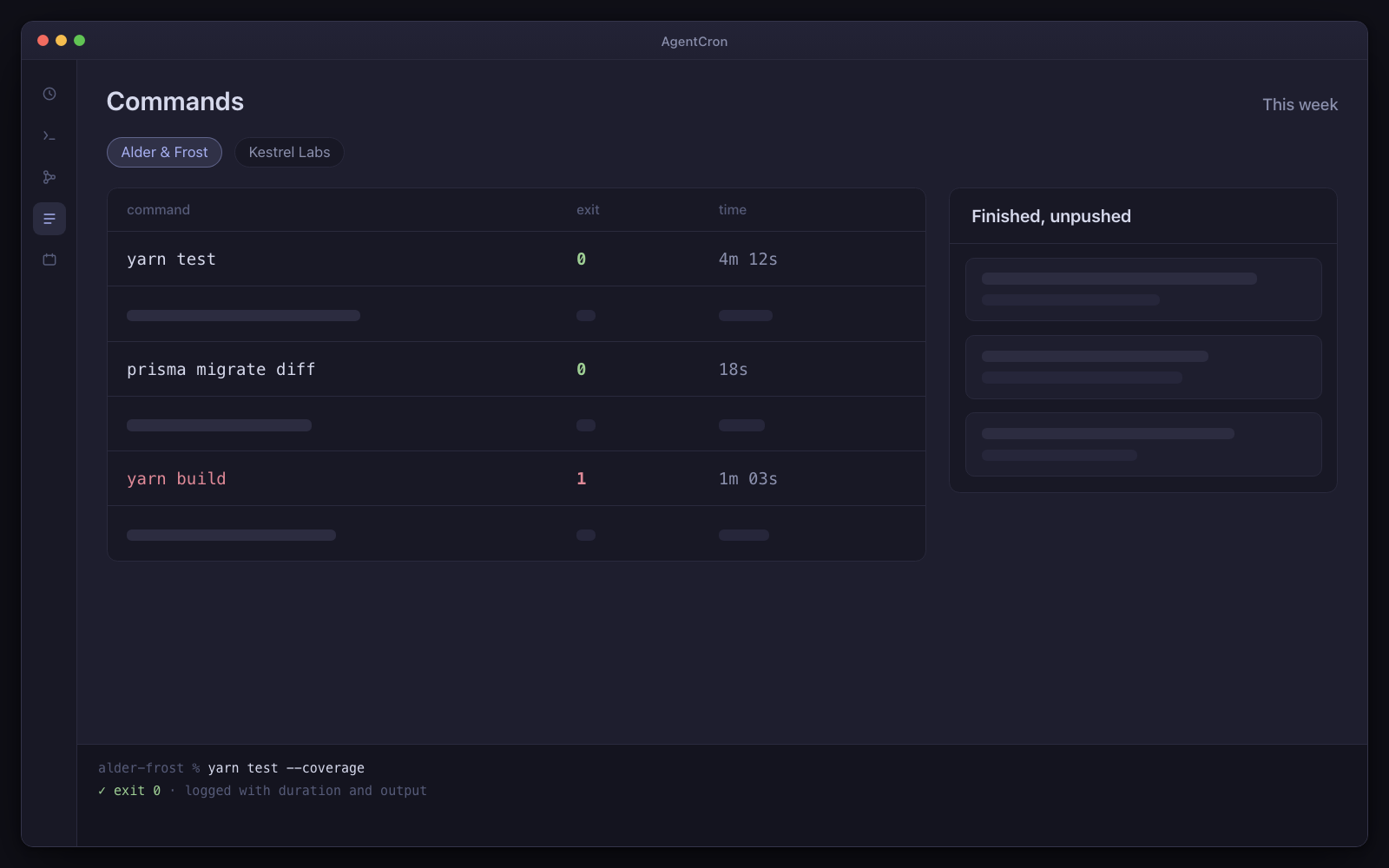
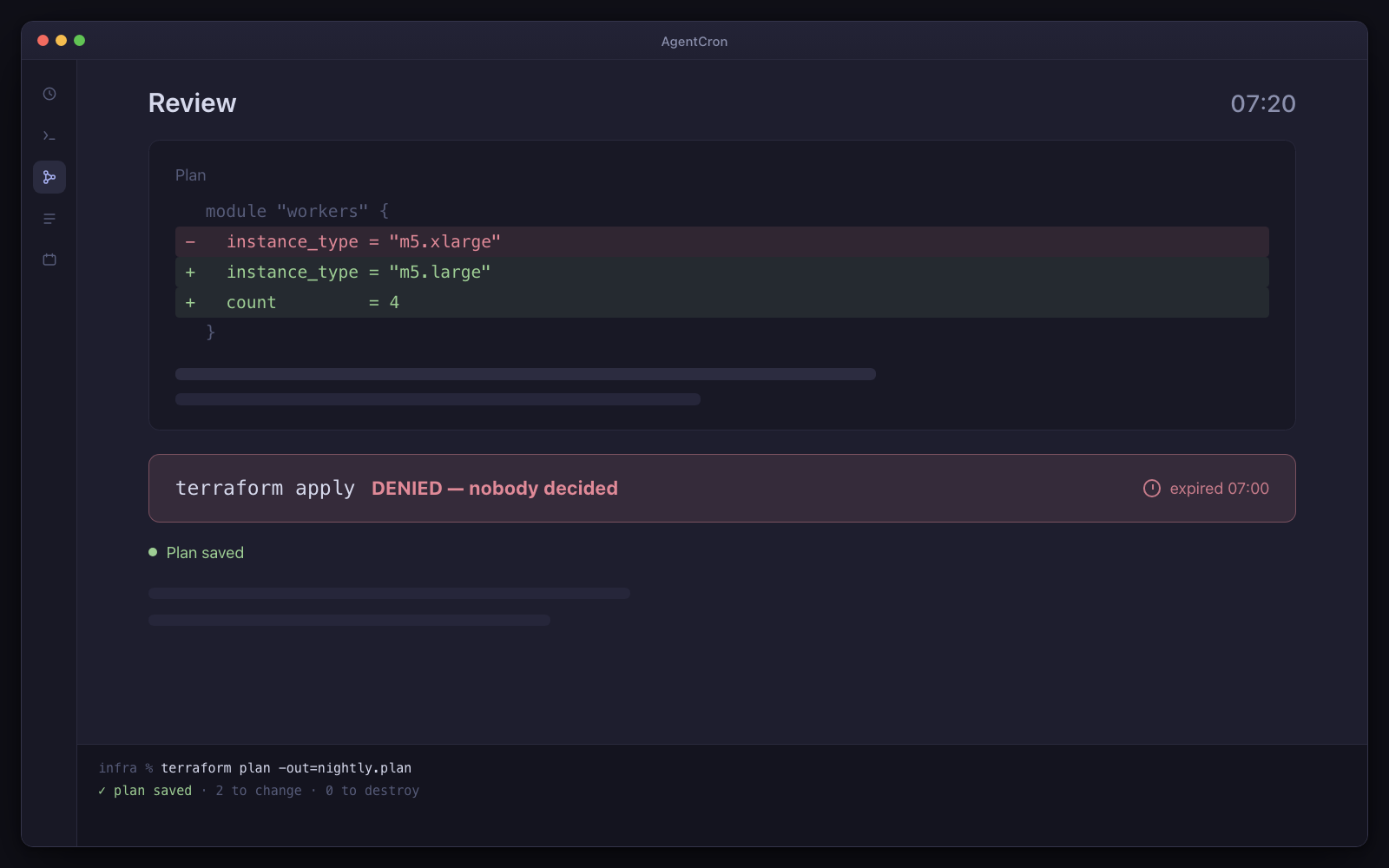
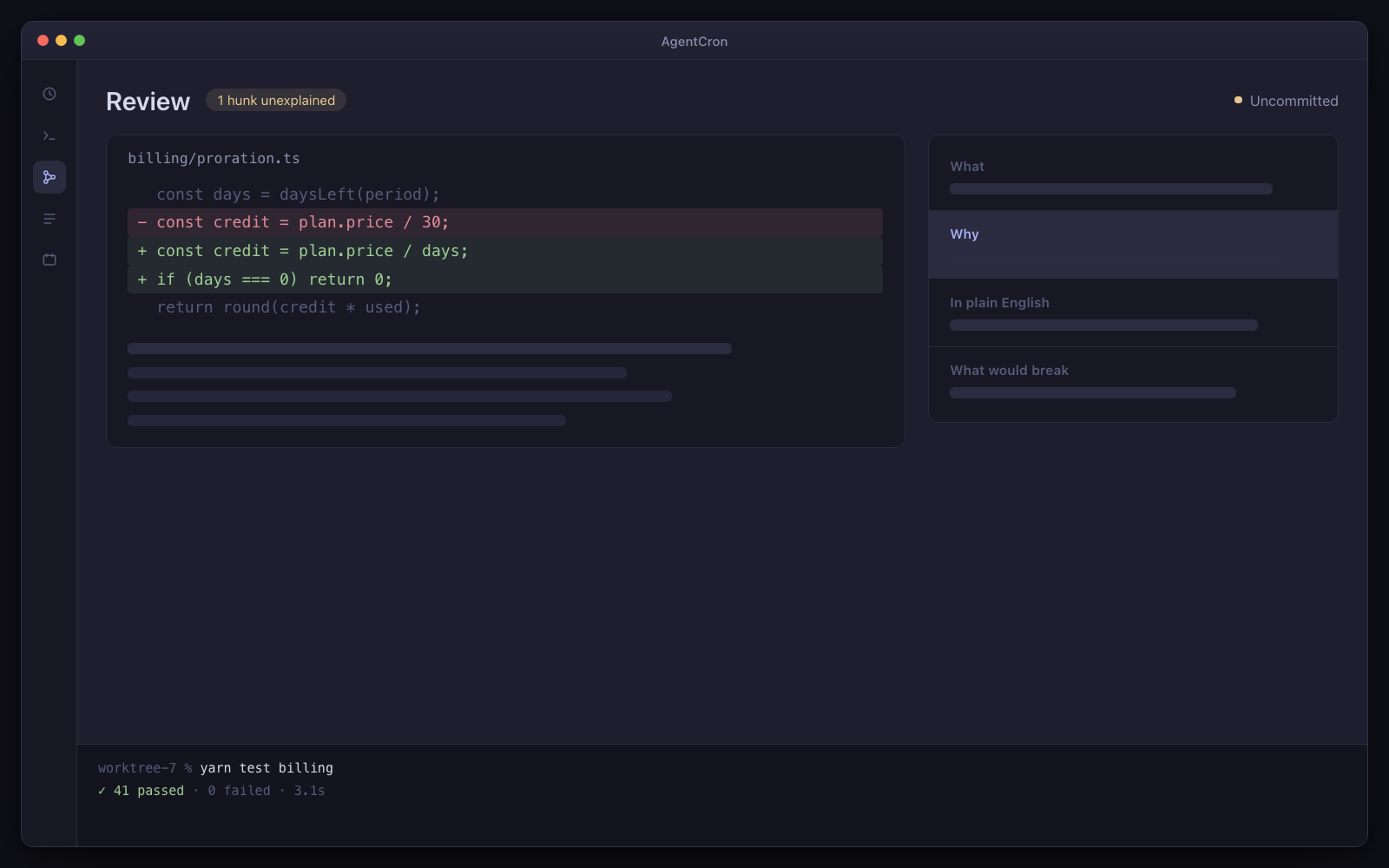
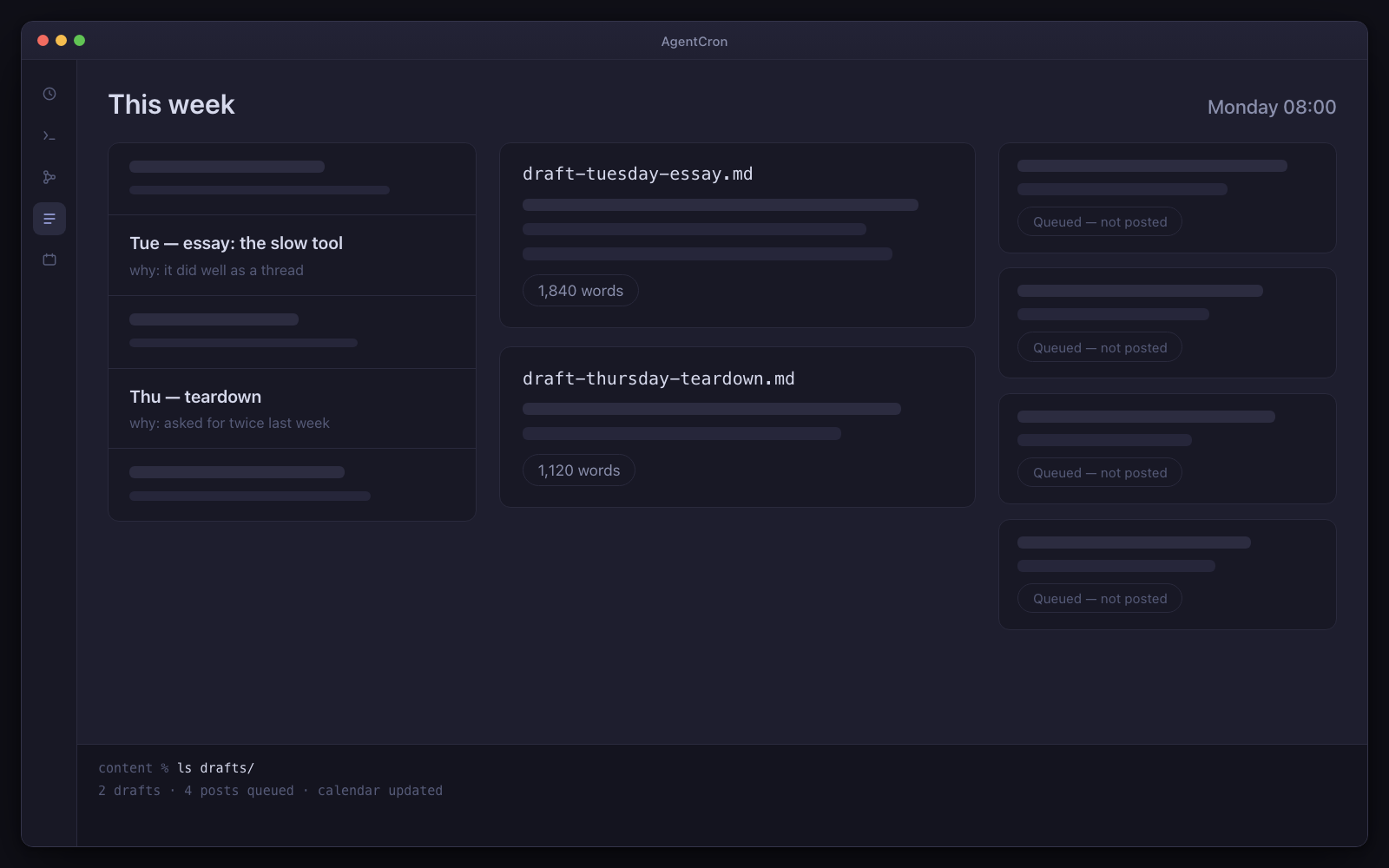
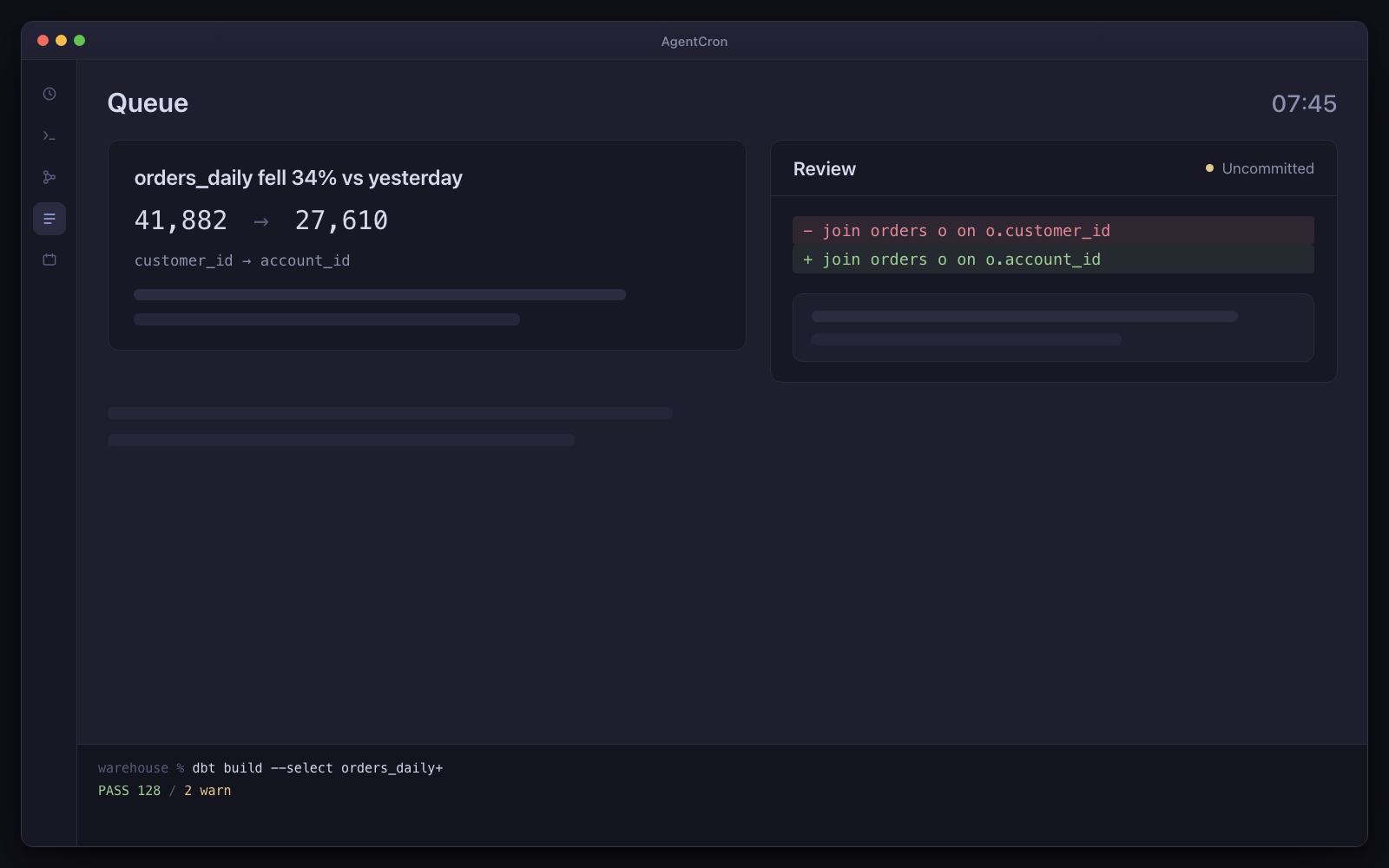
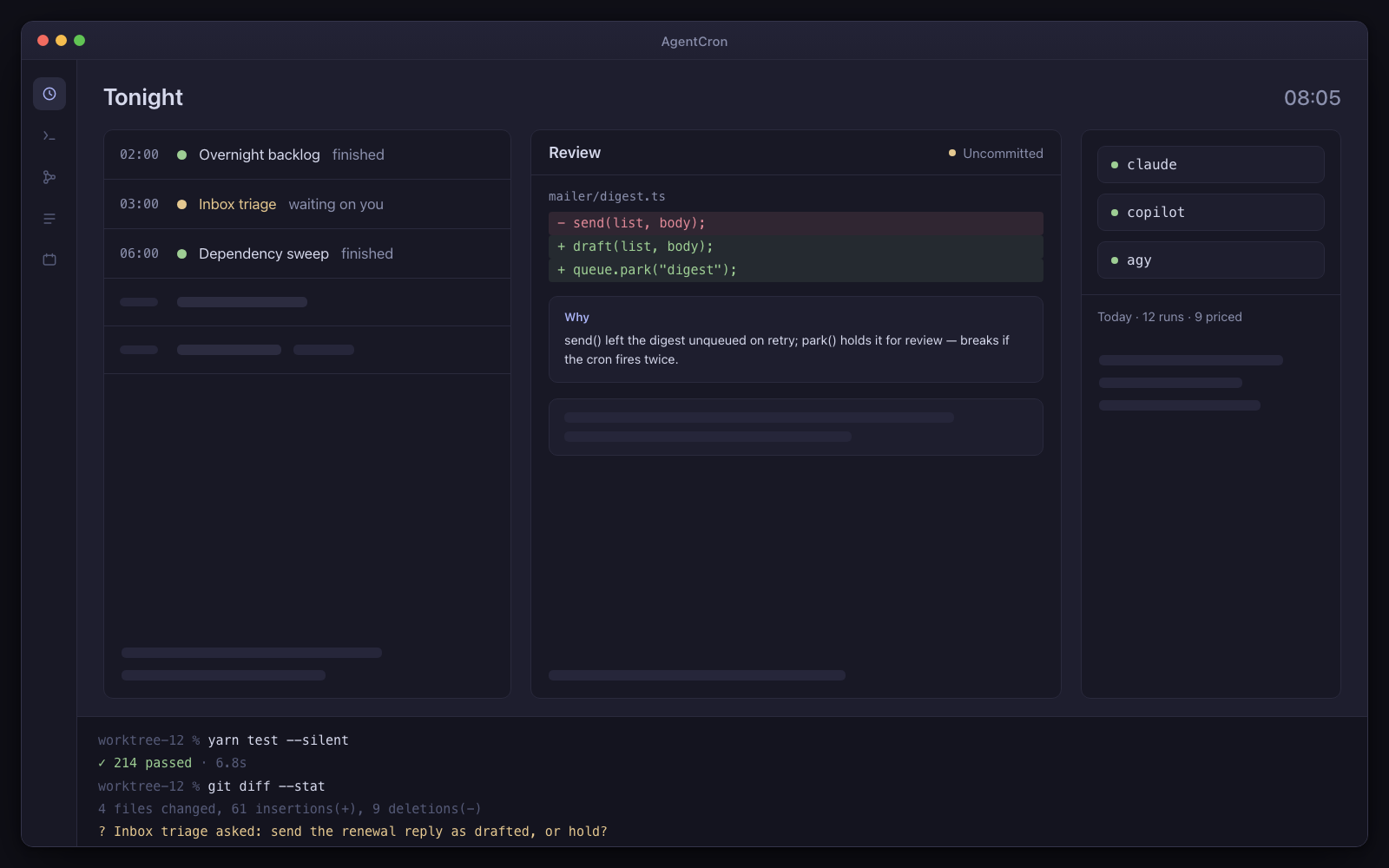
The AgentCron window: a schedule of five agents — two finished, one waiting on you — a review panel holding an uncommitted diff with its explanation card, pills for the three CLIs with a cost line under them, and a live terminal session along the bottom.
Illustration Your morning control room: scheduled runs, an uncommitted diff, and a question waiting for your decision.
  • You bring the CLIUse the agent subscription you already have. No AgentCron API key, account or token meter.
  • Human review is the destinationRuns return work and records for you to inspect. Where a workflow uses AgentCron's approval command, denial, timeout or an unreachable app all fail closed.
  • Runs locally, leaves receiptsYour schedules and app records stay on your Mac. Connected CLIs and services keep their own network and data policies.

Drives the agent CLIs you already pay for

  • Codex CLIcodex
  • Claude Codeclaude
  • GitHub Copilot CLIcopilot
  • Antigravityagy
  • Plain shellshell

You bring the CLI and its subscription. AgentCron schedules the run, keeps its output, and shows the command evidence that integration can capture.

What kind of work keeps returning?

Choose the closest role. Three audience packs are bundled; the other seven starting sets are assembled from the included picker templates. Every page says which is which.

Customer support lead

Every morning: the replies already written, and the three that genuinely need you.

Twenty to two hundred conversations a week and no helpdesk worth the name. An agent reads the queue before you do, writes the routine answers, and pulls you in only for the ones that actually need a person.

Not released yet. It will need macOS 12.0 or later on Apple Silicon — and the download page says exactly what is still missing.
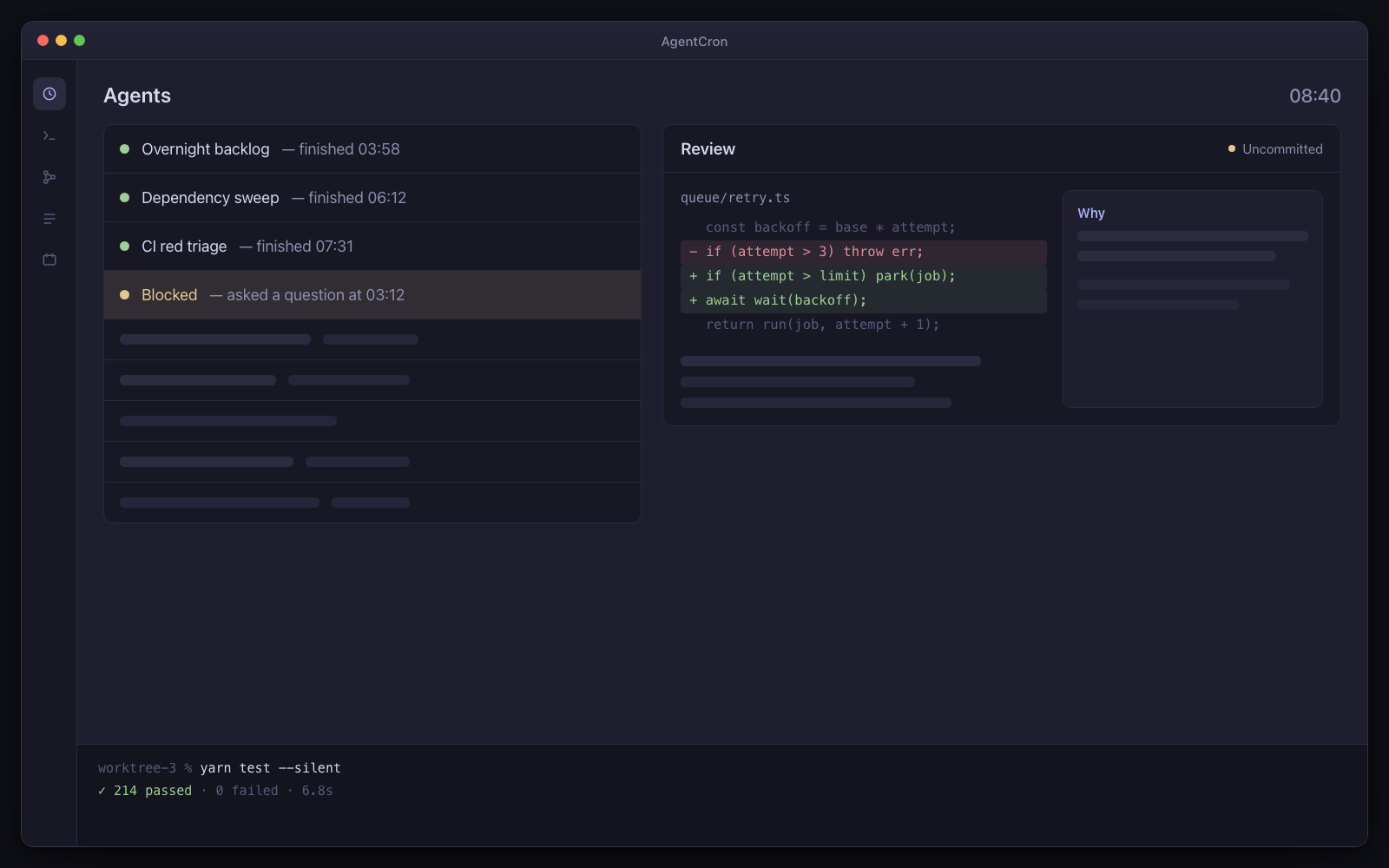
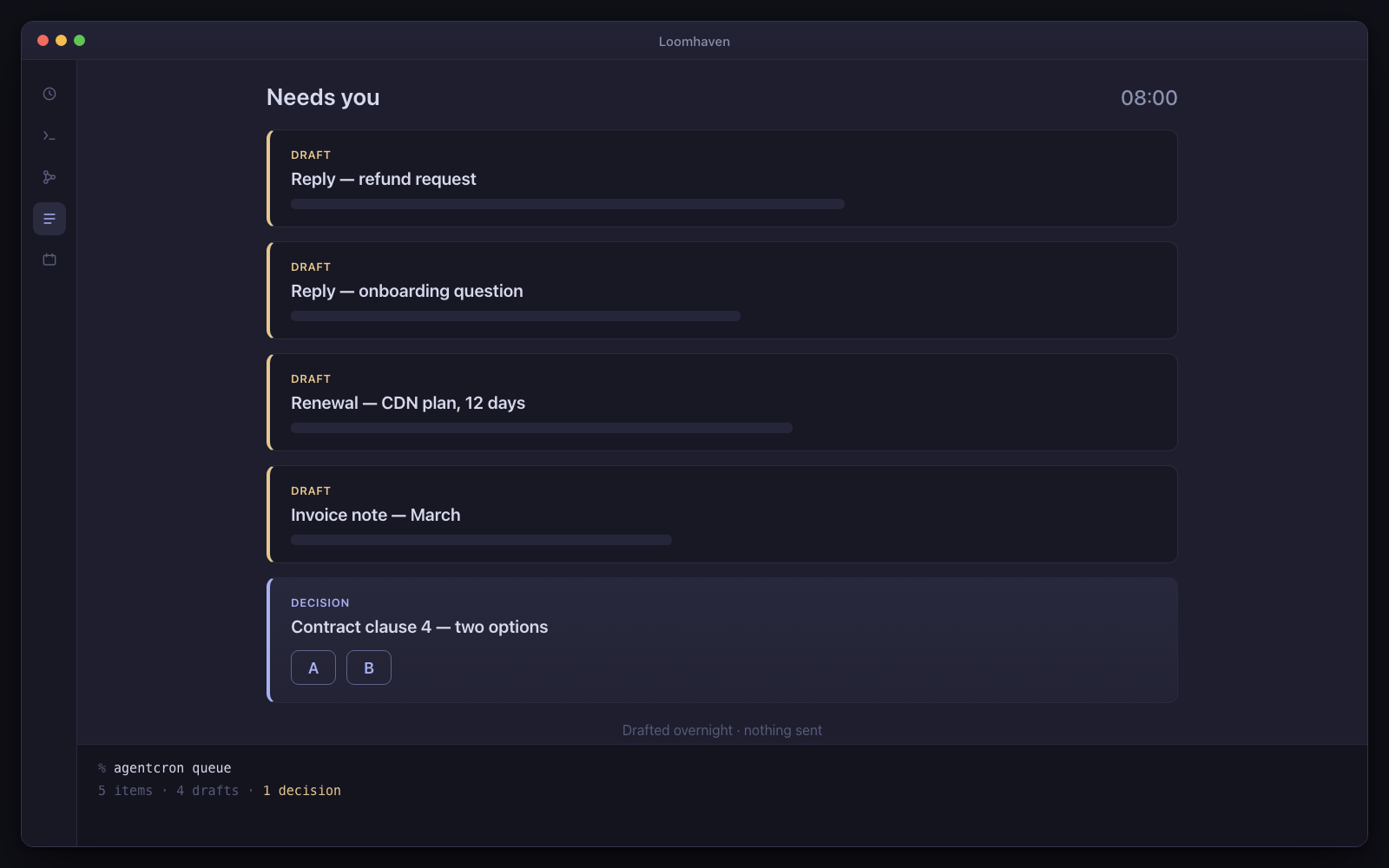
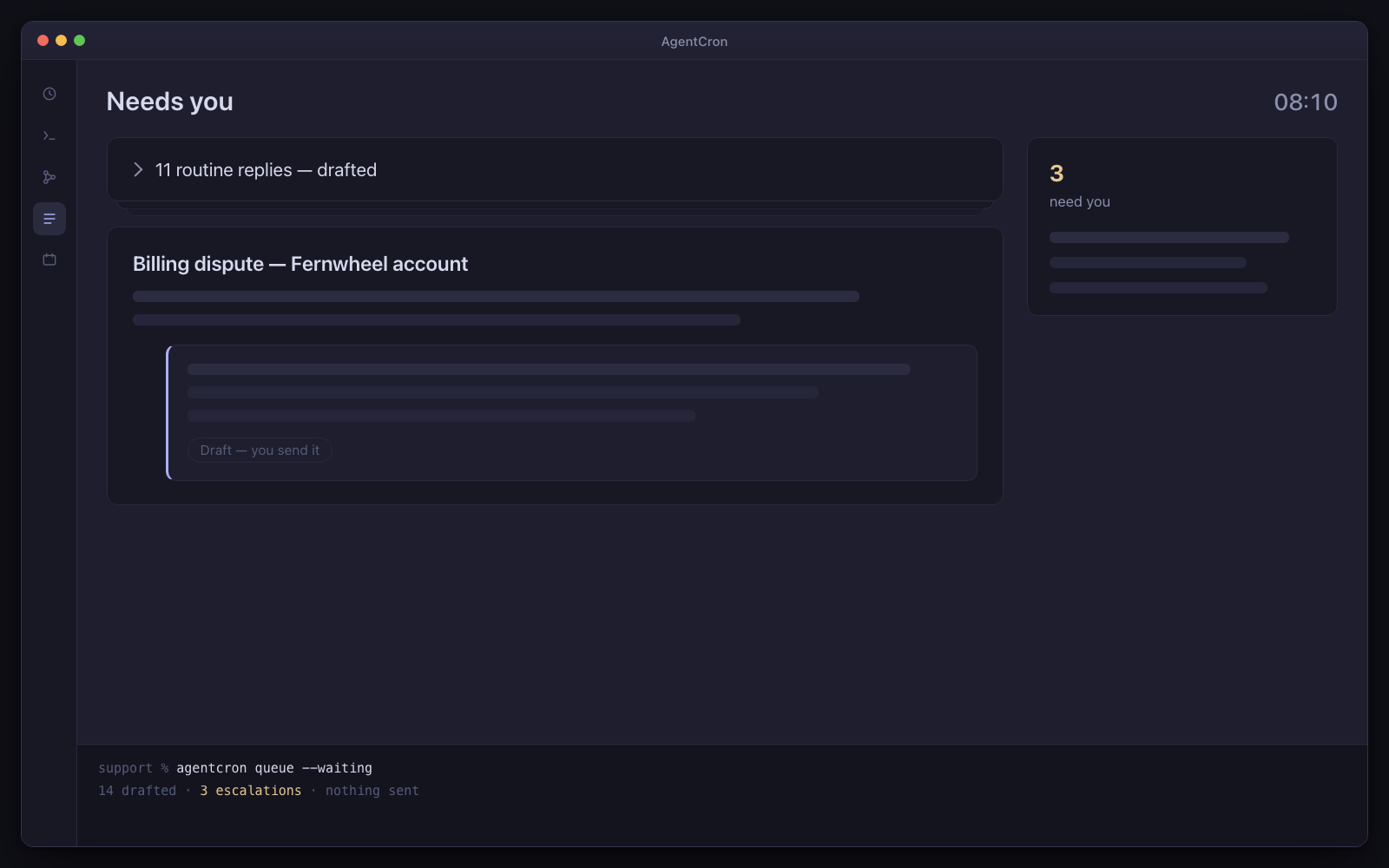
The Needs-you strip: eleven drafted replies collapsed into one line, and one escalation expanded with the drafted answer beneath it.
Illustration Eleven routine replies written overnight, collapsed into one line. One escalation, open, with its draft underneath.

The caveat, up front. The replies arrive written and you send them, so your name is on nothing you have not read. At ten conversations a day that is most of the work gone — at a hundred, do the arithmetic on this page first.

Day one: three agents, already written

  • Support triage

    Every 20 minutes, business hours

    Raw incoming support turned into a clean, prioritised queue with the routine answers already drafted.

  • Reply drafter

    Hourly through the day, or on demand

    The hard replies triage flagged — the ones needing a careful answer — written out in full.

  • Churn watch

    Weekday mornings at 8

    Accounts drifting toward cancellation surfaced early, while there is still time to act.

All three are ready-made prompts in the agent picker, switched off until you turn them on. Every agent arrives switched off, with a “Run once” button — nothing fires on its own.

What has to be true first

  • The support channel is an IMAP mailbox, or reachable over an MCP server you run

And the limits, in the same breath

  • macOS only. You bring, install and authenticate one of the supported agent CLIs shown above.
  • Schedules fire while your Mac is awake — AgentCron can hold it awake through a window you set (lid open) — and there is no daemon, no wake-from-sleep and no catch-up for a run that was missed.
  • AgentCron grants none of its own commit, push, send or pay paths by default. The launched CLI remains a real networked process, so separately configured CLI tools and project credentials keep their own risk.
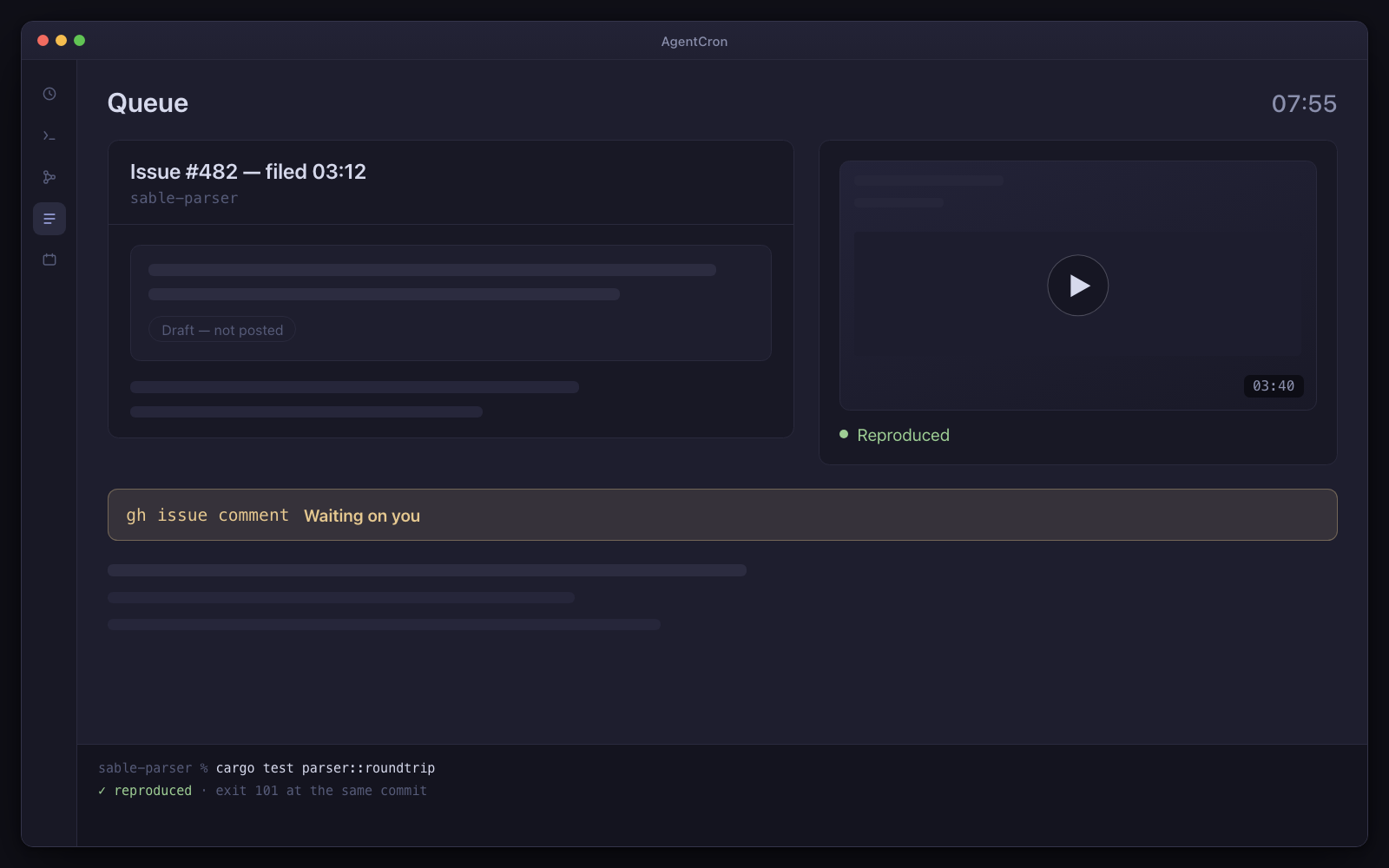
The expensive part was never the typing

Forty conversations arrive. Thirty-two of them are the same six questions you have answered before. Six need a real answer. Two need you specifically, today, before they turn into something worse.

Finding that out is the work. It means reading all forty, holding the account history for each one, and remembering what you told the last person who asked the same thing. By the time you know which two matter, the morning is gone.

Overnight, an agent does the reading. It sorts and prioritises the queue, writes the routine answers in your voice, and puts the escalations at the top with the drafted answer already underneath. You arrive to a decision list rather than an inbox.

It writes the replies. You send them.

There is no send verb available to an agent at all — not a setting, not a permission you could grant. The mail-sending code in the app is deliberately unreachable from an agent and is not one of the tools published to them.

That is the point rather than a boundary being worked around: nothing goes to a customer with your name on it that you did not read. It is the same guarantee the developer page makes about a main branch, and it is the stronger version of it — the code gate is a rule in a prompt, this one is structural.

So the loop is: read the draft, adjust the one sentence that needs your judgement, send. The reading and the remembering — the parts that took the morning — already happened.

Do the arithmetic — this fits some volumes and not others

Reading a written draft, deciding, and sending it costs you about twenty seconds.

At ten conversations a day, that is three minutes of sending against an hour of reading you no longer do. The trade is obvious.

At a hundred, thirty-three minutes of pure send loop is worse than triaging by hand, and you should point this at one slice of the queue — the renewals, the technical questions, the escalations — rather than at all of it.

The line is somewhere in between and it depends on your queue, not on ours. It is on this page rather than in a support thread because a tool that is right for some numbers and wrong for others should say which is which before you buy it.

The three agents, and what each one hands you

All three are ready-made prompts in the app, already written and already tuned. Read every word before you switch one on.

  • Support triage — the queue, sorted and drafted

    Every twenty minutes in business hours: raw incoming support turned into a clean, prioritised queue with the obvious answers already drafted. The useful output is not the drafts — it is the short list of conversations that need judgement, pulled out of the eleven that do not.

  • Reply drafter — the hard ones, answered properly

    Hourly on weekdays, it takes the conversations triage flagged as needing a careful answer and writes them deeply. Point its working directory at your product repo and the answers can cite the actual source or docs rather than guessing.

  • Churn watch — accounts drifting, while there is still time

    Weekday mornings, it looks for the accounts going quiet and files what it found.

    This one reads a usage or billing signal, which means an MCP server you already run. Nothing of that kind is bundled — no helpdesk, CRM or analytics integration ships with the app.

  • A run that fires when the right mail arrives

    Jobs can be triggered by mail matching a folder, a sender or a subject rather than only on a clock. For a support queue that is a genuine event trigger, and it is more natural here than a schedule.

  • Read-only mail, with the password in the Keychain

    An agent lists and reads a mailbox over IMAP to triage it. Nothing leaves your Mac except the connection to your own mail server, and there is no AgentCron backend for it to go to.

  • It escalates instead of guessing

    When an agent hits a conversation it cannot answer without a decision from you, it can ask — with options — and block until you reply, in the app or from your phone. A held reply beats a confidently wrong one.

Fair questions

Will the drafts sound like me, or like a robot?

They sound like whatever you give them to work from. The prompt is yours to edit, and the realistic first week is: run it, read the drafts, and put the three corrections you keep making into the prompt.

The agents are also told to take a position rather than hedge — no let me know how you would like to proceed in place of an answer. A draft that says nothing is worse than no draft, because you still have to write the reply and now you have read two.

Does it connect to my helpdesk?

Nothing of that kind is bundled or endorsed — no Zendesk, no Intercom, no Front, no CRM. The supported channel is an IMAP mailbox. If you already run an MCP server for your helpdesk, agents can call it through the bridge, but you find it, run it and pay for it, and it has not been tested here.

Which agent CLI does this use?

Whichever you already pay for. Claude Code, GitHub Copilot CLI and agy (Antigravity) are all supported, each launched with the right flags for an unattended run. AgentCron ships no model and no subscription of its own.

What happens overnight if my Mac is asleep?

Nothing fires, and there is no catch-up when it wakes. The scheduler runs inside the app. In practice that means the 6am triage happens if your Mac is awake at 6am — worth deciding now whether most mornings is good enough for your queue.

Not released yet. It will need macOS 12.0 or later on Apple Silicon — and the download page says exactly what is still missing.