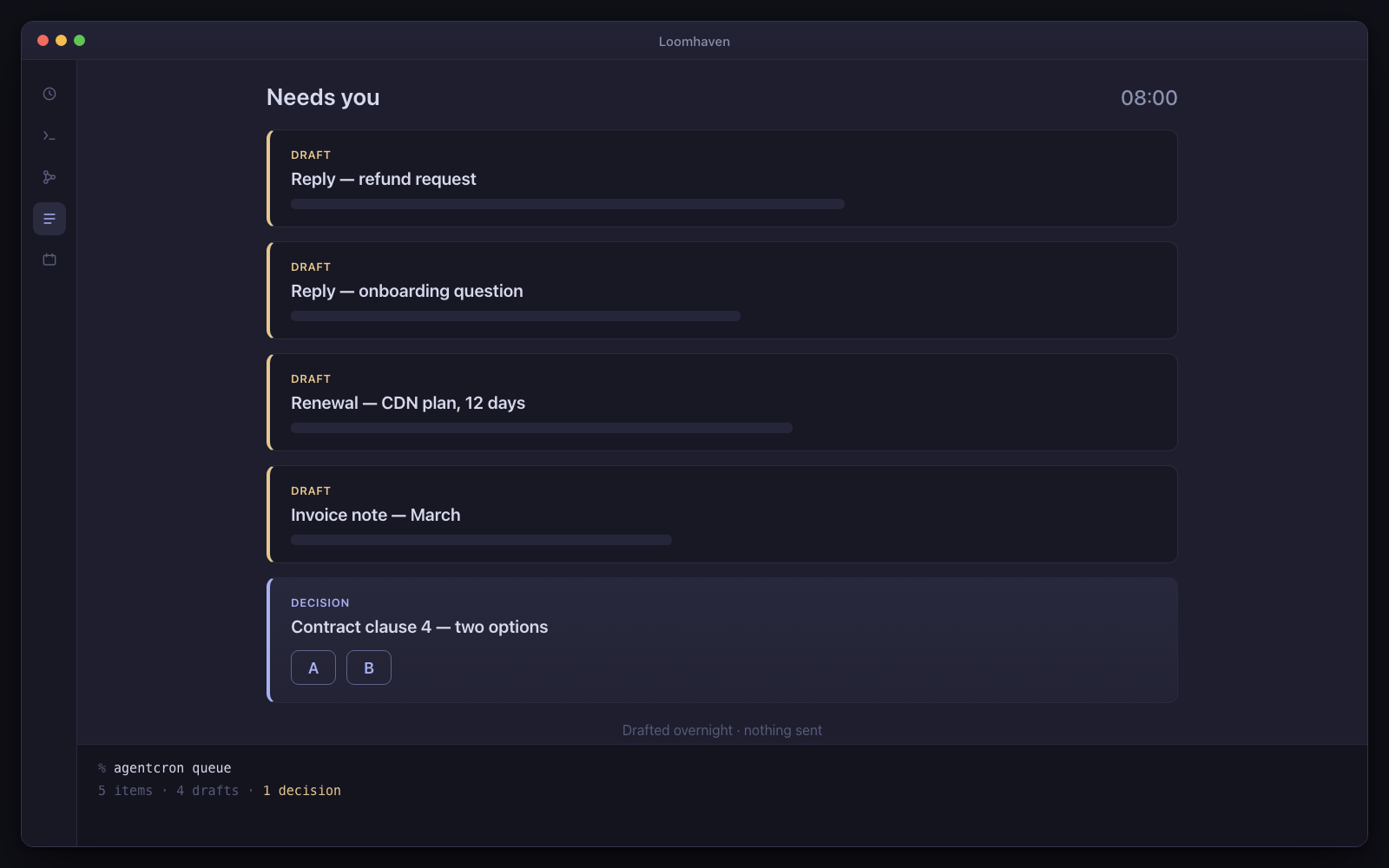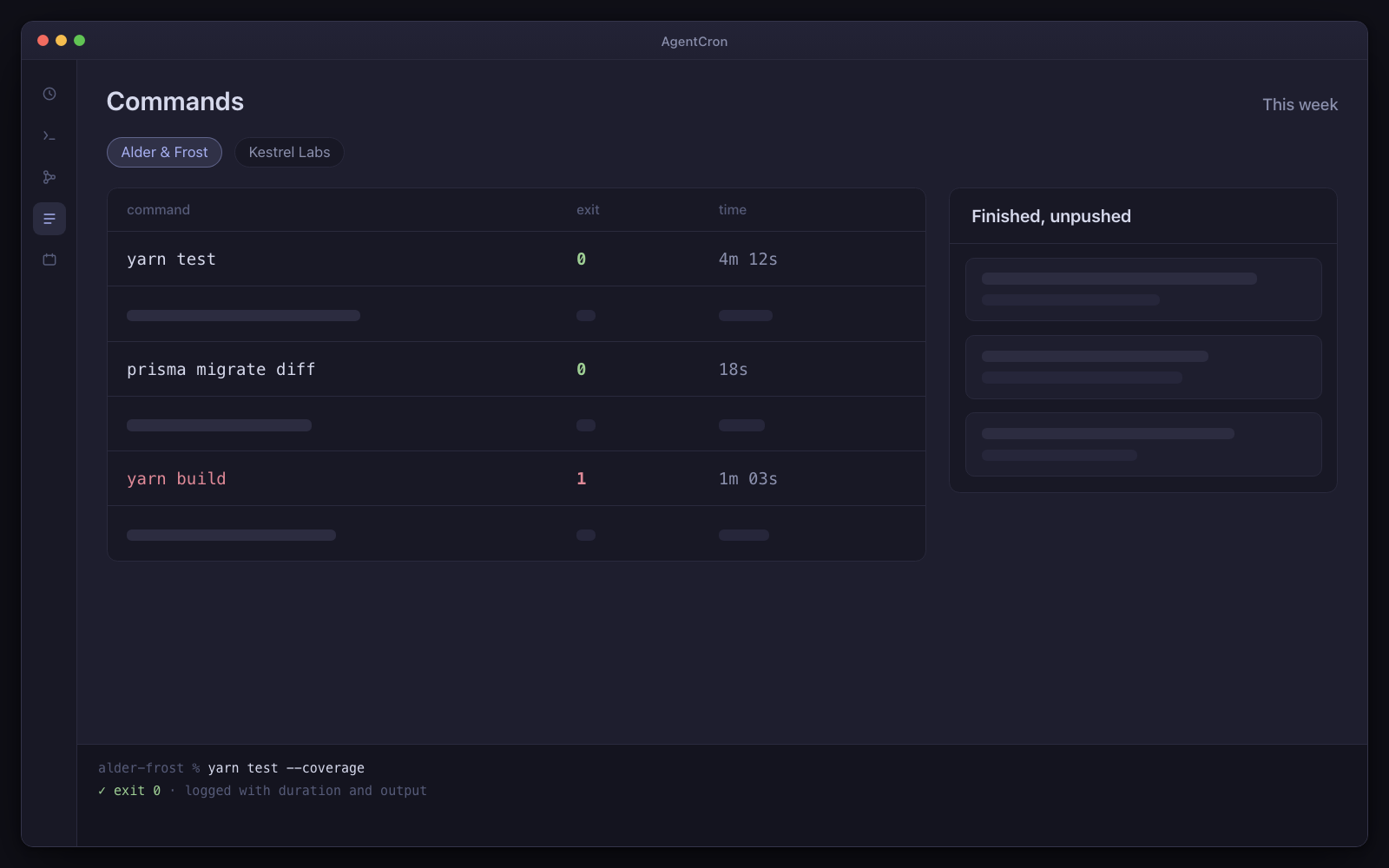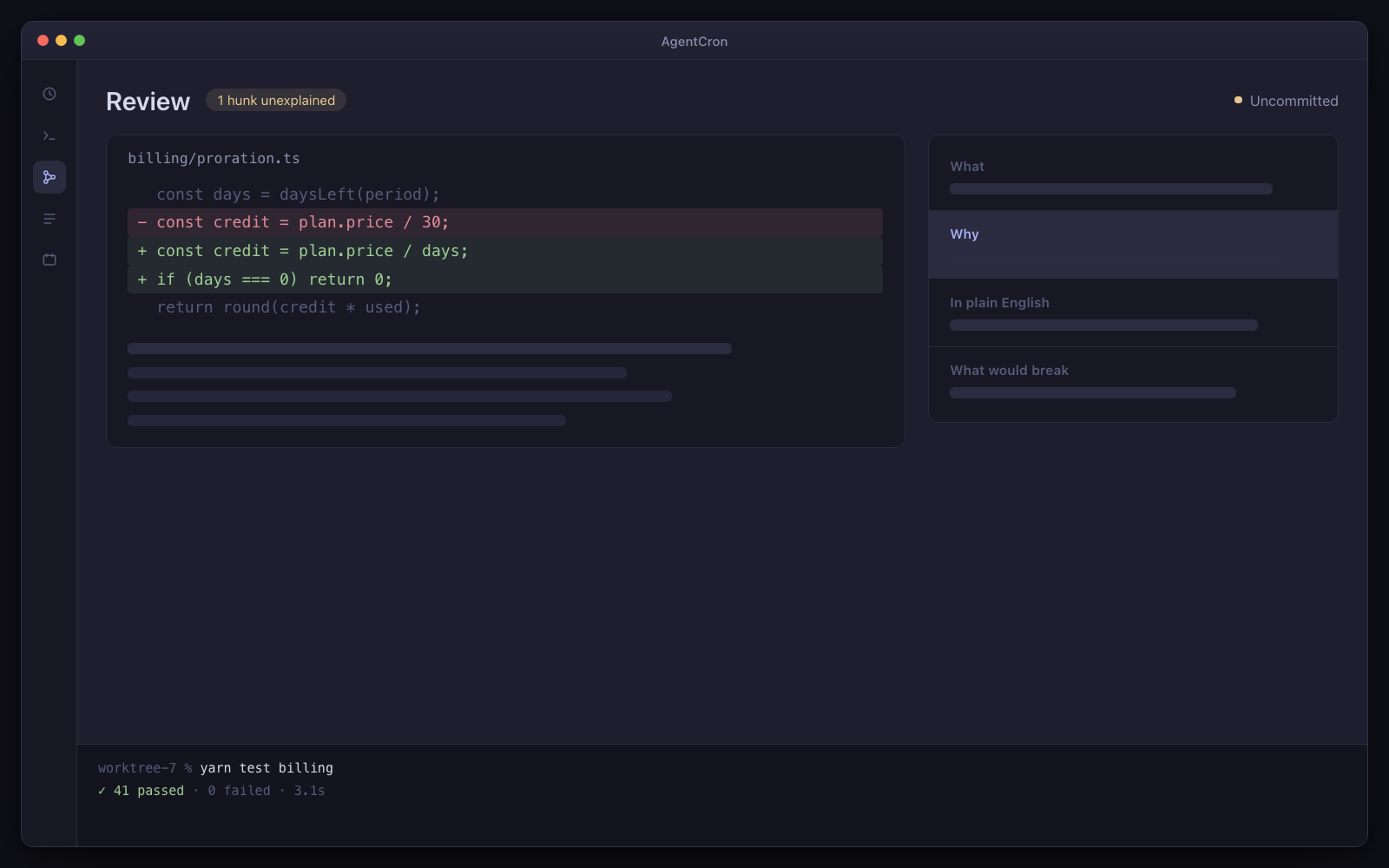
Your local agent workspace.

Less juggling. More building.

Schedule your agents. Review their work. Keep the decisions yours.

Free for one project. Pro is $89, once — no subscription and no server to fund.

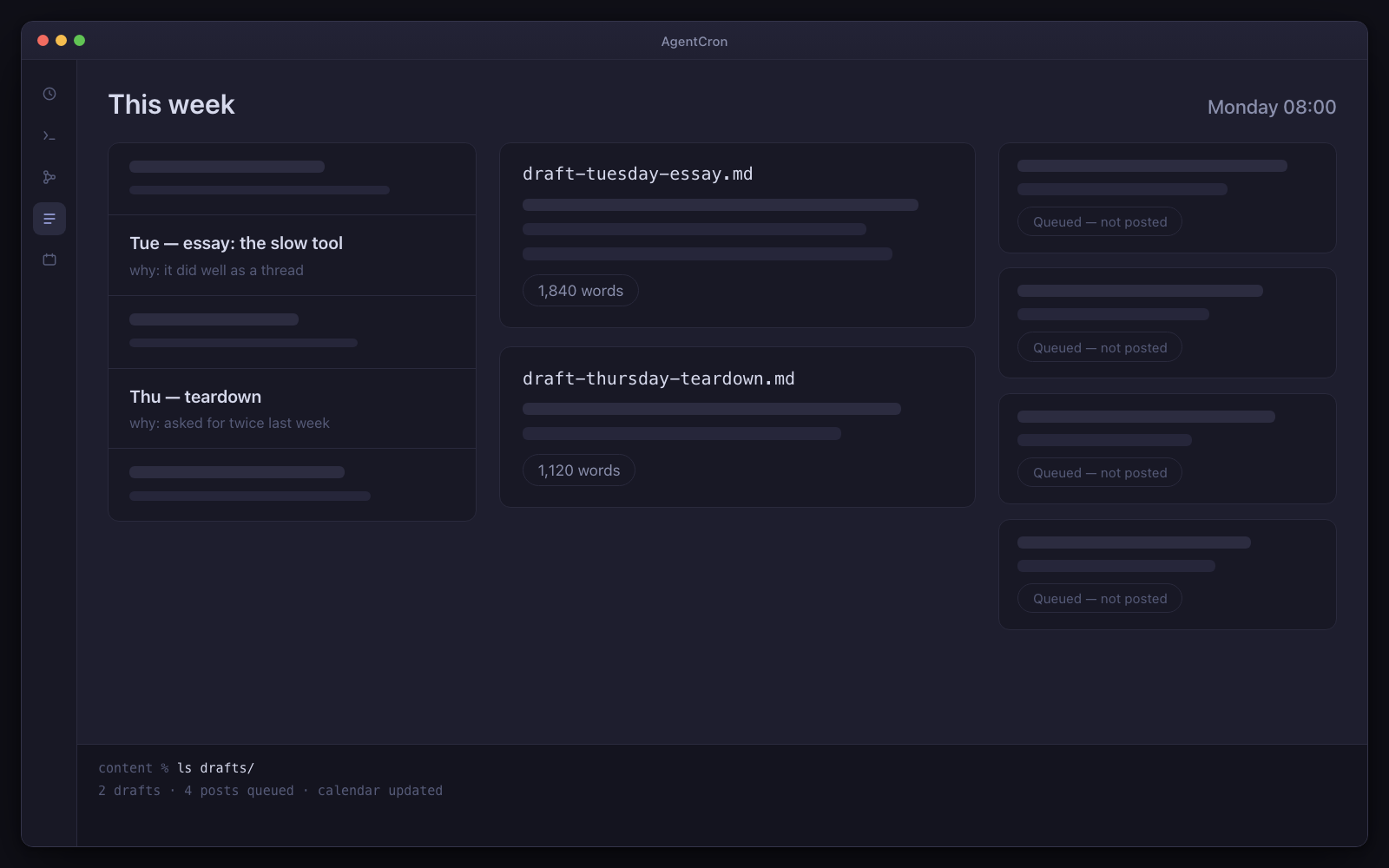
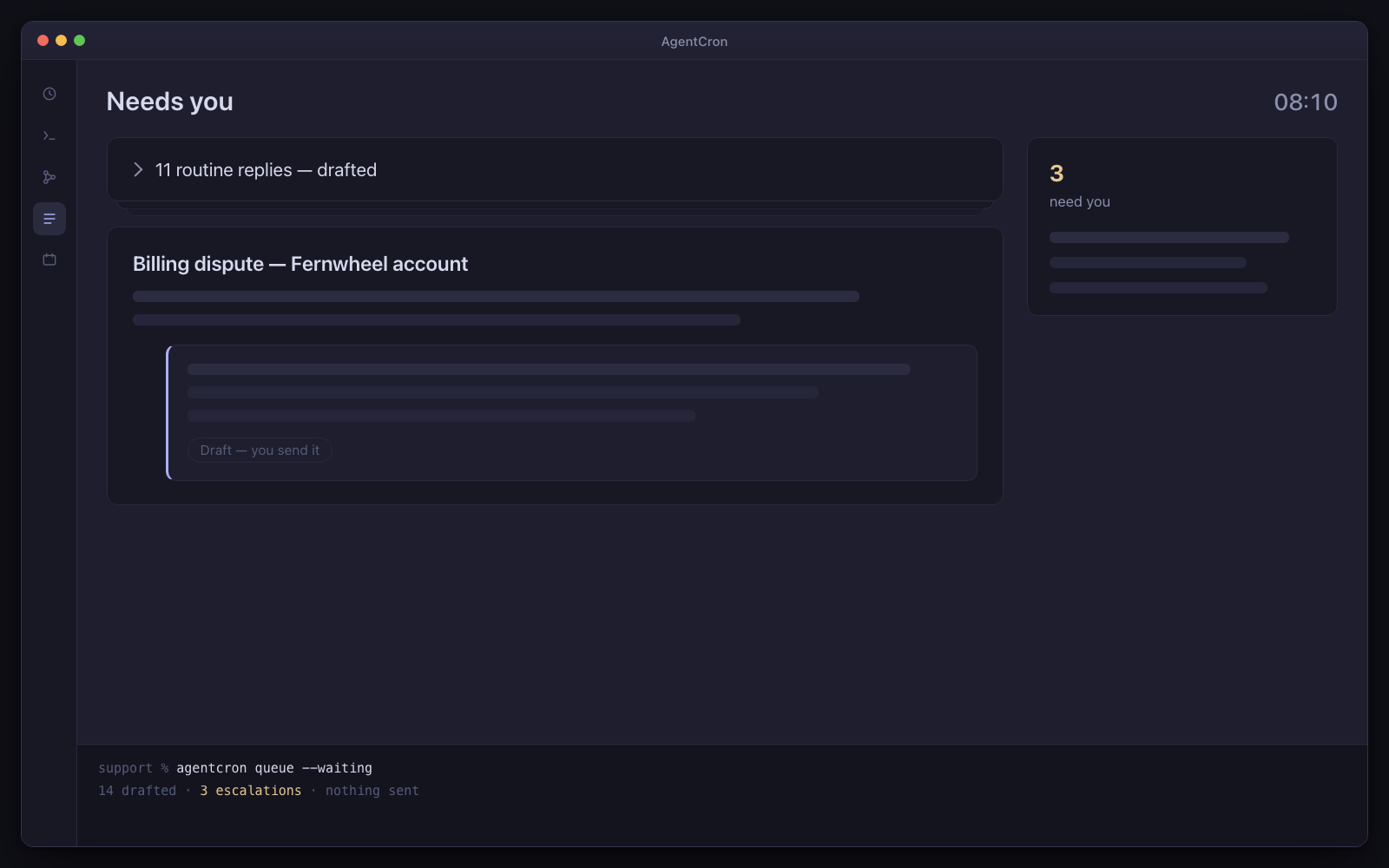
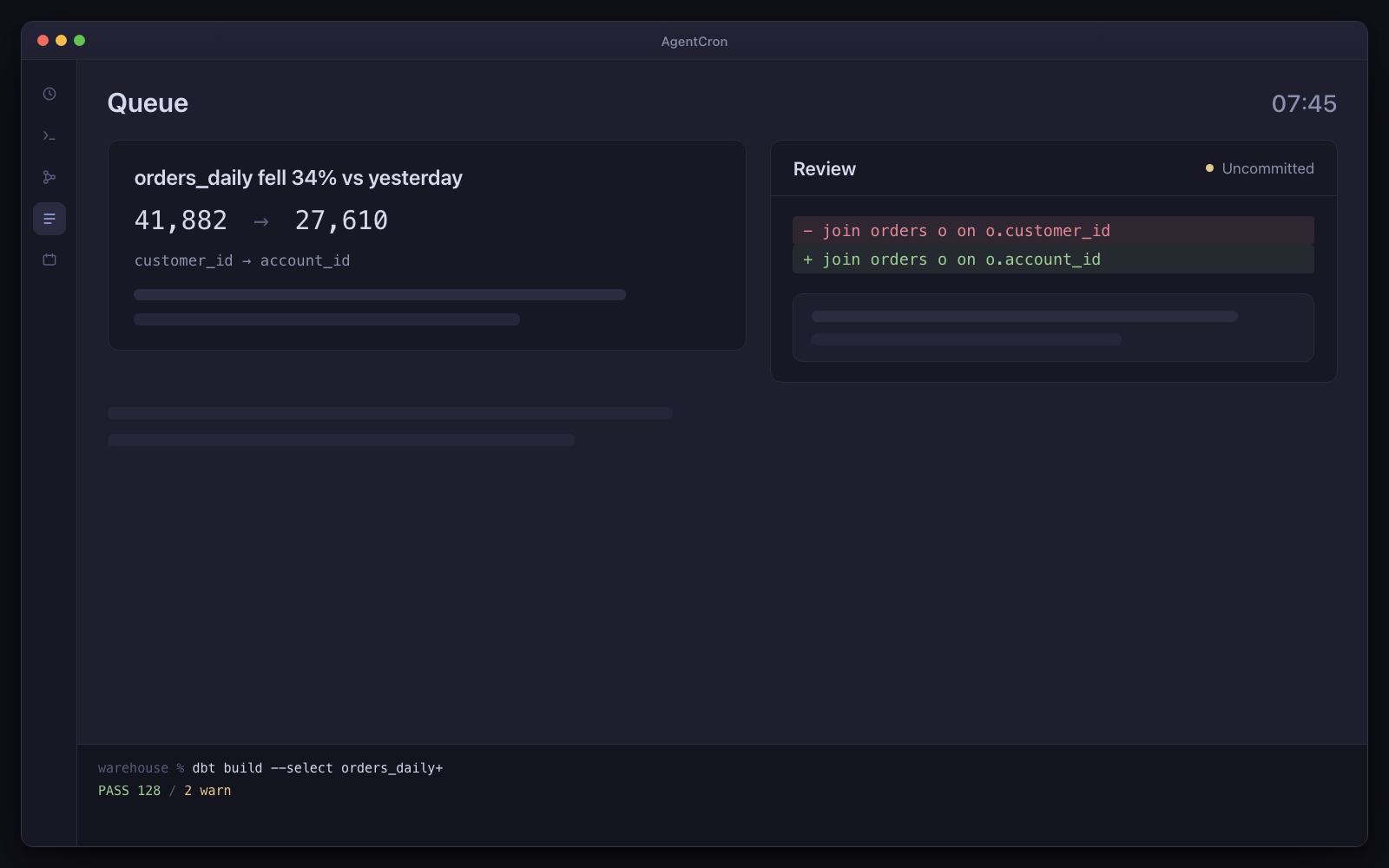
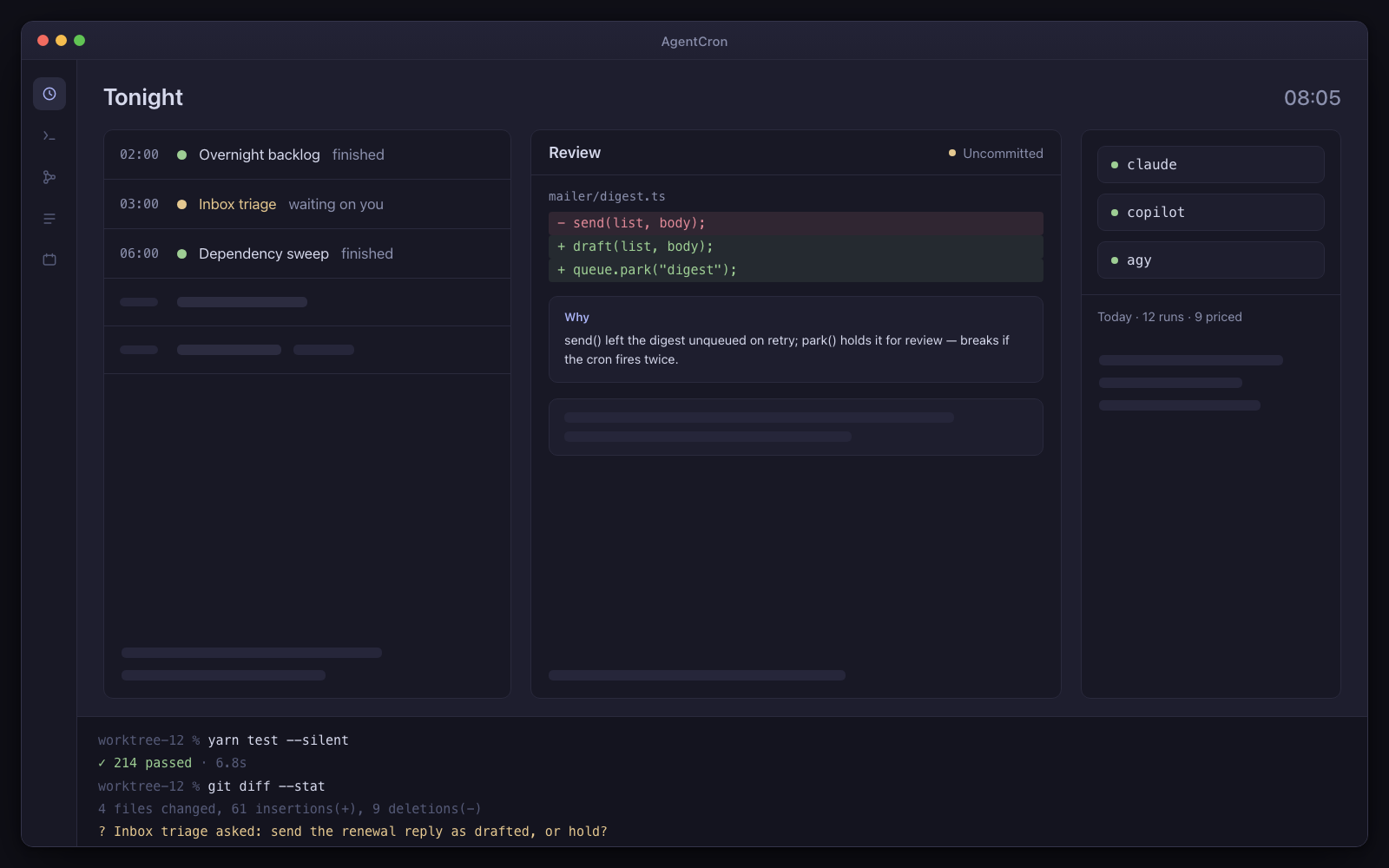
The AgentCron window: a schedule of five agents — two finished, one waiting on you — a review panel holding an uncommitted diff with its explanation card, pills for the three CLIs with a cost line under them, and a live terminal session along the bottom.
Illustration Your morning control room: scheduled runs, an uncommitted diff, and a question waiting for your decision.
  • You bring the CLIUse the agent subscription you already have. No AgentCron API key, account or token meter.
  • Human review is the destinationRuns return work and records for you to inspect. Where a workflow uses AgentCron's approval command, denial, timeout or an unreachable app all fail closed.
  • Runs locally, leaves receiptsYour schedules and app records stay on your Mac. Connected CLIs and services keep their own network and data policies.

Drives the agent CLIs you already pay for

  • Codex CLIcodex
  • Claude Codeclaude
  • GitHub Copilot CLIcopilot
  • Antigravityagy
  • Plain shellshell

You bring the CLI and its subscription. AgentCron schedules the run, keeps its output, and shows the command evidence that integration can capture.

What kind of work keeps returning?

Choose the closest role. Three audience packs are bundled; the other seven starting sets are assembled from the included picker templates. Every page says which is which.

DevOps / platform

The infra chores you keep deferring, done overnight — as a plan you approve, never an apply.

Drift, dependency bumps, certificate rotations, log noise. None of it is urgent, all of it is real, and it never becomes anyone's priority. This does the work and stops at the point where a human has to say yes.

Not released yet. It will need macOS 12.0 or later on Apple Silicon — and the download page says exactly what is still missing.
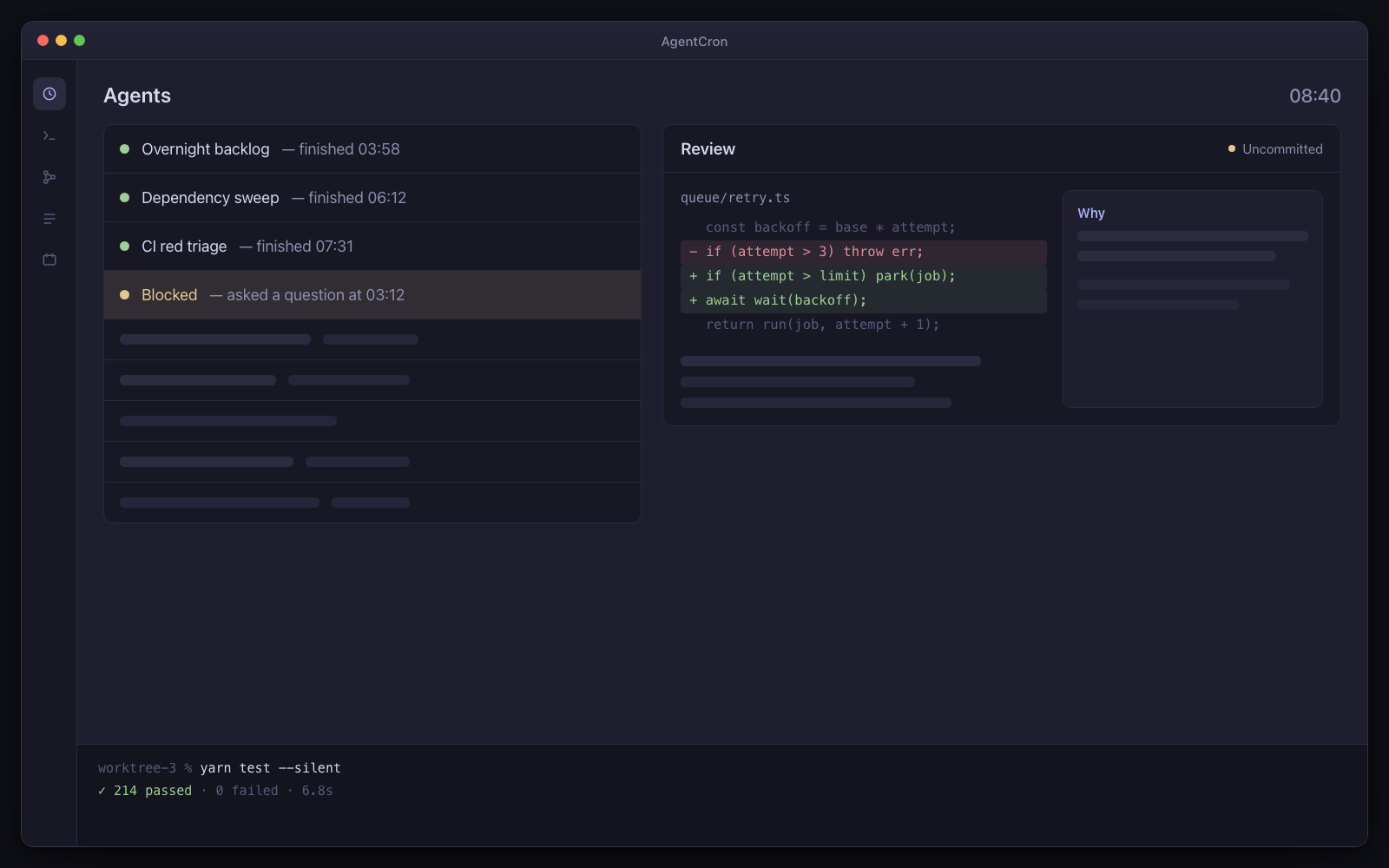
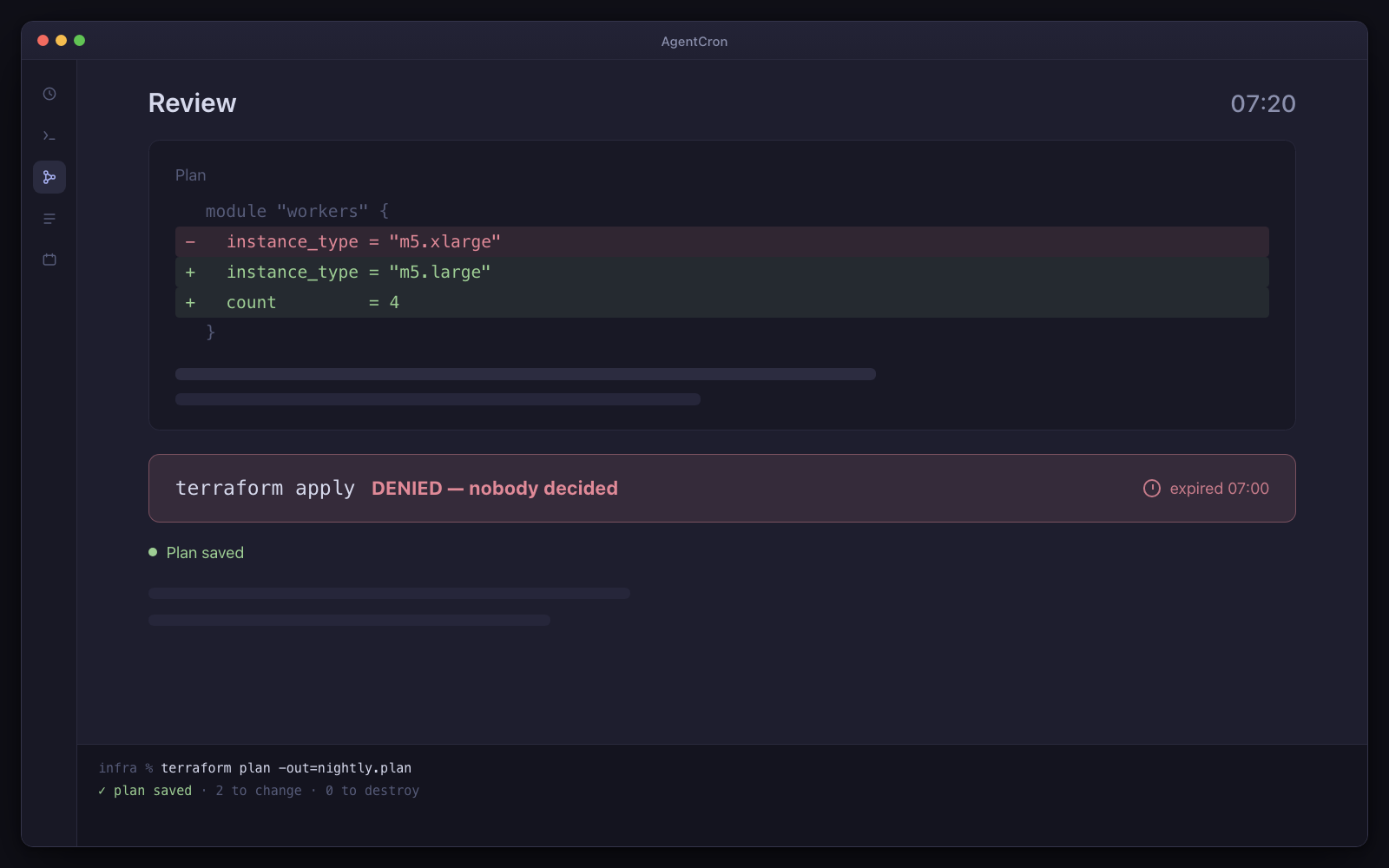
A terraform plan diff in the review screen, with the apply visibly blocked behind an approval gate marked denied because nobody decided.
Illustration The plan is ready to read. The apply is blocked, and it expired because nobody decided — which is the correct outcome, not a failure.

The caveat, up front. Chores, not monitoring. The work happens overnight and stops at a plan you approve — it pages nobody, and it fires nothing while your Mac is asleep.

Day one: three agents, already written

  • Dependency sweep

    Mondays at 6am

    Every Monday, patch and minor upgrades applied and tested in a worktree, with the risky majors listed separately and untouched.

  • Security audit

    Sundays at 3am

    The issues that pile up quietly — CVEs, exposed secrets, dependency advisories — reported against how your project actually uses the package rather than merely what is in the tree.

  • Renewal reminder

    Every morning at 8

    Certificates, domains, licences and contracts that expire when nobody is looking, filed with the source attached.

One comes from the developer pack; the other two are ready-made prompts in the agent picker. Every one of them stops at a plan. Every agent arrives switched off, with a “Run once” button — nothing fires on its own.

What has to be true first

  • You accept that AgentCron is not a monitor and never pages anyone
  • Your tooling is reachable from a shell on your Mac, or over an MCP server you run

And the limits, in the same breath

  • macOS only. You bring, install and authenticate one of the supported agent CLIs shown above.
  • Schedules fire while your Mac is awake — AgentCron can hold it awake through a window you set (lid open) — and there is no daemon, no wake-from-sleep and no catch-up for a run that was missed.
  • AgentCron grants none of its own commit, push, send or pay paths by default. The launched CLI remains a real networked process, so separately configured CLI tools and project credentials keep their own risk.
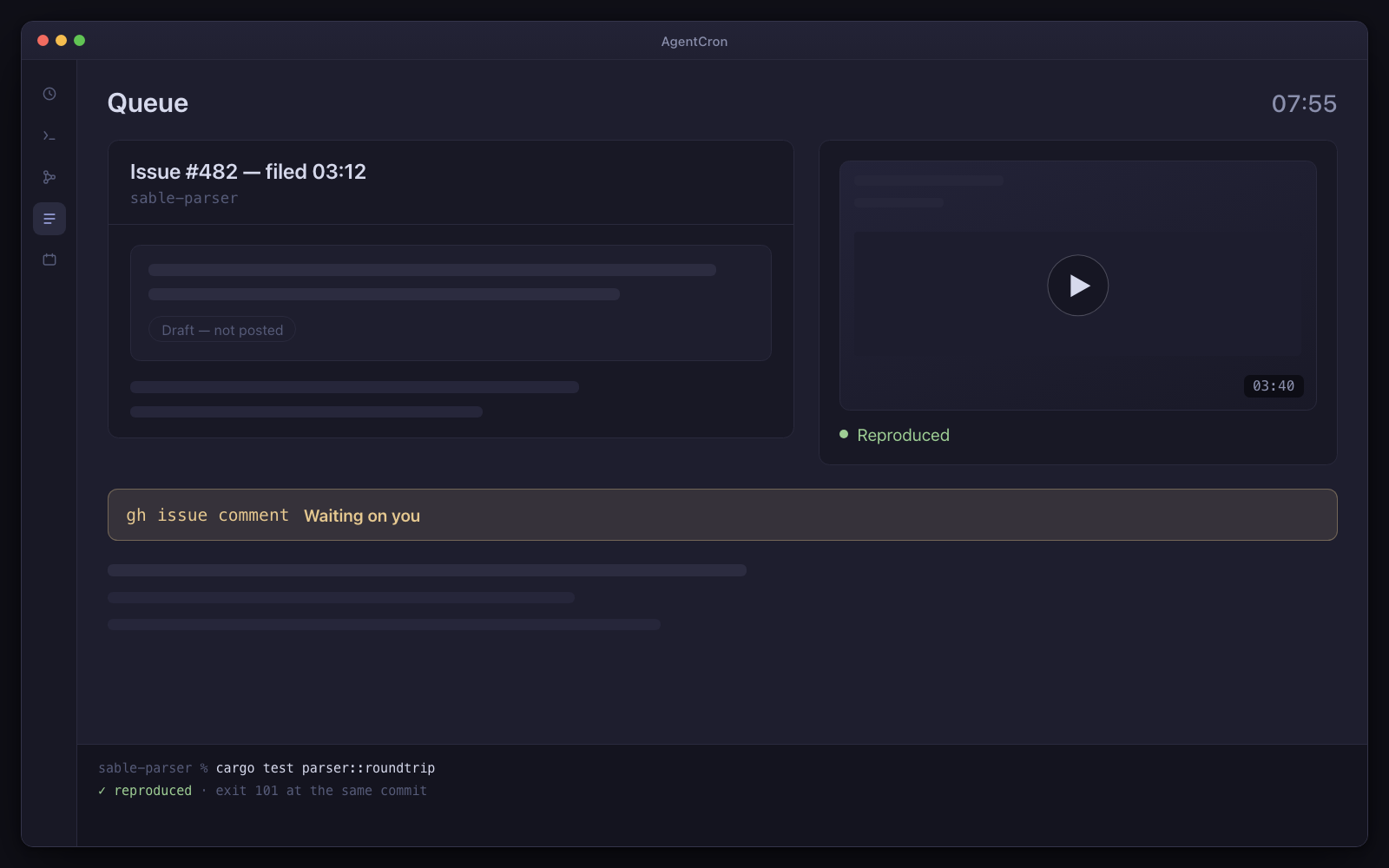
Read this before anything else: this is not monitoring

The scheduler runs inside a desktop app on your Mac. A sleeping laptop fires nothing, and there is no catch-up for a run that was missed. There is no daemon, nothing keeps the machine awake, and nothing ever pages anybody.

So: do not point this at anything where being late is a failure. Keep your existing observability stack exactly as it is. What this is for is the pile of work that has been sitting in a report nobody opens — where most days, in the morning is a completely acceptable cadence, and where the thing that was missing was never detection but somebody with time to do the work.

A plan you read, not a change you discover

The reason people do not automate infrastructure chores is not that the work is hard. It is that automation which applies is a thing you have to trust completely, and nobody trusts an agent completely — correctly.

So the arrangement here is the one you would actually accept: the agent does all the work, in its own workspace, and produces the diff. The step that changes something real is a gate that blocks the agent's process until you approve that exact action, with the exact command in front of you. A timeout means no. An unreachable app means no. Denial means no, and the agent is told not to look for another way to do it.

The result is that the boring 90% happens overnight, and the 10% that needs judgement is waiting for you as a decision rather than as a task.

What it can actually reach

Being precise here matters, because this is the persona most likely to assume integrations that do not exist.

  • Whatever your shell can reach

    The agent runs on your Mac with your environment, your credentials and your network access. If you can do it from a terminal — a plan, an audit, a query, a rotation script — an agent can do it and leave the command on the record.

  • The MCP servers you already run

    Over HTTP or stdio, with your own headers and bearer tokens, bridged through to agents without per-agent configuration. Containers, ports, load, error trackers, whatever you already expose that way.

    Nothing is bundled and nothing is endorsed. You find it, you run it, you pay for it — we have not tested it.

  • A gate that fails closed, which is the whole product here

    Applying, deploying, restarting a production service, deleting anything, spending money — the agent asks with the exact command and its own risk assessment, and blocks. Three separate failure paths all resolve to no. This is the mechanism that makes running an agent with permission prompts disabled a defensible decision rather than a reckless one.

  • Run output and capture coverage, including failures

    Command, working directory, exit code, duration, output. When you come back to a run that went sideways, the question what did it actually do has an answer that is not the agent's own summary of itself.

  • It stops itself after three failures

    An agent failing the same way three nights running disables itself and says so, instead of quietly burning tokens against a broken credential for a fortnight.

  • The dependency work, with the risky half untouched

    Patch and minor upgrades applied and tested in a worktree; every major listed separately with its headline breaking change and an estimate, and none of them applied. Advisories reported separately when they are actually exploitable in how this project uses the package, rather than merely present in the tree.

The questions this persona always asks

Can I use this instead of my monitoring?

No. It is not a monitor, it never pages anyone, and it does not run while your Mac is asleep. Nothing about it is suitable for anything where being late is a failure.

This is deliberately blunt because the alternative is you finding out during an incident.

Will it apply the change?

Not without you approving that exact action first, with the command in front of you. The agent's job ends at a reviewable plan. If it cannot get an answer, it stops and reports that it was refused — it is told explicitly not to look for another route.

Production credentials on a laptop is a policy problem for us.

It probably is, and that policy is not wrong. Everything here runs on your machine with your credentials, and per-project environment variables scope them to a project rather than to your shell, which helps but does not change the fundamental fact. At most companies above about twenty people this rules out the production half and leaves the staging and repo half, which is still worth having but is a smaller product than it first looks.

Which three agents do I actually get?

Dependency sweep, Mondays at 06:00 — patch and minor upgrades applied and tested in a worktree, every major listed separately with its headline breaking change and none of them applied.

Security audit, Sundays at 03:00 — the issues that pile up quietly: CVEs, exposed secrets, dependency advisories, reported against how your project actually uses the package rather than merely what is in the tree.

Renewal reminder, daily — the things that expire when nobody is looking: certificates, domains, licences, contracts. Filed with the source attached.

All three are ready-made prompts in the app that you can read in full before switching one on. None of them applies anything.

Which agent CLI does this use?

Whichever you already pay for. Claude Code, GitHub Copilot CLI and agy (Antigravity) are all supported, each launched with the right flags for an unattended run, and you can put different agents on different CLIs in the same project. A plain shell job is also a first-class option for anything that is a script rather than an agent.

One asymmetry worth knowing before you rely on it: command capture is automatic only for Claude Code, which exposes a hook API. With Copilot CLI and agy, only what the agent routes through the wrapper is recorded — and the app measures and displays that coverage per CLI rather than implying it is uniform.

Not released yet. It will need macOS 12.0 or later on Apple Silicon — and the download page says exactly what is still missing.